Skip to content
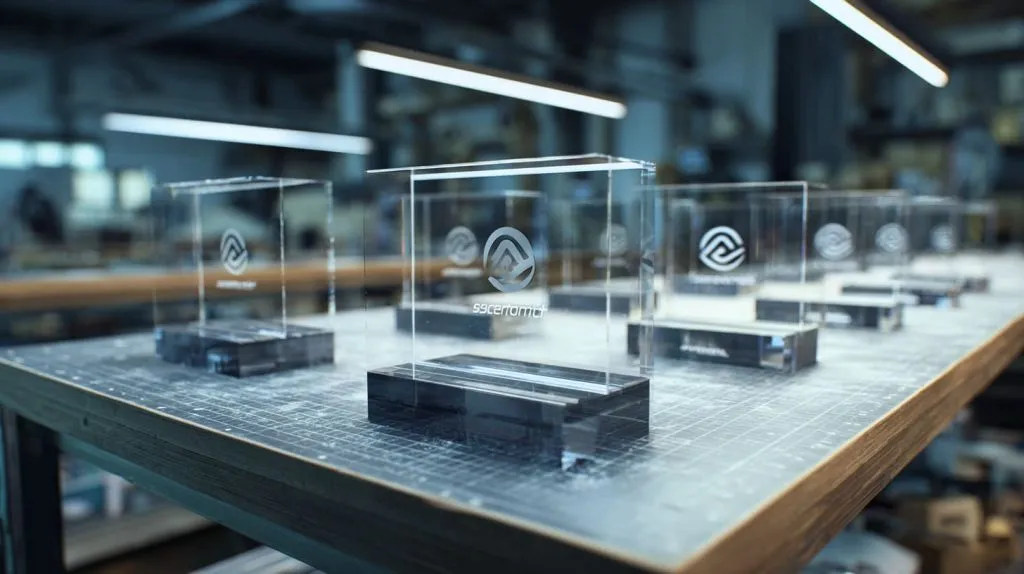
Acrylic can look “perfect” on the screen, then disappoint in real life. Colors shift. Logos blur. The surface scratches. And the buyer asks, “Why doesn’t it look like the sample?” That gap is where projects lose time and trust.
Custom acrylic printing is printing logos, graphics, photos, or patterns onto acrylic sheets or acrylic parts using controlled inks and processes so the result matches your brand colors, stays readable, and fits the real environment (light, cleaning, handling, and time).
I treat acrylic printing like a promise you make to a customer’s eyes. If you want it to feel premium, you have to design the print, the acrylic, and the finish as one system.
What are the benefits of custom printing?
I notice buyers choose acrylic because they want clarity, then they choose printing because they want identity. The “real” benefit is not ink. It is control.
Custom printing lets me control brand color, logo sharpness, and visual consistency across batches, while keeping acrylic’s clean look. It also reduces assembly steps, because graphics can be printed directly instead of using labels or extra inserts.
The benefits I see most in real orders
- Brand consistency: same logo placement, same color targets, same finish.
- Faster assembly: fewer stickers, fewer metal nameplates, fewer screws.
- Better perception: the product looks “designed,” not “patched together.”
- More options: gradients, patterns, photo-level images, or clean single-color logos.
A quick “what you gain” table
| Benefit | What it solves | Typical example |
|---|---|---|
| Direct printing | Labels peeling, lifting edges | Retail display nameplates |
| White ink underprint | Colors look washed-out | Bright logos on clear acrylic |
| Back printing | Scratches on the print face | Menu holders, desk signs |
| Spot UV effects | Flat visuals look cheap | Premium brand logo highlight |
My small rule of thumb
If your acrylic piece will be handled a lot, I prefer printing on the back side (second-surface) so fingers and cleaning don’t touch the ink.
What is acrylic print used for?
When people ask this, they often mean, “Is it only for wall art?” Not at all. I see acrylic prints used anywhere a clean look meets daily use.
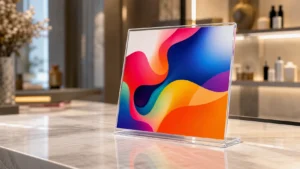
Acrylic prints are used for wall art, signage, retail displays, brand logos, product panels, cosmetic organizers, and protective graphic covers. They work well when you need a glossy, modern look, sharp detail, and easy cleaning without paper-like texture.
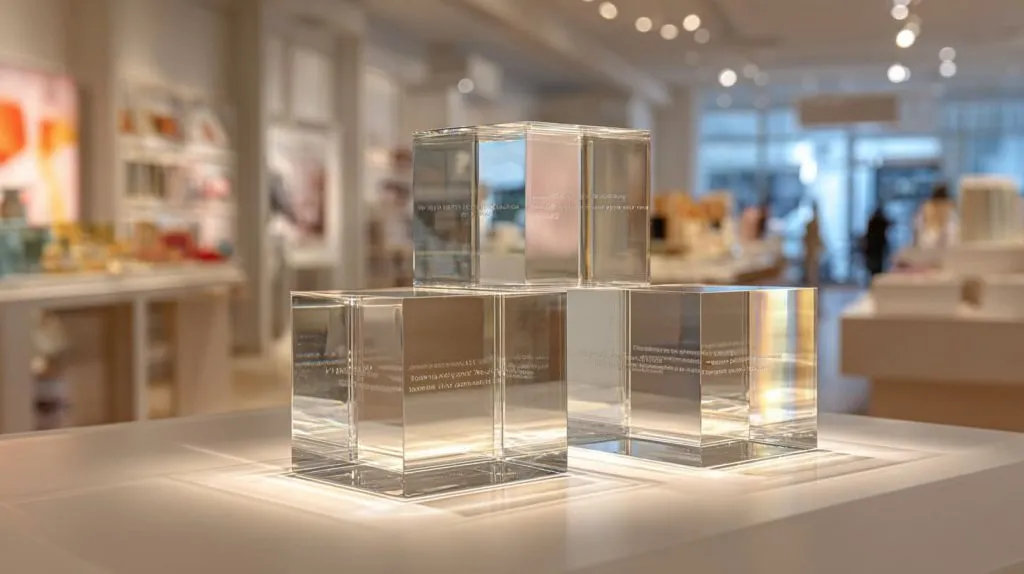
Common use cases I produce or quote often
- Retail display blocks and risers (logos, product names, price info)
- Countertop signs (QR codes, instructions, promos)
- Cosmetic organizers (brand marks, category labels)
- Wall-mounted brand signs (UV printed graphics, layered acrylic)
- Equipment panels (icons, labels, warning graphics)
Where acrylic prints shine
| Application | Why acrylic works | What I watch out for |
|---|---|---|
| Retail displays | Glossy, premium, easy to wipe | Scratch risk, lighting glare |
| Signage | Sharp text, strong color | UV exposure, mounting holes |
| Art/photo prints | Depth and clarity | Fingerprints, reflections |
| Instruction panels | Durable and cleanable | Chemical resistance |
A practical note I tell Jacky
If the display will sit under strong store lights, I plan for glare early—sometimes a small shift to matte acrylic or anti-glare finish saves a lot of complaints later.
What are the disadvantages of acrylic prints?
Acrylic looks confident. But it can be unforgiving. It shows scratches. It reflects light. And if the print design is careless, it looks cheap fast.
Acrylic prints can scratch, show fingerprints, reflect light, and cost more than basic paper or PVC prints. If the wrong ink, surface, or cleaning method is used, the print can haze, chip at edges, or fade outdoors.
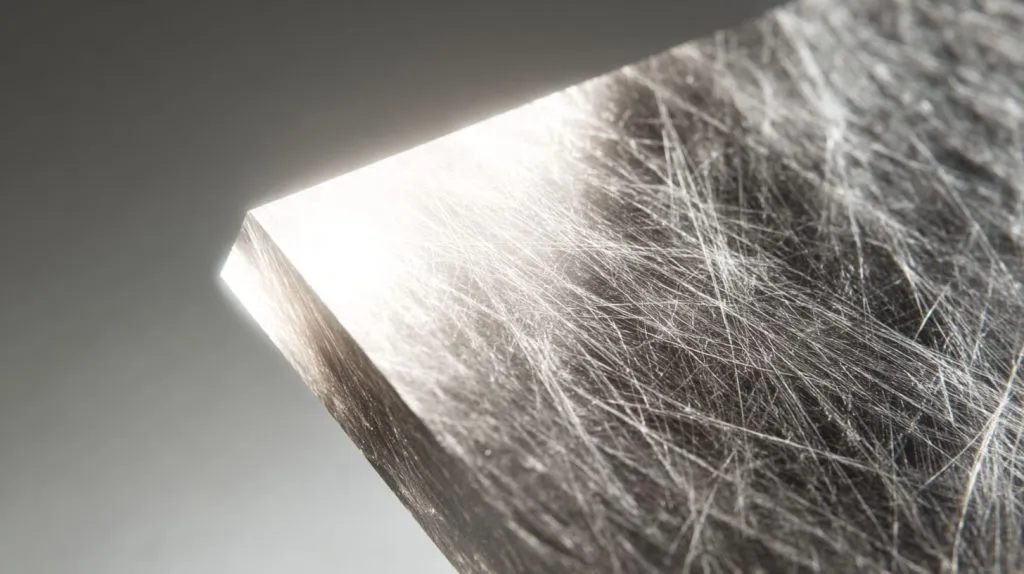
The “quiet problems” I watch for
- Micro-scratches from packing, sliding, or dry wiping
- Fingerprints on glossy surfaces
- Edge chipping if the cut and polish are rushed
- Reflection that hurts readability in bright areas
- Outdoor fading if UV strategy is weak
Disadvantages and how I reduce them
| Disadvantage | Why it happens | What I do about it |
|---|---|---|
| Scratches | Acrylic is softer than glass | Protective film, better packing, second-surface printing |
| Glare | Gloss finish + lighting angle | Matte option, layout changes, placement tests |
| Haze after cleaning | Wrong cleaner or rough cloth | Cleaning guide, ink choice, coating option |
| Edge chips | Bad cutting or handling | CNC tuning, edge polish standards |
The honest takeaway
Acrylic prints look best when you treat them like a surface product, not just a “graphic.” The surface is the product.
What is the difference between an art print and an acrylic print?
This one matters because buyers compare prices and expect the same feel. But they are not the same product, even if the image is identical.
An art print is usually ink on paper or canvas, meant for texture and framing. An acrylic print is the image presented through acrylic (or printed onto it), which adds gloss, depth, and a modern look, and it usually feels more durable and cleanable.
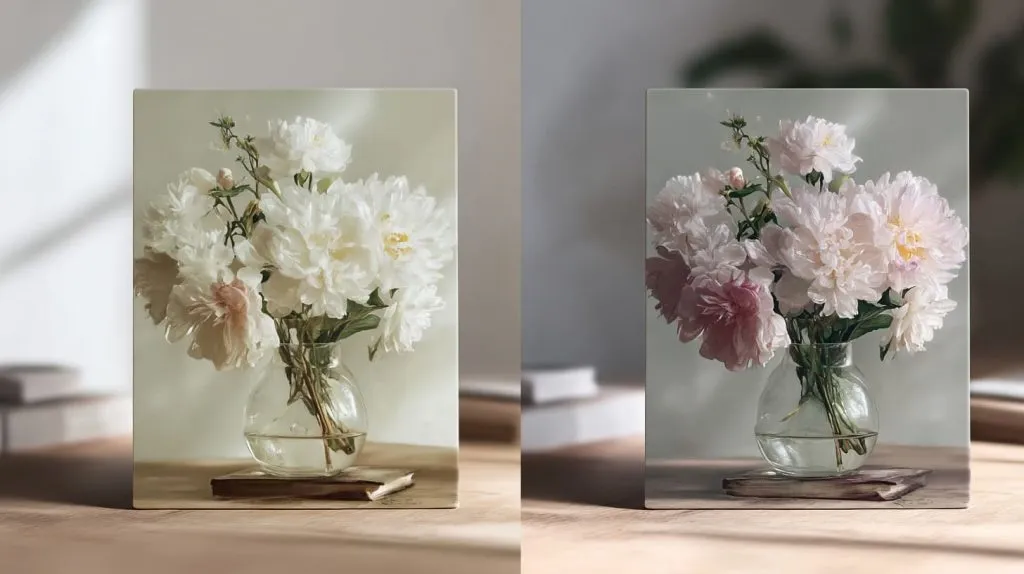
The difference in plain words
| Feature | Art print (paper/canvas) | Acrylic print |
|---|---|---|
| Look | Texture, soft reflection | Gloss, sharp edges, “depth” feel |
| Feel | Warm, classic | Clean, modern |
| Cleaning | Limited | Easier to wipe |
| Durability | Can crease, tear, stain | Can scratch, but won’t tear |
A small design reality
If your brand style is “warm and handmade,” paper can feel right. If your brand style is “clean and premium,” acrylic often wins.
How long do acrylic prints last?
I never like promising a number without context, because “last” depends on light, heat, and cleaning habits. But I can give a reliable range.
Indoor acrylic prints can last many years with minimal fading if UV printing and proper ink are used. Outdoor or sun-exposed prints last less unless UV resistance, coatings, and correct mounting are planned, because sunlight and heat are the real aging engines.
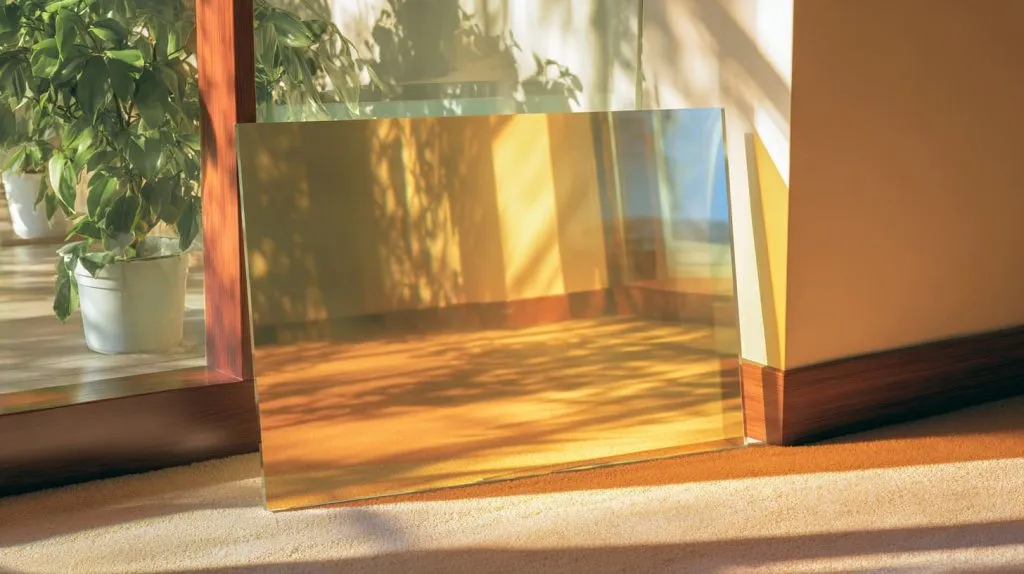
What affects lifespan the most
- UV exposure (direct sun is the fastest damage)
- Heat cycles (hot/cold expansion stress)
- Cleaning chemicals (alcohol, ammonia, harsh detergents)
- Handling (daily touch, rubbing, sliding)
Lifespan planning table
| Environment | Risk level | What I recommend |
|---|---|---|
| Indoor, low sun | Low | Standard UV print, protective film |
| Indoor, bright light | Medium | Second-surface print, glare control |
| Near windows | Medium-high | UV strategy + design tests |
| Outdoor | High | UV-resistant plan, thicker acrylic, proper mounting |
My “field” mindset
If you can’t control where the sign will live, assume it will face sun and cleaning sooner than you expect.
Is acrylic printing expensive?
It can be. But the better question is: expensive compared to what—paper, PVC, metal nameplates, or rework?
Acrylic printing costs more than basic paper prints or simple stickers, but it can reduce total cost by cutting assembly steps, improving perceived value, and lowering replacement rates. Price depends on size, thickness, ink coverage, color layers, and the printing method.
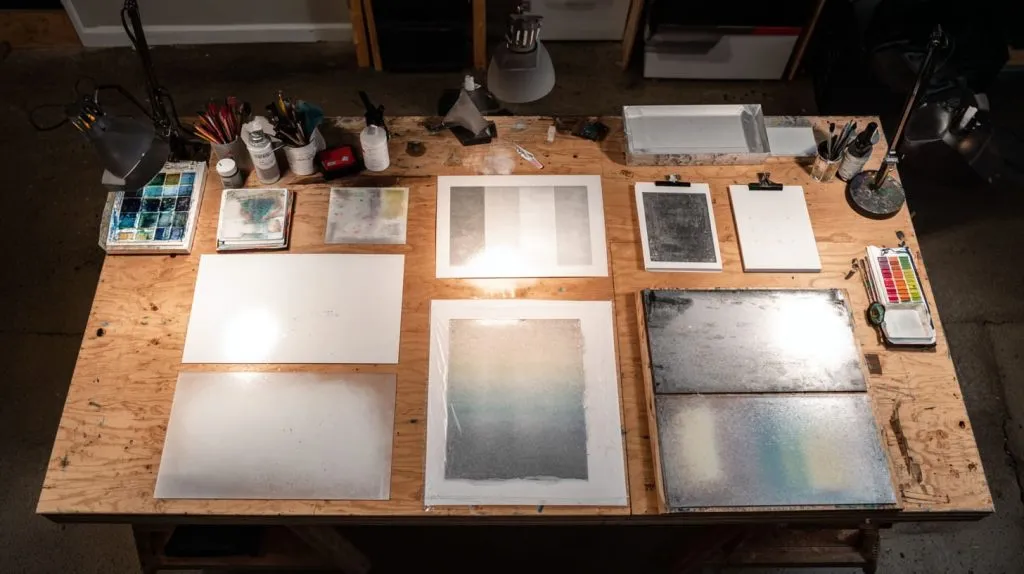
What pushes cost up fast
| Cost driver | Why it increases cost |
|---|---|
| Full coverage color | More ink + more curing time |
| White ink layers | Extra pass + tighter control |
| Tight color matching | More setup and testing |
| Complex shapes | More fixtures and handling |
| High cosmetic standards | More QC + better packing |
How I keep it reasonable
- Use spot printing instead of full coverage when possible
- Print standard sizes and cut from a shared sheet layout
- Keep text bold enough to avoid ultra-fine lines that need extra tuning
How does custom acrylic printing work?
This is where most mistakes are born—people think printing is just “send artwork, press print.” But acrylic is picky, especially clear acrylic.
Custom acrylic printing usually starts with artwork checking, then color planning (including white ink if needed), surface preparation, test printing, curing, and final protection (film, packing, and QC). The best results come from matching the print direction and ink layers to how the product will be viewed and used.
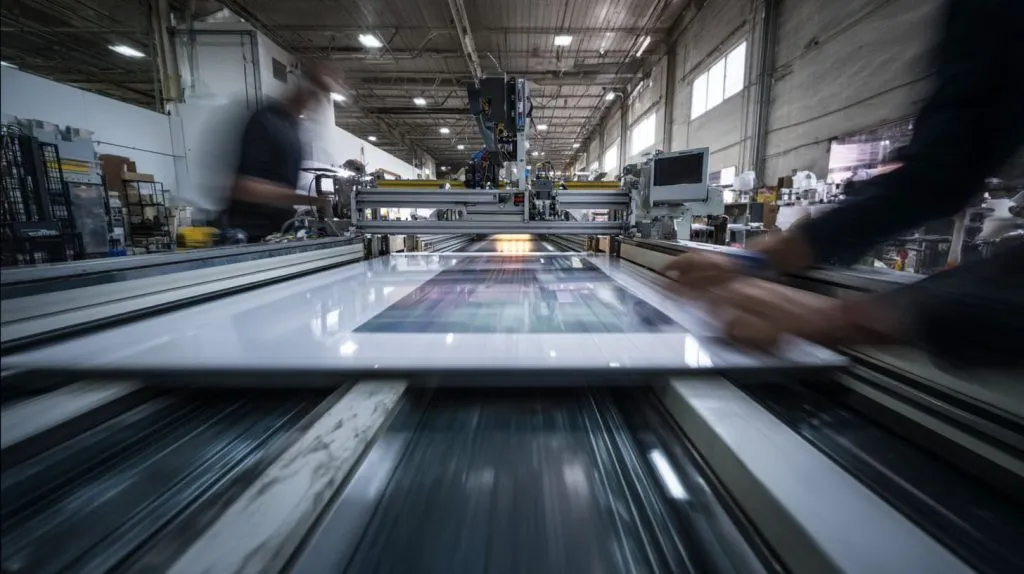
The process I follow step-by-step
- Confirm the use scene: indoor/outdoor, cleaning, handling, lighting.
- Review file quality: vector where possible, correct size, correct fonts.
- Choose print side: front-surface vs second-surface.
- Plan ink layers: CMYK, spot colors, white base, special effects.
- Make a sample: check color, adhesion, and readability.
- Lock QC points: color tolerance, position tolerance, surface standards.
- Protect and pack: film + spacing so parts don’t rub each other.
“Second-surface” vs “front-surface” printing
| Type | What it means | Best for |
|---|---|---|
| Front-surface | Ink on the face you touch | Low-touch signage, framed pieces |
| Second-surface | Ink on the back, viewed through acrylic | Retail signs, high-touch displays |
What printing methods are used for custom acrylic printing?
Different methods fit different goals. If you pick the wrong one, you pay twice—once for production, and again for the redesign.
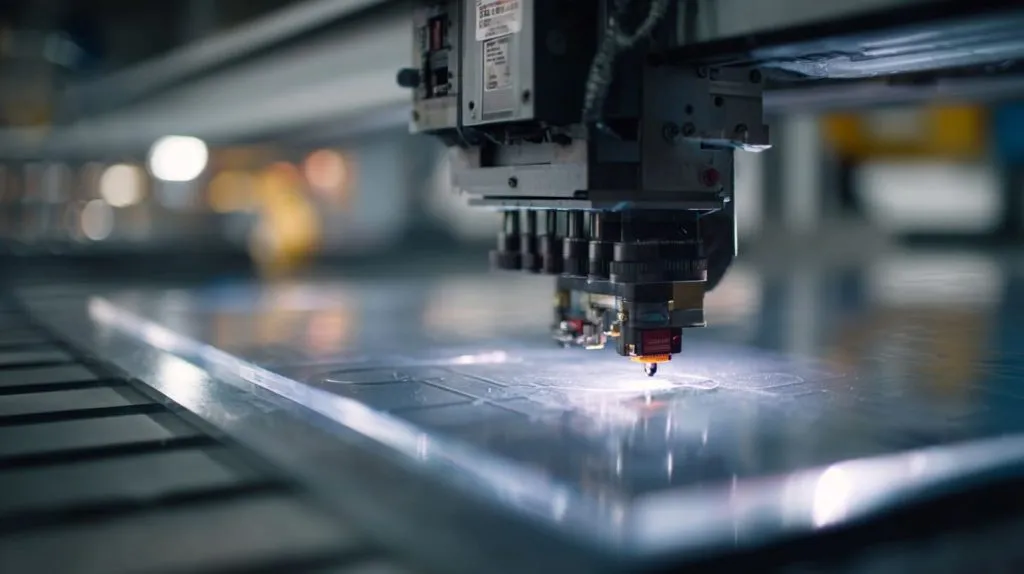
Common methods include UV digital printing (great for detail and short runs), screen printing (great for large volume and solid colors), and sometimes solvent/eco-solvent printing with lamination. The best method depends on quantity, color style, and durability needs.
Methods comparison table
| Method | Strength | Weak point | Best use |
|---|---|---|---|
| UV digital printing | High detail, fast setup | Unit cost higher at huge volume | Logos, graphics, photo prints |
| Screen printing | Low cost at volume, strong solids | Setup cost, less flexible | Large batches, simple colors |
| Lamination/film | Extra protection options | More layers, more assembly | Harsh handling, special textures |
My quick selection rule
- If the design has gradients, photos, many SKUs, I lean UV digital.
- If it is one logo, one color, big batch, I lean screen printing.
Is UV printing on acrylic better than screen printing?
“Better” depends on your goal. I’ve seen UV win on detail, and screen win on consistency at huge volume.
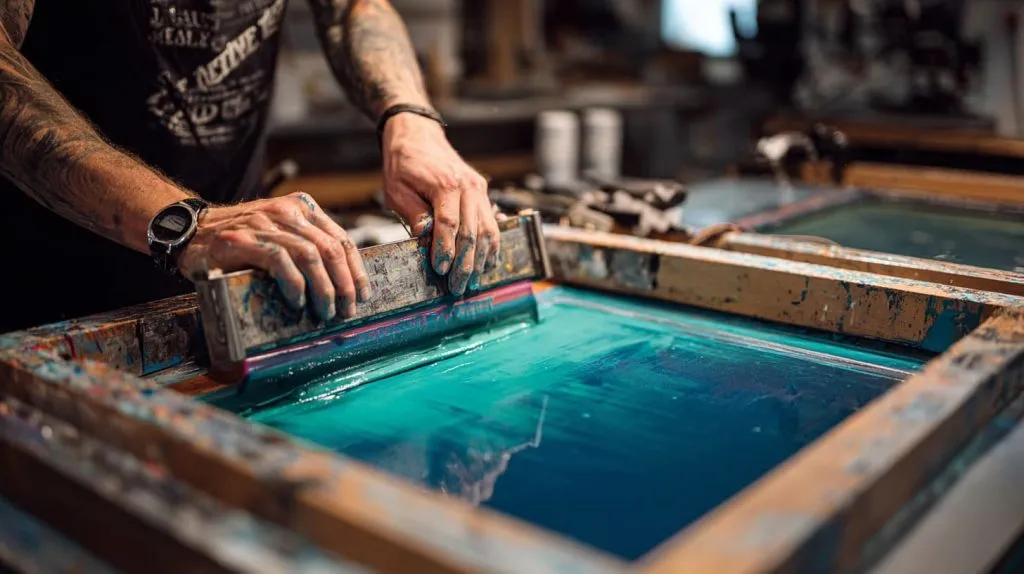
UV printing is better for fine detail, fast sampling, and mixed designs. Screen printing is better for large runs with simple, solid colors and stable repeatability. I choose based on your artwork complexity, order quantity, and how strict your color tolerance is.
UV vs screen: decision table
| Question | If “yes” | Best choice |
|---|---|---|
| Do you need photo detail or gradients? | Yes | UV printing |
| Do you have many SKUs, small batches? | Yes | UV printing |
| Is it one or two solid colors, huge quantity? | Yes | Screen printing |
| Do you want lowest unit cost at scale? | Yes | Screen printing |
The trap I warn buyers about
If you choose screen printing for a design that changes often, you may save per unit but lose money in setup changes and delays.
Can logos and graphics be printed directly on acrylic?
Yes—and it’s one of the cleanest ways to make acrylic feel “branded” instead of “generic.”
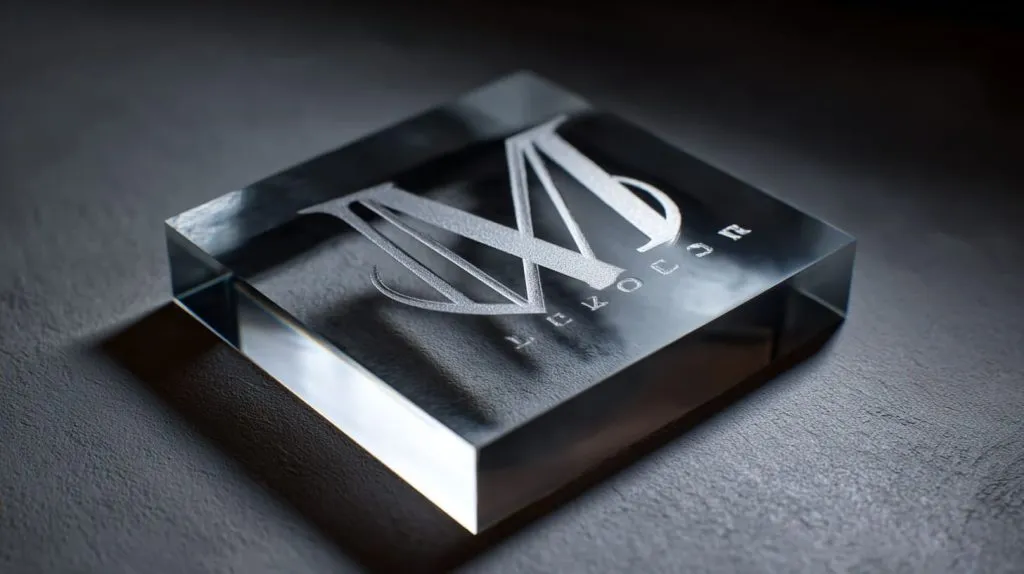
Logos and graphics can be printed directly on acrylic using UV digital or screen printing. For clear acrylic, I often add a white underlayer so colors stay strong and readable, especially for light colors and fine lines.
What makes direct printing succeed
- Correct surface prep
- Proper ink adhesion
- Right viewing direction (front vs back print)
- Smart color layering (especially white)
Common logo pitfalls
| Pitfall | What it looks like | Fix |
|---|---|---|
| No white underprint | Colors look weak on clear acrylic | Add white base layer |
| Too thin lines | Text breaks or looks fuzzy | Increase stroke thickness |
| Wrong placement tolerance | Logo “feels off-center” | Define tolerance in mm |
Is custom acrylic printing durable for long-term use?
It can be durable, but only if you plan for touch, cleaning, and friction. I’ve seen “durable ink” fail because the packing was wrong.
Custom acrylic printing can be durable for long-term use when ink adhesion is strong, curing is correct, and the print is protected from rubbing and harsh cleaners. Second-surface printing and protective coatings help most in high-touch environments.
Durability checklist I use
- Adhesion test (tape test style checks)
- Abrasion thinking (will parts rub in shipping?)
- Cleaner reality (what do staff actually use?)
- Edge stress (holes, bends, tight corners)
Durability options table
| Option | What it protects against | When I use it |
|---|---|---|
| Second-surface printing | Scratches and wipes | Retail, high-touch |
| Clear coating | Light abrasion, chemicals | Public-facing signs |
| Better packing separators | Rubbing during shipping | Any glossy product |
What is the difference between printed acrylic and engraved acrylic?
This is a classic buyer question, and it’s worth slowing down. Printed looks flexible. Engraved feels “forever.” Both have a place.
Printed acrylic adds color and graphics on the surface (or back surface). Engraved acrylic removes material to create a mark, often filled with paint or left clear. Printing is better for color and complex graphics; engraving is better for a permanent, premium-feel mark.
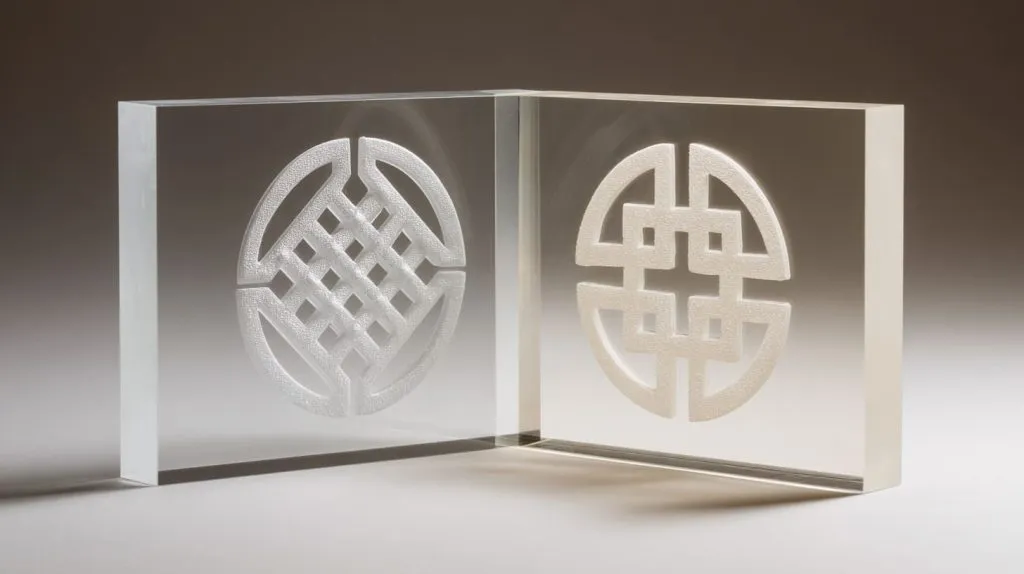
Comparison table
| Feature | Printed acrylic | Engraved acrylic |
|---|---|---|
| Color options | Excellent | Limited (unless filled) |
| Detail complexity | High | Medium |
| Feel | Smooth | Tactile / carved |
| Durability | Strong with correct plan | Very strong, “permanent” look |
| Best for | Full graphics, photos | Logos, serial marks, premium branding |
My personal guideline
If the product will be cleaned aggressively and touched daily, I often consider engraving or second-surface printing first.
Is custom acrylic printing suitable for retail displays?
Retail is a tough world. Lights are bright. Hands are everywhere. And small cosmetic flaws become big quickly.
Custom acrylic printing is suitable for retail displays because it looks clean, premium, and consistent, and it can carry logos, instructions, and product storytelling without extra labels. I design it for scratch control, glare control, and fast cleaning.
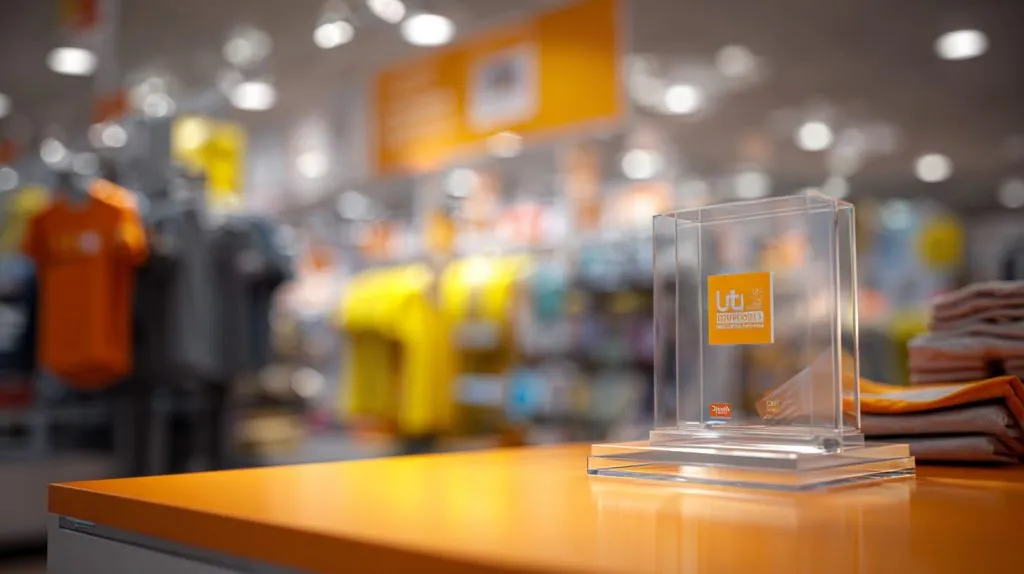
What retail demands (and why it matters)
- Readability under lighting
- Fast wipe cleaning
- No peeling corners
- Stable look across stores
Retail display planning table
| Retail need | What I do |
|---|---|
| Glare control | Adjust finish or layout |
| High-touch durability | Second-surface print |
| Batch consistency | Color targets + QC samples |
| Shipping safety | Film + separators + carton design |
What file formats are required for custom acrylic printing?
This question saves days. Bad files cause delays, rework, and “why is the logo jagged?” emails.
I prefer vector files like AI, EPS, or PDF for logos and text, because they stay sharp at any size. For photos, I use high-resolution PNG or TIFF. I also need correct dimensions, color notes, and any font files or outlined text.

File format table
| Content type | Best format | Notes |
|---|---|---|
| Logo / text | AI / EPS / PDF (vector) | Outline fonts if possible |
| Photos | PNG / TIFF / high-res JPG | Use 300 dpi when sized |
| Simple layout proof | Include dimensions | |
| Color control | Pantone notes | Helpful for brand colors |
The “small detail” that prevents mistakes
I ask buyers to confirm view side:
Is the graphic viewed from the front, or through acrylic from the back? That one answer changes the print setup.
How much does custom acrylic printing cost for bulk orders?
Bulk pricing is not just “more quantity = cheaper.” The artwork, ink coverage, and setup method matter a lot.
Bulk cost depends on size, thickness, printing method, ink coverage, color layers (especially white), and packing requirements. Large volumes reduce unit cost most when the design is stable and uses efficient layouts and repeatable QC targets.
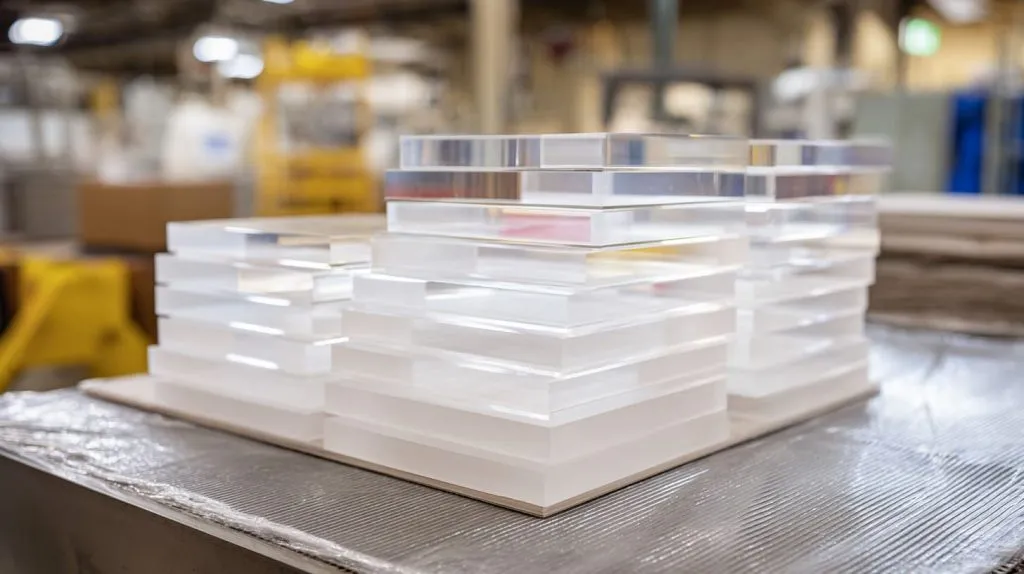
The cost drivers in bulk (the honest list)
- Setup style: UV vs screen
- Ink coverage: spot logo vs full background
- Color layers: white underprint, double-pass colors
- Yield per sheet: how many pieces fit in one sheet layout
- Packing level: separators, film, retail-ready packing
Bulk pricing levers table
| Lever | How it changes cost | What I suggest |
|---|---|---|
| Simplify coverage | Less ink/time | Use spot color where possible |
| Standardize SKUs | Less changeover | Batch similar designs together |
| Optimize sheet layout | Better yield | Confirm final dimensions early |
| Lock a master sample | Fewer disputes | Approve one “golden sample” |
A note I tell serious buyers
If you want a reliable bulk quote, I need four basics: size, thickness, artwork, and quantity. Without those, any price is just a guess wearing a suit.
Conclusion
Custom acrylic printing works best when you plan the use scene, not just the artwork. If you want sharp branding that stays clean in real handling, I can help you choose the right method, layers, and finish. Send your size, thickness, artwork, and quantity to info@xflacrylic.com or check flacrylic.com.