Skip to content

When I first handled two sheets of clear plastic on my desk, they looked almost identical. One was acrylic, the other polycarbonate. To anyone unfamiliar, it felt like a trick. Yet the more I worked with them, the more I realized their hidden differences shaped how projects succeeded—or failed.
Who this guide is for (B2B buyers like Jacky in purchasing)
If you work in purchasing, especially for custom displays, boxes, or organizers, this guide is for you. You probably deal with quotes, material specs, and tight deadlines. I know the stress of making the right call when your boss is waiting for an answer.
Quick summary: when acrylic wins vs. when polycarbonate wins
Here’s the short version: acrylic is clear, beautiful, and easy to shape. Polycarbonate is tough, flexible, and heat resistant. Both have strengths, and both can disappoint if used in the wrong way.
How Feilong Acrylic approaches custom jobs and OEM requests
At Feilong Acrylic, we’ve spent 13+ years turning ideas into real products. We don’t sell catalog pieces. Every job is custom. That means we help buyers choose the right material, design with manufacturing in mind, and deliver quickly—whether it’s one prototype or thousands.
I want to start simple with material basics, because that’s where most confusion begins.
Material basics

What “acrylic” (PMMA) and “polycarbonate (PC)” actually are
Acrylic, also called PMMA, is a transparent thermoplastic. It’s light, rigid, and clear. Polycarbonate, or PC, is another transparent thermoplastic. It’s stronger and more impact resistant, but it scratches more easily.
| Property | Acrylic (PMMA) | Polycarbonate (PC) |
|---|---|---|
| Clarity | Excellent | Good |
| Impact strength | Medium | Very high |
| Scratch resist. | Better | Weaker |
| Heat resistance | Lower | Higher |
Typical forms available: sheet, rod, tube, multiwall (PC), textures/finishes
Both come in sheets, rods, and tubes. Acrylic often offers more decorative finishes like frosted or tinted. Polycarbonate is common in multiwall sheets for roofing or greenhouses.
Common brand names (e.g., Plexiglas®/Acrylite® for acrylic; Lexan®/Makrolon® for PC)
You might know them by brand names: Plexiglas® or Acrylite® for acrylic; Lexan® or Makrolon® for polycarbonate. Buyers sometimes forget these are just trade names for the same base materials.
It’s one thing to know what they are. It’s another to see how they behave with light.
Optical performance
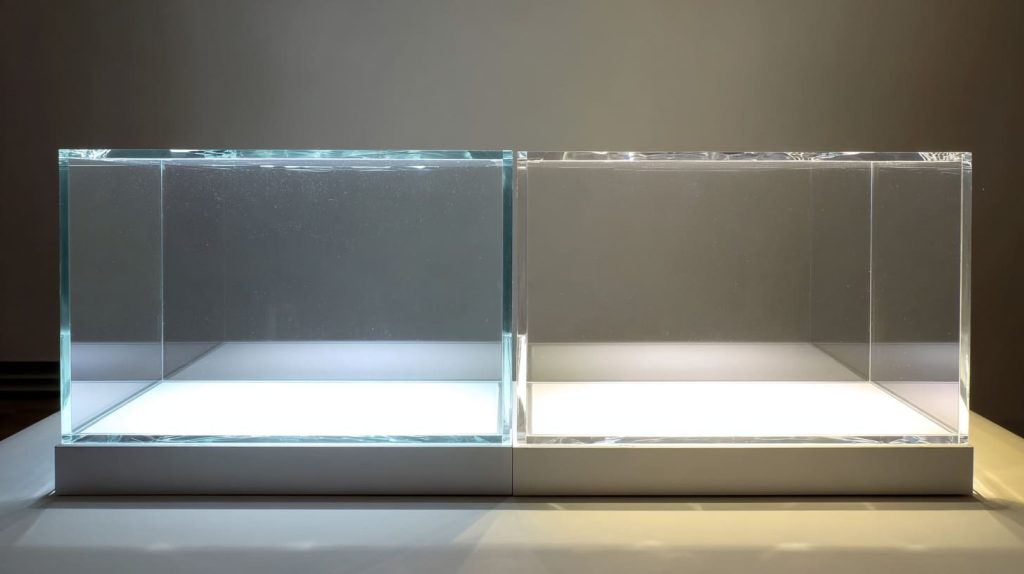
Light transmission: acrylic ~92% vs. polycarbonate ~88–90% (what that means for clarity and brightness)
Acrylic transmits about 92% of visible light, even more than glass. Polycarbonate is closer to 88–90%. That small difference can matter. If you’ve ever compared two display cases side by side, you might notice one looks brighter and crisper. That’s usually acrylic.
Haze, refractive index, and sparkle: how displays and edge-lighting look
Acrylic edges can shine when polished or laser cut. That’s why cosmetic organizers and jewelry displays look elegant under spotlights. Polycarbonate edges are duller. When using edge-lighting, acrylic creates more sparkle.
Yellowing/long-term clarity outdoors: acrylic’s inherent UV stability vs. PC’s need for UV-stabilized grades/coatings
Outdoors, acrylic holds its clarity better. PC tends to yellow without UV protection. That’s why many PC sheets are sold with UV-stabilized coatings. If you skip this step, you’ll see fading in a few years.
I once had a client in Canada who ordered polycarbonate panels for an outdoor kiosk. Within three summers, they turned yellow. It cost them twice to fix. That’s when they learned that material choice is not just about price—it’s about lifetime.
And when we move from clarity to strength, the story gets even more interesting.
Impact strength & toughness
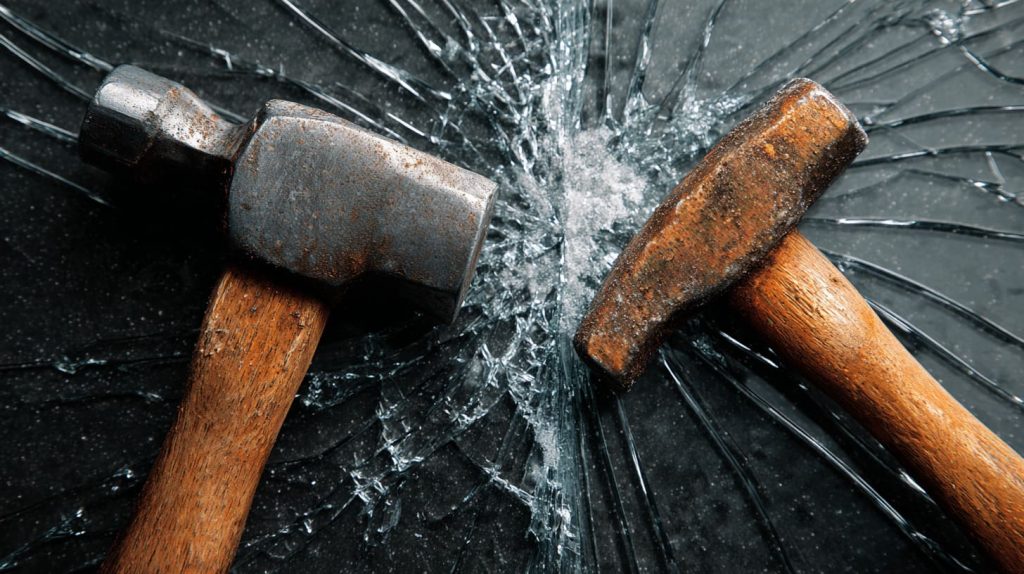
Relative impact resistance (vs. glass benchmarks): acrylic ≈10–17×, polycarbonate ≈200–250× (and what “unbreakable” really means)
Acrylic is strong—about 10–17 times stronger than glass. But polycarbonate is on another level: around 200–250 times stronger. That’s why people call it “unbreakable.” Of course, no material is truly unbreakable, but PC comes close.
Real-world implications: machine guards, riot shields, transit glazing
That’s why you’ll find PC in riot shields, machine guards, and bus shelters. Acrylic would crack under that abuse. But for store displays where aesthetics matter, PC’s toughness is overkill.
Brittleness vs. ductility: chipping/cracking (acrylic) vs. denting (PC)
Acrylic tends to chip or crack when hit. PC bends and dents instead. Think of acrylic as glass with superpowers, and PC as clear metal. Each has its role.
When I saw a factory worker drop a hammer onto an acrylic sheet, it cracked instantly. When he tried the same on PC, the hammer just bounced. That’s when I understood toughness in a way no chart could explain.
But toughness alone doesn’t solve every problem. Scratches tell another story.
Surface hardness & scratch resistance
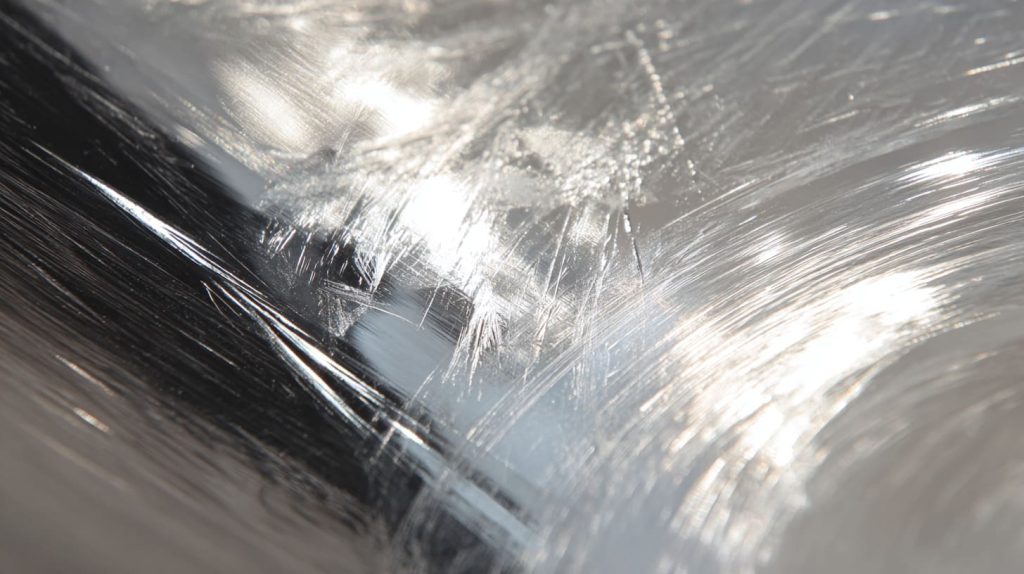
Which scratches easier (and why): acrylic has higher surface hardness; PC is softer without hard coat
Acrylic is harder on the surface. It resists scratches better than PC. Without a coating, PC scratches even from mild cleaning. That’s frustrating if you need a pristine display surface.
Coatings that change the game: abrasion-resistant, anti-fog, anti-static
To solve this, PC often comes with hard-coat layers. These resist scratches and sometimes add features like anti-fog. But coatings cost extra and can limit fabrication options.
Maintenance: polishing acrylic vs. limits on polishing PC
Acrylic scratches can be polished out. PC scratches usually cannot. For a high-end display that needs to look perfect, acrylic is safer.
I remember polishing an acrylic trophy edge late at night before a trade show. It came back to life in minutes. That’s impossible with PC.
And when we step outside under the sun, another issue shows up: weathering.
Weathering & UV exposure
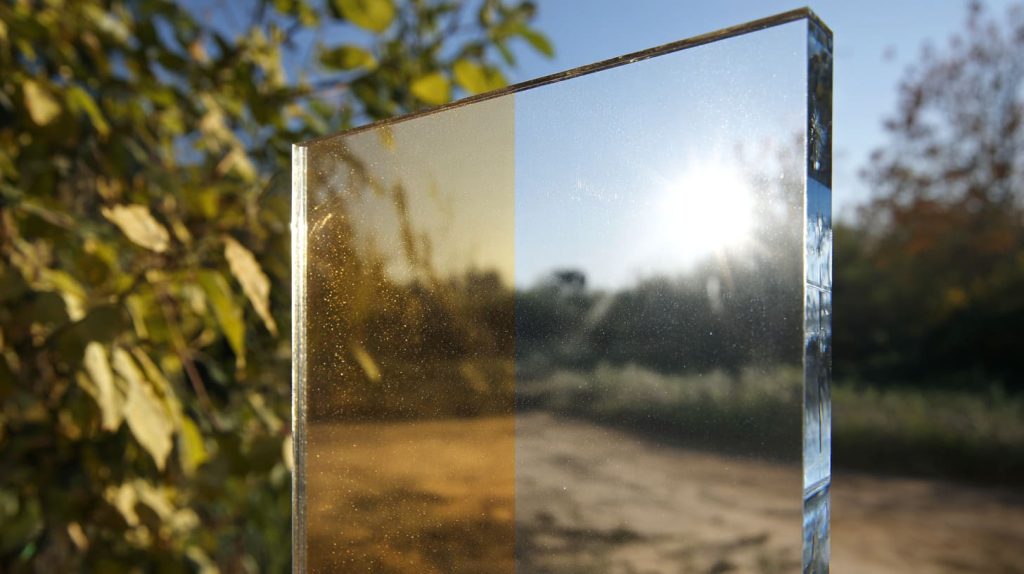
Sunlight performance and yellowing over time
Acrylic is naturally UV-resistant. PC is not, unless you buy UV-stabilized grades. Without it, PC loses clarity, turns yellow, and becomes brittle.
Outdoor lifespans with/without UV-stabilized grades/coatings (PC)
Acrylic can last decades outside without much change. PC needs coatings to match that. If you plan for outdoor signs or greenhouse glazing, this difference matters.
Typical use cases: signage, greenhouse glazing, architectural panels
For signage, acrylic shines—literally. For greenhouses, multiwall PC is chosen for insulation and toughness. Architects often pick acrylic panels for clarity and long-term stability.
When buyers hear about heat resistance, they often rethink their choice.
Heat resistance & flammability
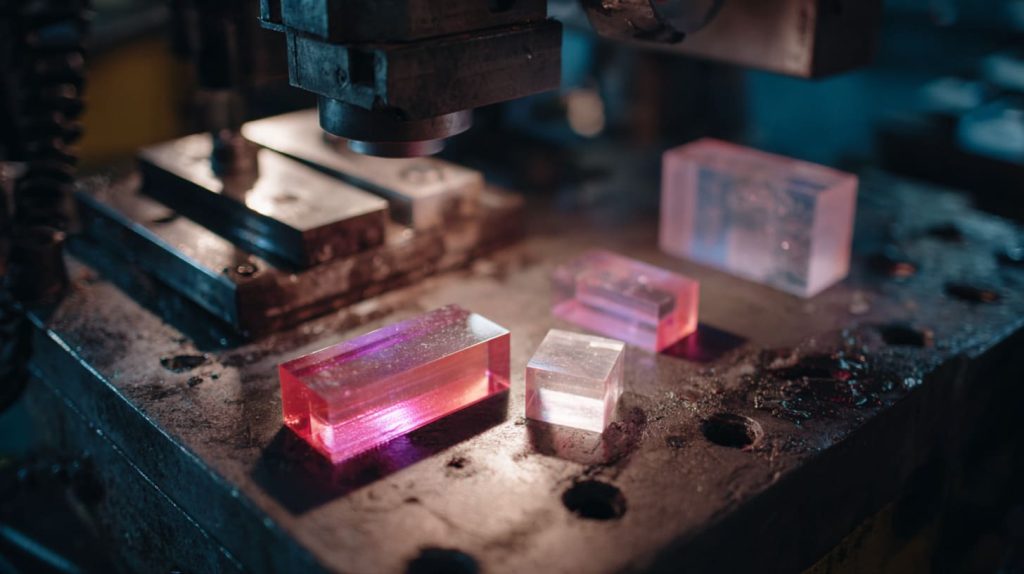
Heat deflection and service temperature: when PC’s higher heat tolerance matters (e.g., near machinery)
Acrylic softens at lower temperatures. PC handles heat better. If your project sits near machinery or in a hot climate, PC can handle it without warping.
Flammability notes and UL 94 options; PC’s lower flammability vs. acrylic’s slow burn behavior (and role of FR grades/coatings)
PC also has better fire resistance. It can meet UL 94 flame ratings. Acrylic burns slower but doesn’t self-extinguish. For safety applications, PC often wins.
So, we’ve seen heat and fire. But how do these materials handle chemicals and cleaning?
Chemical resistance & cleaning
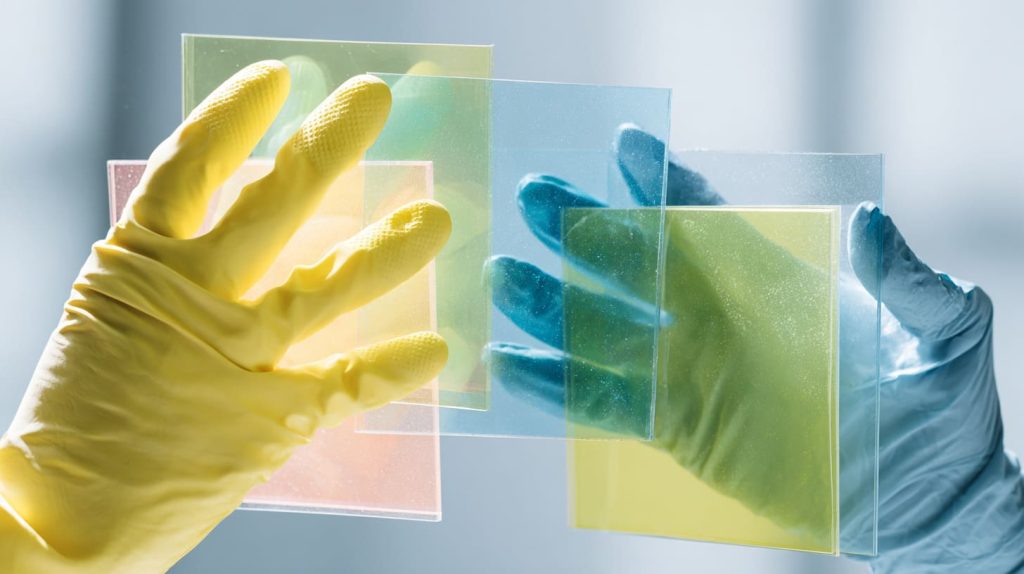
Stress-cracking/crazing risks by solvent type; safe cleaners vs. what to avoid
Acrylic reacts badly with strong solvents. It can craze or crack. PC has broader resistance, but certain chemicals still attack it. Both need care.
Sanitizing protocols for retail/medical fixtures
During the pandemic, many buyers rushed to order protective barriers. They wiped them with alcohol or bleach. Acrylic barriers cracked quickly. PC lasted longer. Knowing the cleaning protocol is as important as knowing the environment.
Fabrication & manufacturability
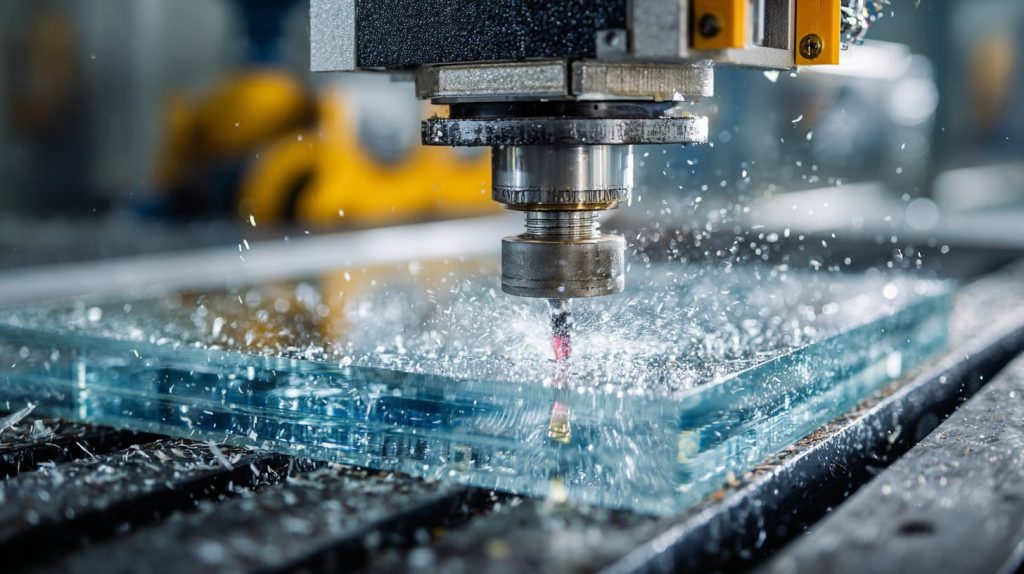
Cutting & machining (CNC, saws, routers): chip control, feed/speed tips
Acrylic machines beautifully with CNC tools. It chips if cut too fast. PC is ductile and tougher on tools, but it resists cracking.
Laser cutting: CO₂ lasers yield glossy edges on acrylic; polycarbonate is generally not recommended for CO₂ laser cutting (discoloring/burning/fumes)
Acrylic loves laser cutting. The edges come out glossy. PC, however, burns and discolors. If you insist on laser cutting PC, prepare for toxic fumes and poor finish.
Bending/forming: cold-bend PC; heat-bend acrylic (minimum bend radii)
PC can be cold-bent on-site without heat. Acrylic must be heated to bend, and even then, it needs care to avoid cracking.
Drilling/tapping: crack-avoidance in acrylic vs. ductile PC behavior
When drilling acrylic, holes must be sized right, or cracks form. PC is forgiving—you can drill without much fear.
Bonding & adhesives: solvent cements for acrylic vs. structural adhesives and surface prep for PC
Acrylic bonds easily with solvent cements. PC doesn’t respond to solvent as well, so structural adhesives are used.
Finishing: flame/polish for acrylic edges; sanding/polish limits on PC
Acrylic edges can be polished with a flame or buffer. PC edges stay dull, even after sanding.
Cost, availability & supply
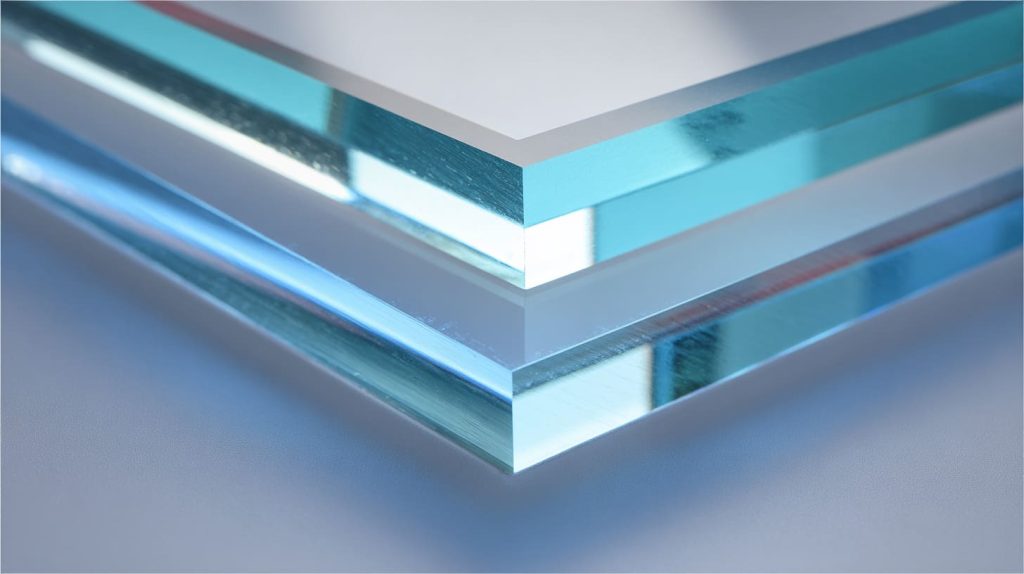
Typical price deltas (PC usually higher than acrylic) and what drives them
PC usually costs more. Acrylic is cheaper to produce and finish. PC’s toughness and coatings add to price.
Lead times, color/thickness availability, MOQ considerations for custom runs
Acrylic offers more colors and finishes off the shelf. PC options are limited and sometimes require longer lead times or larger minimum orders.
Weight, stiffness & dimensional stability
Specific gravity and weight vs. glass (both ~half the weight)
Both are lighter than glass, roughly half the weight. That’s why they are so popular.
Stiffness: acrylic’s higher modulus vs. PC’s ductility (design trade-offs)
Acrylic is stiffer, so it holds flat panels better. PC bends without breaking. This trade-off shapes design choices.
Thermal expansion and tolerance setting for long panels
Both expand with heat. Long panels need careful design. Acrylic is more dimensionally stable than PC.
Surface options & coatings
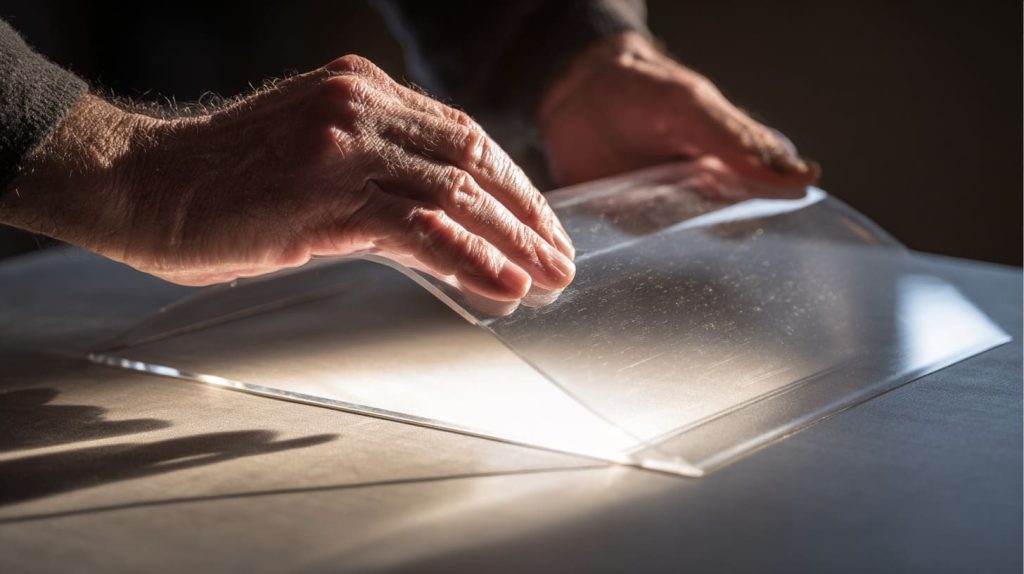
Hard-coat (abrasion-resistant) choices and when they’re ROI-positive
PC can be coated with abrasion-resistant layers. They add cost but extend life.
UV, anti-fog, anti-glare, and ESD coatings: where they make sense
Special coatings make PC competitive in demanding environments, like labs or outdoor signs. Acrylic usually doesn’t need them.
Standards, testing & compliance
Relevant specs: ASTM (optical/mechanical), UL 94 (flame), food-contact and BPA notes
Both materials meet ASTM specs. PC sometimes raises BPA concerns in food contact. Acrylic does not.
How to specify: grades, thickness tolerances, color, finish, coating, QC checkpoints
When sending RFQs, always include grade, thickness, color, finish, coating, and QC needs. Leaving these vague leads to mistakes.
Sustainability & end-of-life
Regrind/reuse options, take-back programs, and recyclability streams
Both can be recycled. Acrylic is easier to regrind and reuse. PC requires more effort.
Designing for disassembly and longer service life
If you plan for re-use, design with simple joints. Longer service life reduces waste and cost.
Application-by-application recommendations
Retail & cosmetic displays/organizers: clarity and edge finish favor acrylic
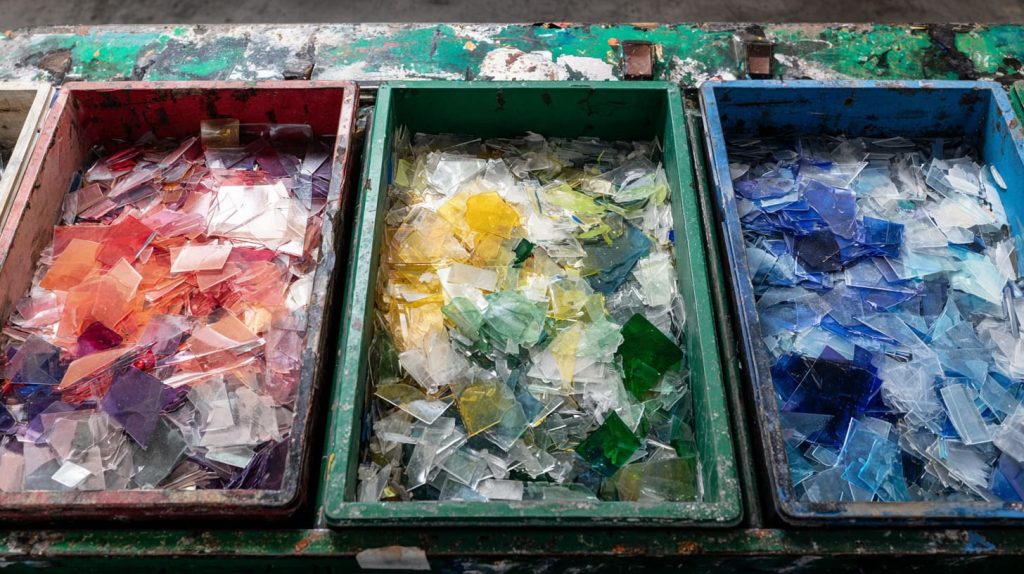
In retail, looks matter most. Acrylic’s clarity and polished edges win.
Industrial machine guards & safety shields: toughness and cold-formability favor PC
In industry, toughness matters more. PC is safer and lasts longer.
Greenhouses & outdoor glazing: UV-stable acrylic for clarity vs. multi-wall PC for insulation and impact; what to choose when
Greenhouses often pick multiwall PC for insulation. But if you want sunlight clarity, UV-stable acrylic is better.
Aquariums, lighting diffusers, furniture parts, and kiosks: quick guidance by environment and load
Aquariums use acrylic for clarity. Lighting diffusers sometimes use PC for heat resistance. Furniture parts vary by load and style.
Design tips from manufacturing (Feilong Acrylic perspective)
Tolerance stack-ups, joint design, and hardware choices that avoid stress cracks
We’ve seen many projects fail because of tight tolerances or poor joint design. Acrylic cracks under stress. PC bends. Design accordingly.
When to specify coatings vs. change material
Sometimes, instead of adding an expensive coating, it’s better to switch materials. For example, choose acrylic for clarity, instead of coating PC.
Sample + prototype path for complex shapes and bulk orders
We often make prototypes first, then refine. It reduces risk in bulk production.
Buyer’s RFQ checklist (copy/paste)
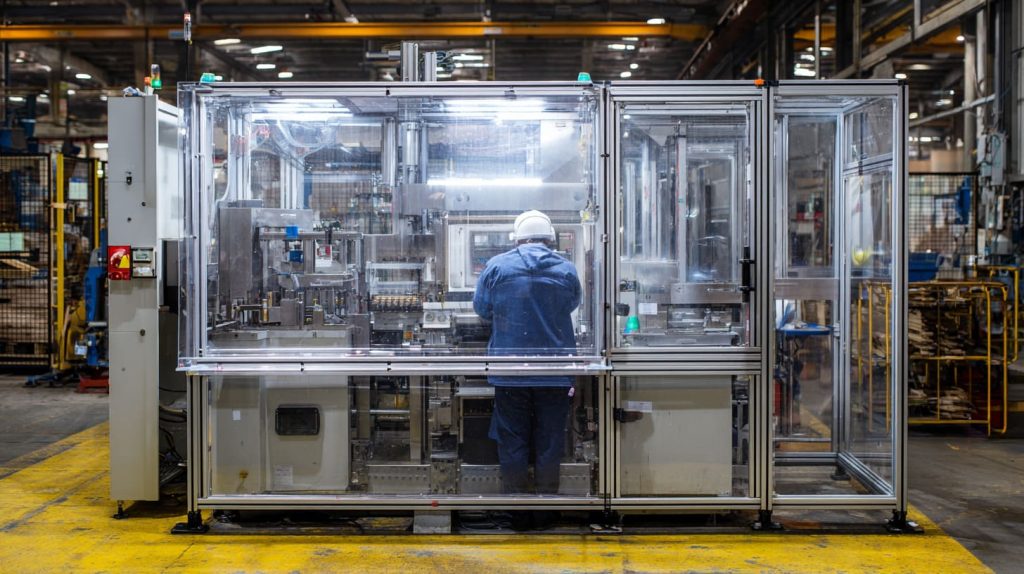
Required details: drawings, target thickness, finish, coating, environment, load/impact expectations, cleaning chemicals, standards
Always include drawings, thickness, finish, coating, and environment details in your RFQ.
Logistics: quantities (prototype/pilot/production), packaging, labeling, QA documentation, Incoterms
Also include logistics like quantities, packaging, and Incoterms. This saves weeks of back-and-forth.
Common mistakes & how to avoid them

Laser-cutting PC with CO₂ lasers; cleaning with harsh solvents; using non-UV-stabilized PC outdoors; over-tightened fasteners on acrylic
The most common mistakes I see: trying to laser cut PC, cleaning acrylic with alcohol, using PC outdoors without UV protection, or tightening screws too hard on acrylic. Each mistake costs time and money.
Conclusion
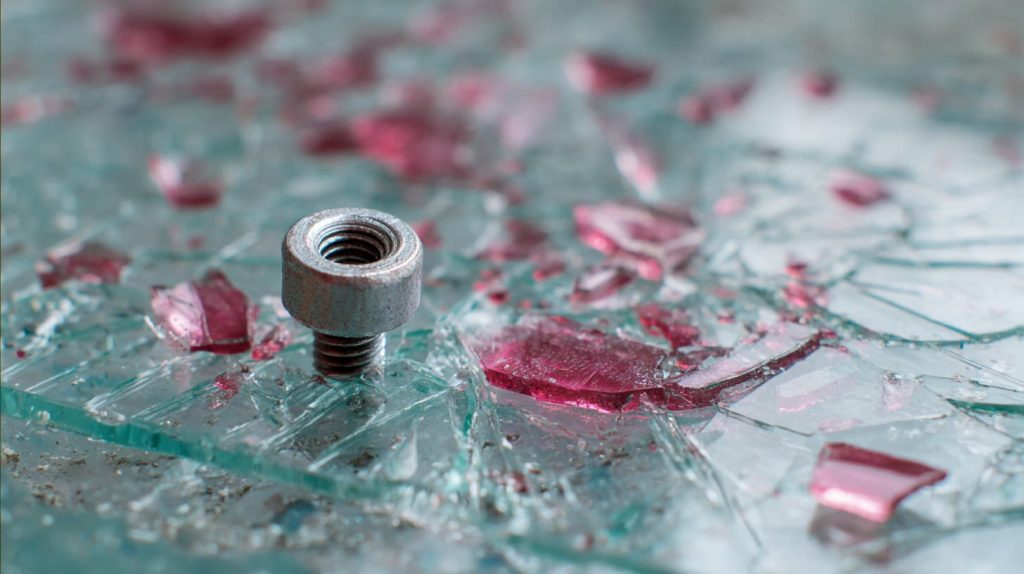
Quick decision tree: optical priority → acrylic; impact/heat priority → polycarbonate (plus coating options)
If clarity and beauty are top, go with acrylic. If strength and heat resistance are top, go with PC. Sometimes the answer is simple, sometimes it needs careful balance.
How Feilong Acrylic can help: material selection, DFM, prototyping, and fast custom production
At Feilong Acrylic, we don’t just make parts. We help buyers decide, prototype, and produce quickly. Whether it’s a single organizer or a full store display system, we make sure the right material works for the right job.