Skip to content

Acrylic barriers look “easy” until the first week of real use. Then someone says it blocks the card reader, the base wobbles, or fingerprints never stop. Small mistakes turn into daily complaints.
Before you order, you should match acrylic barrier use to the real workflow: where people talk, pay, pass items, and clean. The best barriers protect staff, stay stable, reduce splash and droplets, and still let work feel smooth and normal.
I learned this after watching “perfect drawings” fail at the counter. The barrier did its job, but it created new friction. So now I start from one simple question: what does the customer’s hand need to do, and where does that hand travel?
What are acrylic barriers used for in public and commercial spaces?
Public spaces use acrylic barriers as clear dividers between staff and visitors. They help reduce direct face-to-face exposure, block spit and sneeze spray, and keep service points open without building a wall.
In public and commercial spaces, acrylic barriers are used as transparent shields at service points to reduce direct droplets, keep communication visible, and create a simple, clean separation without closing the space.
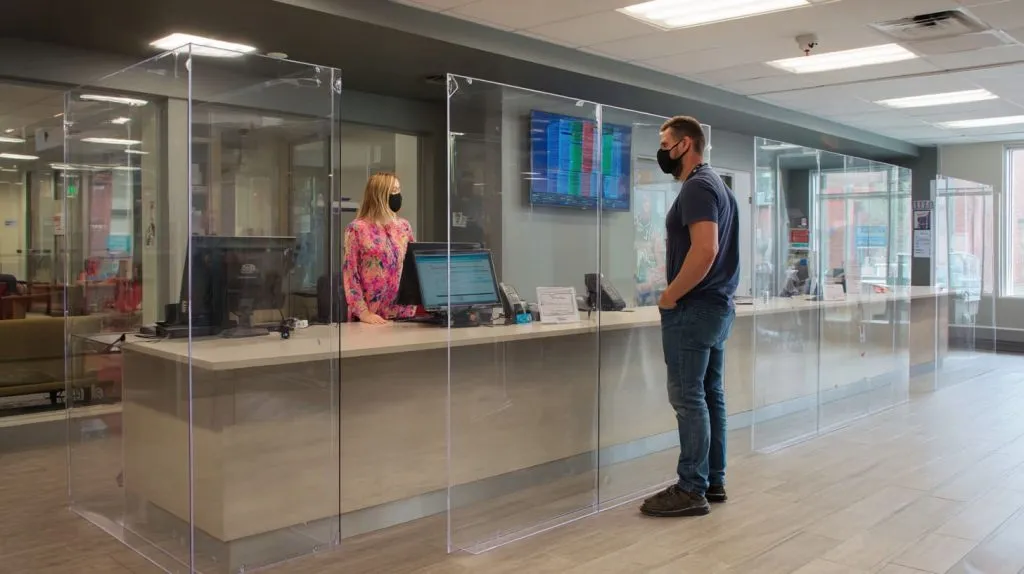
The first time I saw a barrier “work” and still fail, it was in a busy lobby. People kept leaning around the edge to hear better. The barrier looked right. The behavior was wrong. That changed how I judge “use.”
The detail that decides everything is not the panel height on paper. It is how humans move when they are in a hurry.
What acrylic barriers actually block (and what they don’t)
Acrylic barriers help most with direct droplets. They help less when air mixes in a room for a long time.
| Situation | Barrier helps a lot | Barrier helps a little | Barrier does almost nothing |
|---|---|---|---|
| Close face-to-face talk at a counter | ✅ | ||
| Payment + item handover | ✅ | ||
| Long indoor stay with poor ventilation | ✅ | ||
| People walking around each other | ✅ | ||
| Shared air in a crowded room for hours | ✅ |
And here is the part I personally look at first: if people naturally lean around the sides, I treat that barrier as “decoration,” not protection.
Common public-space use cases
- Reception and check-in counters
- Ticket windows and security desks
- Pharmacy and clinic counters
- Bank teller lines
- Government service windows
- Shared customer service tables
Where are acrylic barriers commonly installed in retail stores and service counters?
Retail barriers are usually installed anywhere money, questions, or products pass through a small zone: checkout lanes, returns desks, pickup counters, and help desks.
In retail, acrylic barriers are commonly installed at checkout counters, customer service desks, return stations, pharmacy counters, and pickup points—especially where staff and customers speak closely and exchange items or payment.
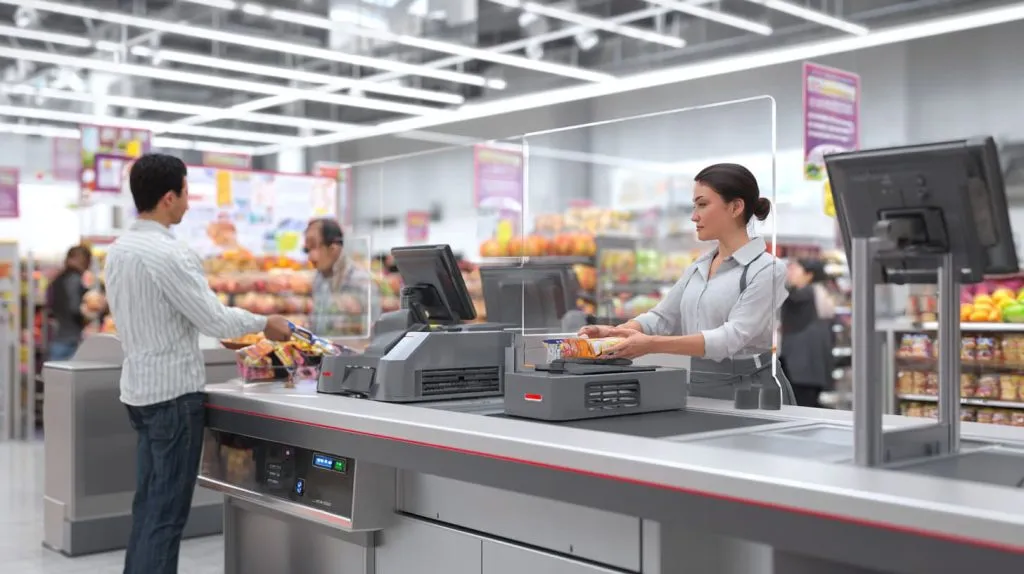
This is where things often go wrong: a buyer chooses a barrier size based on “coverage,” then the cashier cannot scan items smoothly, or the card terminal ends up in a dead corner. I always treat retail barriers like part of the equipment layout, not a separate accessory.
Typical retail install points
| Retail area | Why it’s used there | One common mistake I see |
|---|---|---|
| Checkout lane | Close talk + payment | Barrier blocks scanner angle |
| Returns counter | Longer conversation time | No pass-through for receipts/items |
| Pharmacy counter | High face-to-face time | Cutout too low, people lean around |
| Order pickup | Quick exchange of goods | Base slides during rush hour |
| Help desk | Many questions, close range | Barrier too narrow, side exposure |
Small design details that matter in retail
- A center pass-through for small items or documents
- A side gap for card terminal access (or a dedicated cutout)
- Rounded corners so cleaning is fast and safer
- A base that does not walk away when a bag hits it
Why are acrylic barriers widely used in office reception areas?
Reception barriers are used because they keep the front desk feeling open while reducing direct exposure during frequent short conversations with visitors.
Office reception areas use acrylic barriers because they protect staff during repeated face-to-face greetings, keep the space visually open, and are easy to install, remove, and clean without changing the whole desk design.
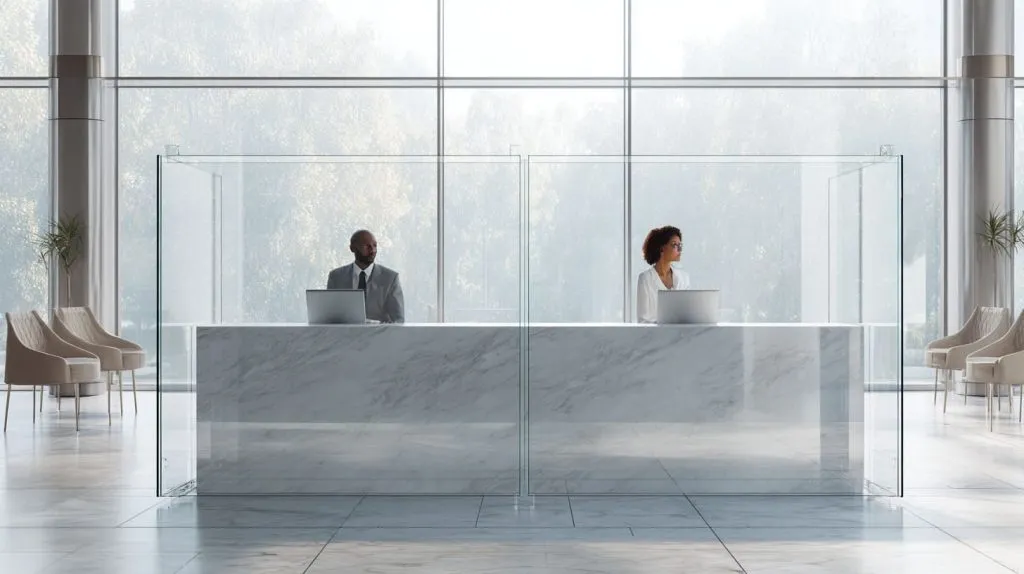
I have seen offices buy a thick, beautiful barrier and still get complaints. Not about safety. About sound. Voices bounced, and people felt awkward. So now I judge reception barriers by the “comfort” factor too.
Why reception desks are a special case
Reception has three things at once:
- Short but frequent conversations
- A “welcome” feeling that matters for the brand
- Visitors who do not know where to stand
Reception barrier checklist I use in real projects
| Concern | What I aim for | Why |
|---|---|---|
| Visibility | Clear center view | People read faces |
| Comfort | No harsh glare | Glare feels cold and unfriendly |
| Sound | Not too boxed-in | Poor sound makes people lean around |
| Cleaning | Simple edges | Reception gets touched all day |
What I often decide is this: I would rather reduce height slightly and stop the “lean-around habit” than chase a tall panel that looks safe but changes behavior in a bad way.
How do acrylic barriers improve hygiene and safety in workplaces?
They reduce direct droplet spread in close interactions and create a cleanable surface between people who must speak or work near each other.
Acrylic barriers improve hygiene by blocking direct droplets during close talk, creating a physical separation at high-contact points, and offering a smooth surface that can be cleaned often without special tools or heavy downtime.

A barrier only helps if it stays clean and stays in place. The moment it becomes “hard to wipe,” it gets wiped less. Then it becomes a dirty window nobody likes.
Hygiene benefits that show up fast
- Less direct splash onto staff zones
- Fewer accidental face-to-face “close talk” moments
- Clear boundary that guides spacing
- Easier routine wipe-down than fabric partitions
Cleaning reality: what I watch for
| Cleaning factor | Better design | Worse design |
|---|---|---|
| Edges and corners | Rounded, open corners | Tight joints that trap grime |
| Surface finish | Smooth, high clarity | Rough edges that hold residue |
| Hardware | Minimal, simple | Too many screws and gaps |
| Daily routine | Fast wipe in 20 seconds | Needs “real effort,” so it gets skipped |
One decision I always make on purpose: I avoid fancy base shapes that look premium but create hidden corners. Those corners become a dirt museum.
Are acrylic barriers suitable for restaurant counters and food service areas?
Yes, especially for cashier counters, pickup shelves, and buffet sneeze-guard style uses, as long as the barrier design does not slow food handover and is easy to sanitize.
Acrylic barriers are suitable for food service counters because they reduce droplet exposure during ordering and payment, keep visibility clear, and can be cleaned frequently—if the pass-through area and height are designed for fast handover.

Food service is fast and messy. That is normal. So I treat barriers here like “washdown items,” even if the place is not a factory kitchen.
Food service locations that make sense
- Cashier and ordering counter
- Pickup counter where names are called
- Bakery display counter
- Buffet line as a sneeze guard (when designed correctly)
Food counter design details I push for
| Detail | Why it matters |
|---|---|
| Wide pass-through | Hands need space, not a tiny slot |
| Stable base | Trays and elbows bump barriers |
| Scratch control | Wiping often can haze cheap surfaces |
| Heat distance | Keep away from high heat sources |
Here’s the trade I usually accept: I would rather make the pass-through larger (and train staff to use it) than keep a small slot that forces people to reach around the side every time.
What industries commonly use acrylic protective barriers?
Many industries use them wherever people interact at close distance: healthcare, retail, finance, hospitality, education, government, and light manufacturing offices.
Industries that commonly use acrylic protective barriers include retail, healthcare, pharmacies, banks, government service desks, offices, hospitality, schools, and factories with admin or visitor check-in areas.
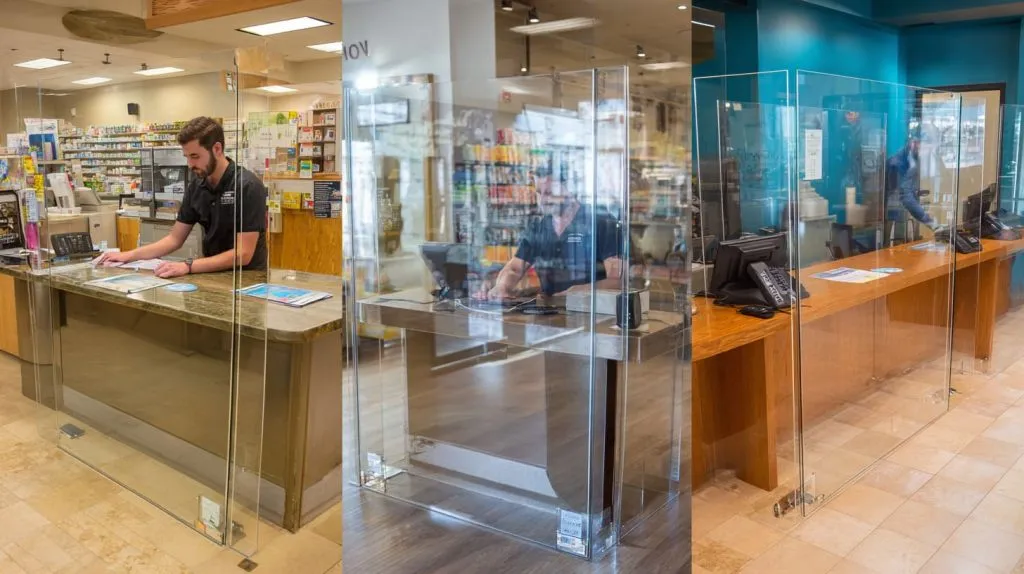
I get inquiries from very different buyers, but the pattern is the same: they all have one “hot spot” where people must stand close and talk.
Industry examples and their typical barrier “hot spots”
| Industry | Common install point | Special need |
|---|---|---|
| Healthcare | registration desk | frequent sanitizing |
| Pharmacy | consultation counter | clear speech + privacy feel |
| Banking | teller window | document pass-through |
| Hospitality | front desk | brand look + glare control |
| Education | admin office | easy removal in off-season |
| Factory admin | security desk | rugged base and stability |
What I personally do here is group use cases by “interaction type,” not by industry name. The counter behavior is usually more important than the business label.
How can acrylic barriers be customized for different workplace environments?
Customization is mostly about cutouts, mounting style, size, thickness, and small features that match the workflow: card reader access, document slots, or wider pass-through zones.
Acrylic barriers can be customized by changing size, base style, cutouts, pass-through openings, corner radius, mounting method, and material thickness so the barrier fits the exact counter workflow, cleaning routine, and space layout.
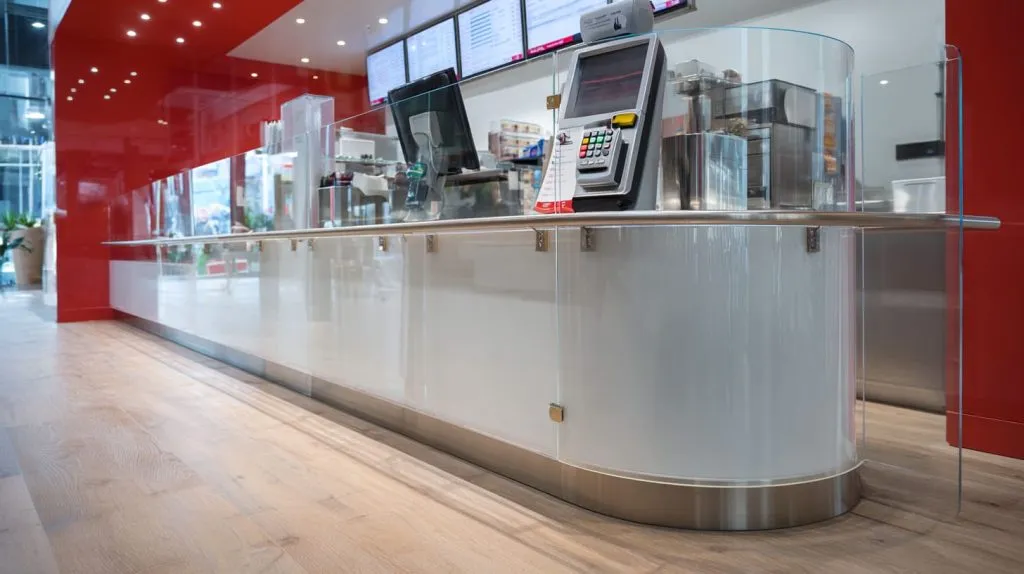
When Jacky types “custom,” he often means “make it bigger.” I usually mean something else: make it easier to use without thinking.
Common customization options
- Size and height to match standing or seated users
- Bottom pass-through (center or side)
- Card reader window or side notch
- Free-standing base, clamp-on base, or screw-fixed base
- Rounded corners and polished edges
- Frosted lower band for privacy (when needed)
My “workflow-first” customization table
| Workplace need | Custom feature I recommend | Why |
|---|---|---|
| Fast payments | Side notch for terminal | No awkward reaching |
| Document signing | Wider center opening | Hands + clipboard fit |
| Quiet reception | Anti-glare positioning | People stop leaning around |
| Heavy traffic | Wider base footprint | Less wobble |
| High cleaning frequency | Simple geometry | Faster wipe-down |
One thing I decide almost every time: if the staff must move the barrier daily, I avoid screw-fixed designs and choose stable free-standing bases. It saves future headaches.
What thickness of acrylic sheet is best for protective barriers?
Most countertop barriers work well with moderate thickness, but the best choice depends on size, base design, and how often it will get bumped or moved.
For most protective barriers, 3mm–5mm acrylic works for small, well-supported countertop panels, while 6mm–8mm is better for larger panels, higher traffic areas, or when you want less flex and a more stable feel.
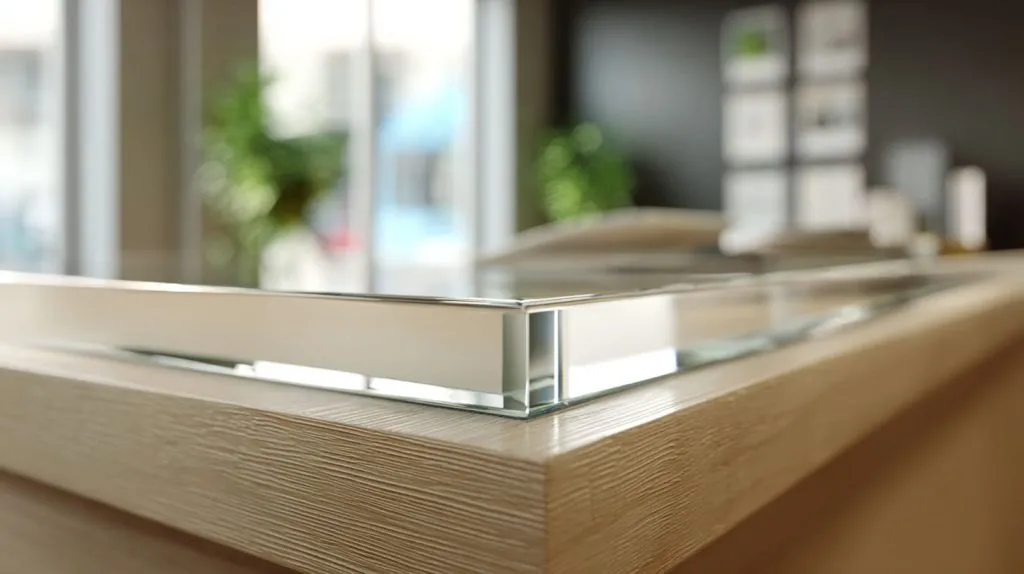
A lot of buyers ask for “thicker” like it is always safer. But if the base is weak, thick acrylic still wobbles. Thickness is only one part of stiffness.
Practical thickness guide (not a lab answer)
| Barrier size / use | Common thickness range | Notes |
|---|---|---|
| Small desk divider | 3–5mm | Works if base is solid |
| Standard checkout barrier | 5–6mm | Good balance of cost and stiffness |
| Large reception panel | 6–8mm | Less flex, better feel |
| High-bump environments | 8mm+ | Only if base and mounting match |
What changes thickness choice in real life
- Panel width and height
- Base footprint and grip
- Frequency of cleaning and moving
- Exposure to impact (bags, trays, carts)
My personal rule: if I can push the top edge with one finger and it “waves,” I increase thickness or redesign the base. I do not guess. I test that wobble.
Are acrylic barriers better than glass barriers for commercial use?
Often yes, because acrylic is lighter, easier to fabricate, and less likely to shatter. But glass can win on scratch resistance and premium feel in some settings.
Acrylic barriers are often better than glass for commercial use because they are lighter, easier to cut and customize, and safer if bumped. Glass can be more scratch-resistant, but it is heavier, harder to modify, and has higher break risk in busy areas.
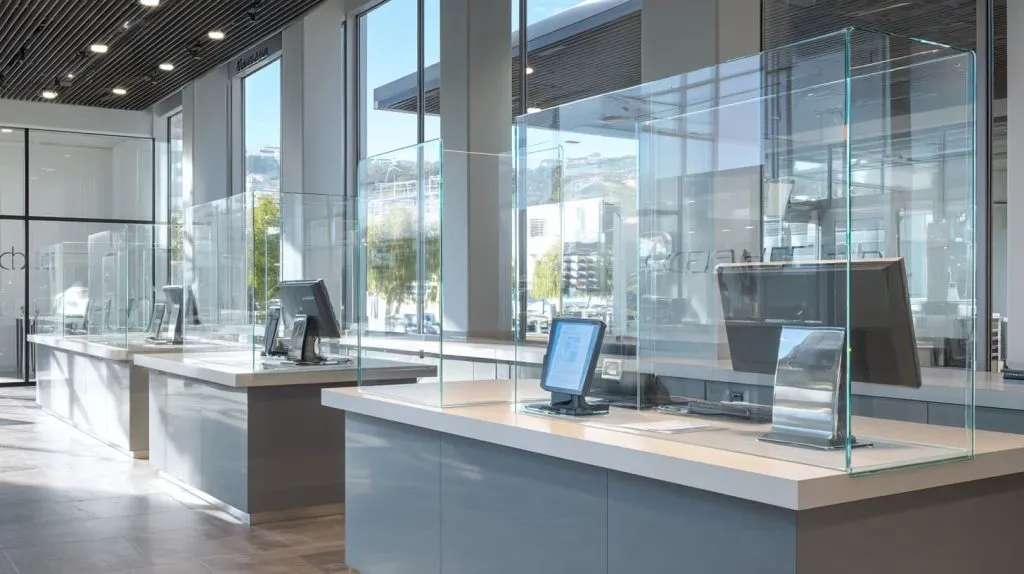
I never treat this as “acrylic vs glass” like a sports match. I treat it like a risk question: what happens on the day someone hits it with a bag, a cart, or a laptop corner?
Acrylic vs glass comparison that buyers actually care about
| Factor | Acrylic | Glass |
|---|---|---|
| Weight | Lighter | Heavier |
| Break behavior | Can crack, less shatter risk | Can shatter depending on type |
| Custom cutouts | Easy | Harder and slower |
| Scratch resistance | Lower than glass | Higher |
| Installation | Easier handling | More careful handling |
| Cost (often) | Competitive | Can be higher with safety glass |
The choice I make most: if the barrier is in a high-traffic counter, I lean acrylic for safety and ease. If it is a fixed, low-contact divider in a premium lobby, glass may make sense.
They reduce the direct path of droplets during close interaction and can limit short-range exposure, but they are not a replacement for ventilation and good airflow management.
Acrylic barriers help reduce airborne contamination mainly by blocking short-range droplets and redirecting airflow near face level during close contact. They work best when combined with good ventilation, spacing, and smart positioning that prevents people from leaning around the edges.

The most honest answer is a little boring: barriers help most up close, and ventilation helps most over time. Both matter.
A simple way to think about it
- Barrier: protects in the “talking distance” zone
- Ventilation: protects in the “shared air over time” zone
| Problem behavior | What happens | Fix |
|---|---|---|
| People lean around the side | Exposure returns | Make width larger or change layout |
| Barrier too low | Droplets travel over | Adjust height or add top lip |
| Poor airflow in room | Aerosols stay | Improve ventilation/filtration |
| Crowding near edges | Shared breathing zone | Add spacing markers or change queue |
The call I make on shared-space projects is this: if the room is crowded and still, I push ventilation upgrades first and treat barriers as a helper, not the hero.
Conclusion
Acrylic barriers work best when they match real behavior: talking distance, payment flow, handover space, and easy cleaning. If you want, send me your counter width, target height, use scene, and quantity. I can help you choose thickness, cutouts, and a stable base that fits your daily workflow.