Skip to content
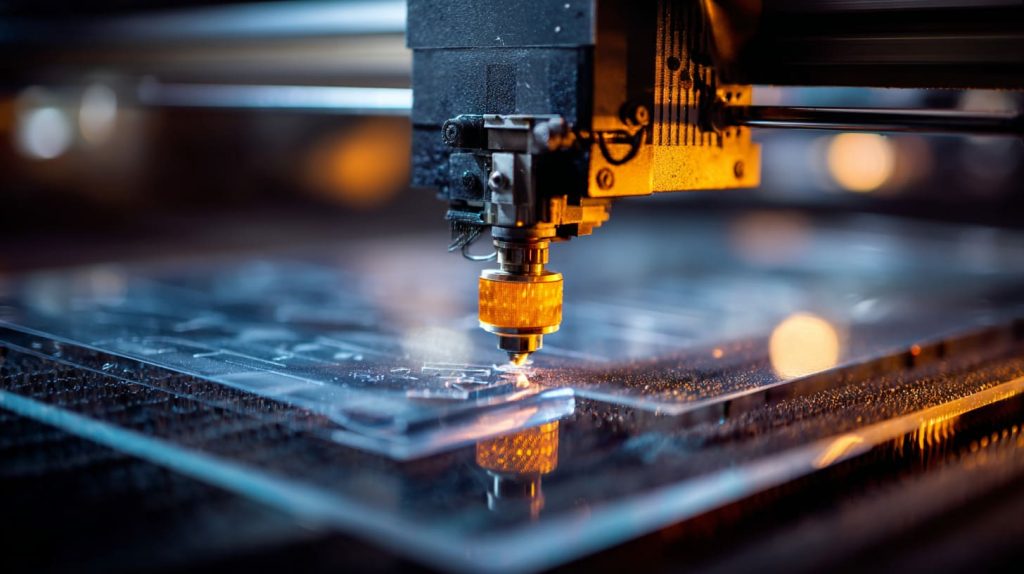
There’s a quiet moment that always happens right before a laser starts cutting. The machine hums. The sheet lies flat. Everyone expects a clean result. And yet, that outcome depends on a choice that was made much earlier—the material on the table.
Laser cutting looks simple from the outside. Press a button. Watch the line appear. But anyone who has worked with acrylic long enough knows the truth. The wrong sheet can burn, bubble, or leave edges that look cloudy and weak. The right one cuts clean, smooth, and almost effortless.
For someone like you—Jacky—who has spent years sourcing acrylic products and walking through factories in China, this detail matters more than most people realize. It affects finish quality, production yield, and even safety on the shop floor.
So before we talk about machines or settings, let’s slow down and talk about the acrylic itself.
1. Understanding Acrylic Material
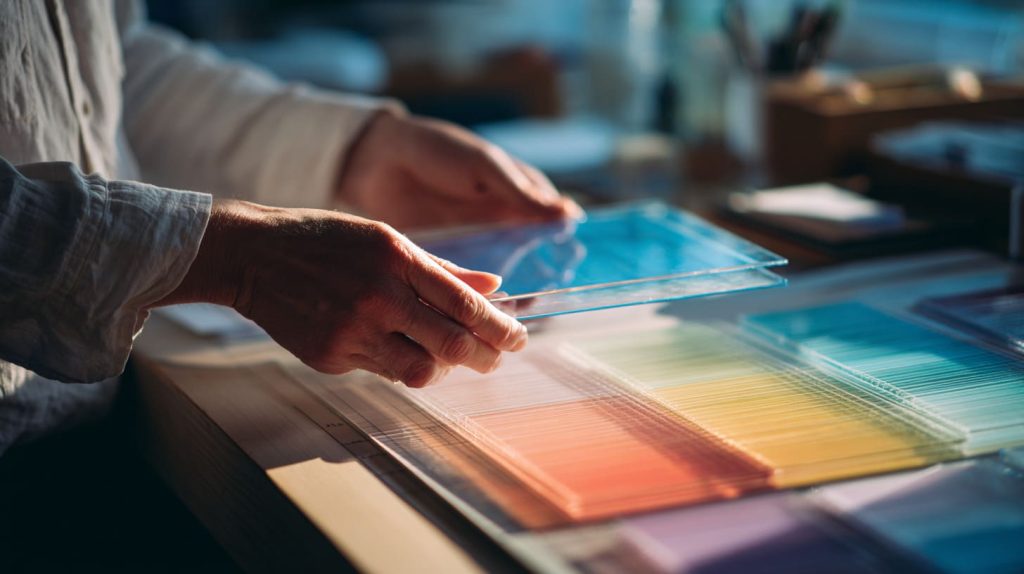
I once bought the wrong sheet of plastic for a display project. I thought “plastic is plastic,” right? Not quite.
When we talk about acrylic — we’re talking about a specific kind of plastic called PMMA.
1.1 What Is Acrylic (PMMA)?
Imagine a material that is as clear as glass but lighter, stronger, and easier to work with. That’s acrylic.
- It’s short for Poly(methyl methacrylate).
- Many brands make it — like Plexiglas®, Perspex®, Acrylite®.
Acrylic isn’t magic. But it behaves in a way that lasers can slice through it cleanly.
1.2 Key Properties Relevant to Laser Cutting
Let’s break it down in a simple table:
| Property | Why It Matters |
|---|---|
| Clarity | You want a clear, smooth edge after cutting |
| Heat response | Laser cutting heats the material — some plastics warp |
| Smoke & fumes | Some plastics give off toxic gas when burned |
| Melting point | A low melting point can cause rough cuts |
Here’s the real kicker: not all plastics are safe or clean to laser-cut. I’ve seen beginners try polycarbonate or PVC. Big mistake. The results? Terrible edges. Noisy cuts. Dangerous fumes. Not worth it.
By contrast, acrylic melts and vaporizes in a controlled way. That’s why it’s such a go-to material.
2. Types of Acrylic Suitable for Laser Cutting

Now we get to the heart of it. Not every acrylic sheet behaves the same. Think of it like wood: pine and oak are both wood — but you wouldn’t build the same furniture with each.
2.1 Cast Acrylic
I’ve touched, cut, and laser-engraved cast acrylic more times than I can count.
How it’s made:
Liquid acrylic is poured into molds and cured into sheets. It’s slower to make, but the result is dense and even.
Why it matters for laser cutting:
- Smooth cuts: Edges come out clear and glass-like.
- Great for engraving: It gives a crisp, white engraving that really pops.
Typical uses:
- Signage
- Awards and plaques
- Art pieces
Cast acrylic feels more “solid” when you work with it. You can almost tell by touch.
2.2 Extruded Acrylic
This one is more like factory-run plastic.
How it’s made:
Acrylic pellets are heated and pushed through a machine to make sheets.
Why it matters:
- Edges still cut cleanly
- Thickness is more consistent
- Usually cheaper than cast acrylic
But here’s the catch: the engraving contrast isn’t as bold as cast acrylic. It’s there — just not as sharp.
Quick comparison:
| Feature | Cast Acrylic | Extruded Acrylic |
|---|---|---|
| Edge clarity | ⭐⭐⭐⭐ | ⭐⭐⭐ |
| Engraving contrast | ⭐⭐⭐⭐ | ⭐⭐ |
| Price | Higher | Lower |
| Consistent thickness | Good | Excellent |
Each type has its place. Your choice depends on what you need — crisp engraving or consistent thickness.
Speaking of choices…
3. Acrylic Variants and Formats for Laser Cutting
Once you understand the base types, the next step is variants. Let’s unpack these.
3.1 Clear Acrylic Sheets
Clear acrylic is the classic choice. When you think “acrylic display” — this is it.
- Extremely transparent
- Sharp laser edges
- Great for display panels and signage
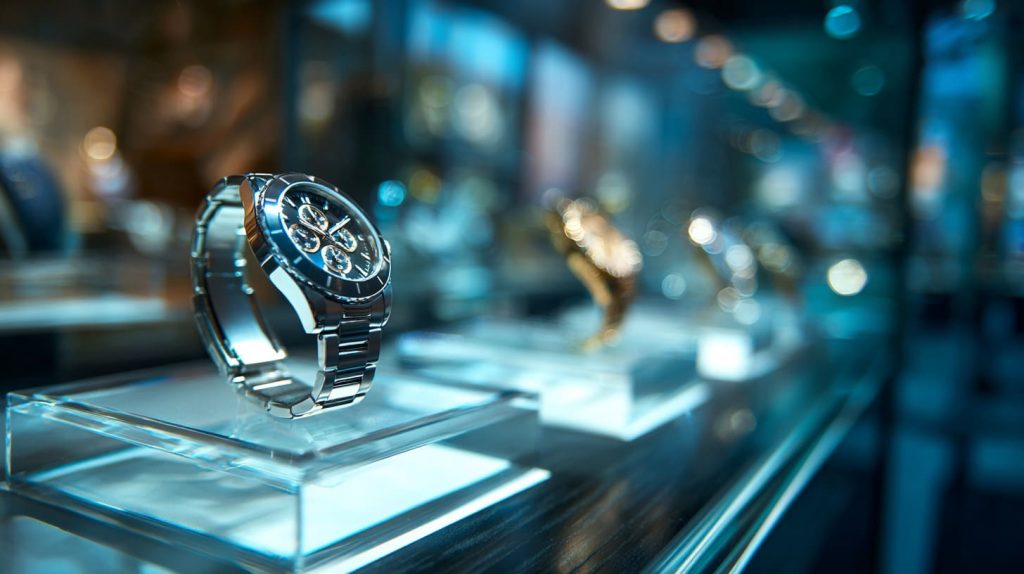
I once helped a client make a display for a watch store. The clear acrylic made the products look like they floated. The laser cuts were so smooth that we didn’t need edge polishing.
3.2 Colored & Opaque Acrylic
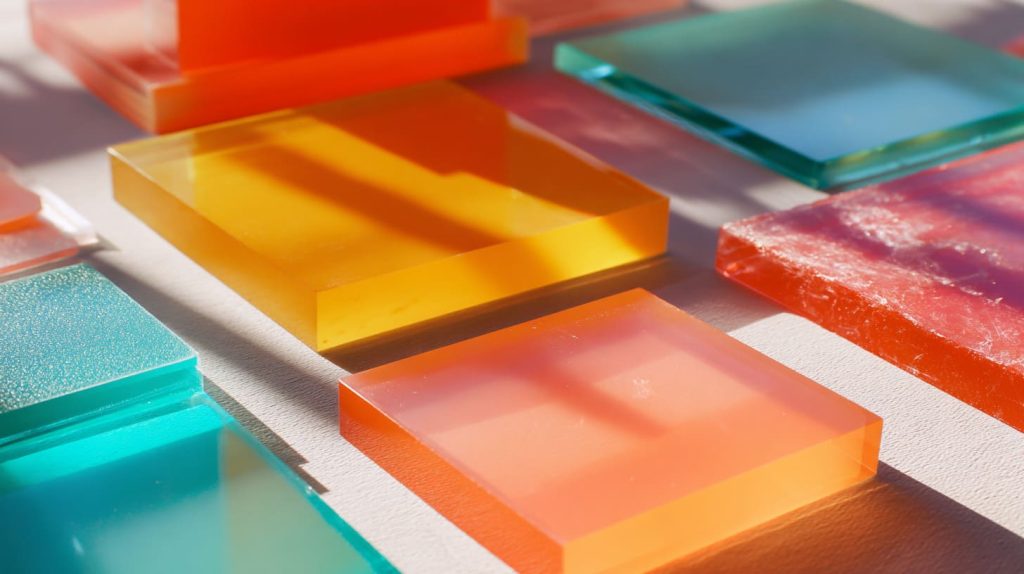
These sheets come in a rainbow of colors.
Why you’d pick them:
- Visual appeal
- Branding colors
- Layered effects
But color can influence laser cutting. Darker colors absorb more heat. That means you may need adjusted laser settings.
If you’ve ever cut colored acrylic and gotten a slightly melted edge — that’s what I mean.
3.3 Frosted or Matte Acrylic
Frosted acrylic feels more refined. It hides fingerprints. It’s soft and elegant.
Laser results here:
- Edges melt slightly differently
- Engraving can look textured
I used frosted acrylic in a hotel lobby sign once. It gave a soft glow under light. Laser cutting brought out subtle details.
3.4 Specialty Laser‑Ready Acrylic Sheets
These are labeled for laser use. They’re consistent. They’re designed to cut well.
Benefits:
- Minimal micro‑cracks
- Cleaner edges
- Easier laser path
If you want precision — these are worth considering.
Ready for how composition changes everything?
4. How Acrylic Composition Affects Laser Cutting
Not all acrylic is created equal. How it’s made affects laser performance.
4.1 Cast vs. Extruded Comparison
We already touched on this, but let’s go deeper.
- Cast melts more slowly — leading to smooth edges.
- Extruded melts faster — edges are okay, just not as perfect.
Here’s how I think about it:
Cast feels like butter under a hot knife.
Extruded feels like jelly — okay, but softer around the edges.
4.2 Acrylic Thickness and Laser Suitability
Thickness matters.
| Thickness | Notes |
|---|---|
| 1–3mm | Easy to cut, ideal for fine detail |
| 4–6mm | Standard choice for displays |
| 8mm+ | Requires more laser power |
Thicker acrylic needs slower speeds and higher power. Simple as that.
4.3 Additives and Coatings
This is where it gets tricky.
Some acrylic comes with:
- UV protection
- Scratch resistance
- Pigments
These can change how heat travels through the material. Always test a small sample first.
5. Laser Machine Compatibility and Material Choices

Laser cutters aren’t all the same.
5.1 CO₂ Lasers and Acrylic
CO₂ lasers are the go-to for acrylic. They:
- Cut clean edges
- Work at moderate power
- Are reliable
In my experience, every shop that cuts acrylic well uses a CO₂ laser.
5.2 Diode and Other Laser Types
Diode lasers work better on darker acrylics. Clear acrylic? Not so much.
If you try clear acrylic with a diode laser — the results may be rough.
5.3 Safety and Material Suitability
Here’s where you need to be cautious.
Some plastics:
- Smoke heavily
- Release bad fumes
- Damage your machine
PVC is a big no. Never cut it with a laser.
Acrylic? Safe and clean — when you choose the right type.
Now, let’s talk about real‑world practice.
6. Best Practices When Choosing Acrylic for Laser Cutting

If there’s one thing my years in China factories taught me — it’s this:
Always test first.
6.1 Testing Material Samples
Before a big production run:
- Test a small piece
- Adjust your laser power
- Check edge quality
You’ll save time and avoid waste.
6.2 Supplier Specifications and Quality Control
Talk to your supplier. Ask:
- What acrylic type is it?
- Is it cast or extruded?
- What thickness tolerance do you need?
I’ve learned that a good supplier answers clearly. A bad one dodges questions.
Conclusion
At the end of the day, laser cutting acrylic is both science and craft.
You now know:
- Which types of acrylic laser cutters like best
- How different variants behave
- What machines work best
- How to test and choose materials
For someone like you — who cares about quality, clarity, and predictable results — this knowledge is power. It helps you talk to factories with confidence. It helps you get what you want — without surprises.
If you ever wonder whether a sheet will cut well — test it. And when you pick acrylic, pick the right type for the job.
That’s how great projects come to life.
— Feilong Acrylic
Deliver high-quality, custom solutions with fast lead times that are suitable for personalized or bulk orders.
flacrylic.com