Skip to content
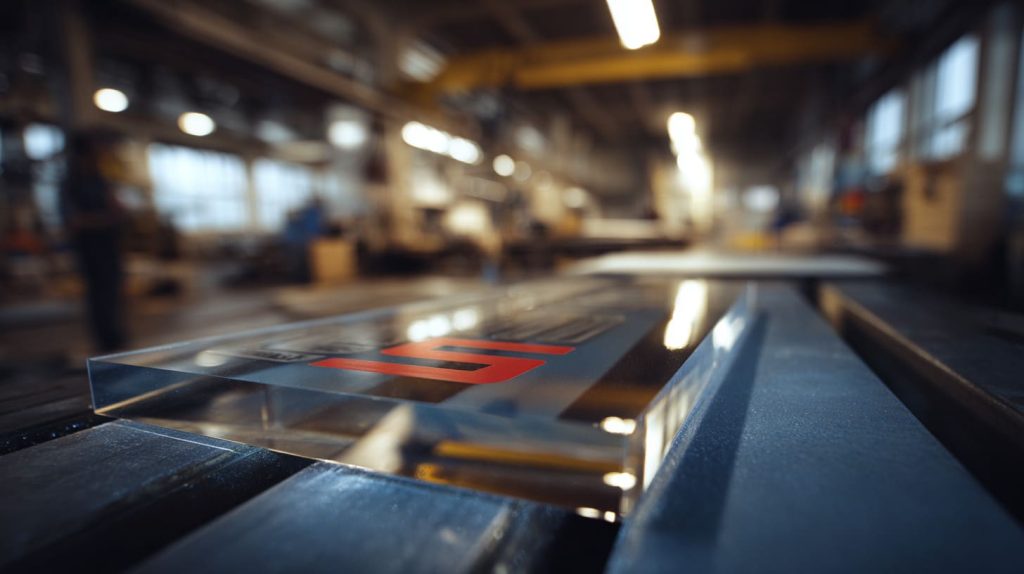
Acrylic always looks simple at first. A clear sheet. A logo. A color block. But I have learned that what sits on the surface decides everything.
Jacky once asked me during a factory visit, “Why does this print feel solid, and that one feels cheap?” The acrylic sheets were the same. The thickness was the same. The shape was perfect. The difference was the printing method.
Screen printing on acrylic is not just ink on plastic. It is a physical transfer of ink through a mesh screen onto a rigid surface. The ink forms a real layer. You can feel it if you touch it.
I want to walk you through:
- What screen printing really means for acrylic
- How the full process works inside a factory
- Where it shines
- Where it fails
- And how it compares with UV and digital printing
Because I have seen buyers win on price and lose on complaints. Printing is not decoration. Printing is strategy.
And once you understand that, you start asking better questions.
What Is Screen Printing on Acrylic?
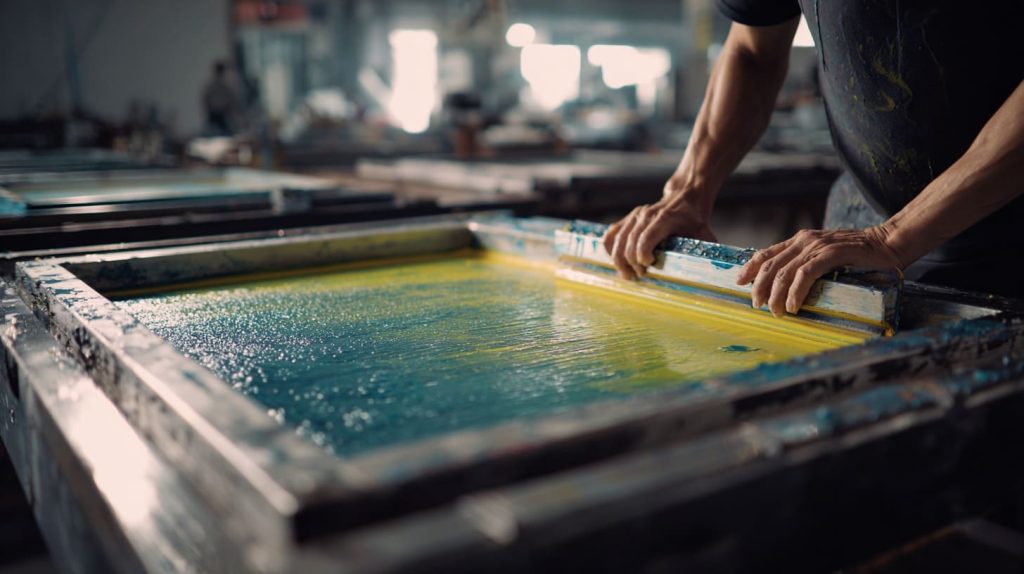
I still remember the first time I watched a screen printer push ink across a mesh frame. It felt old-school. Manual. Almost simple. But the result looked bold and solid.
What screen printing means in the context of acrylic
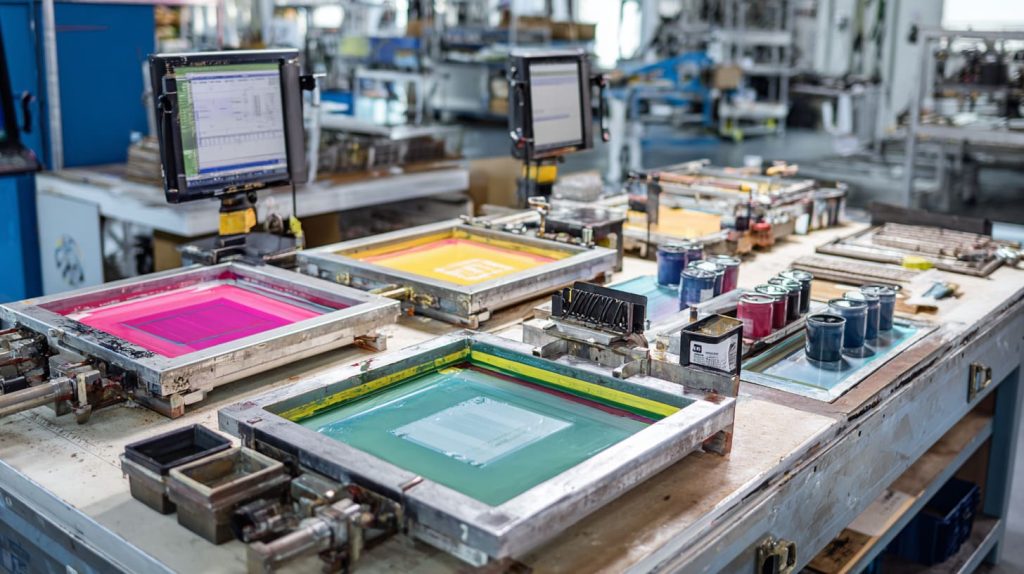
Screen printing uses a mesh screen. The design is blocked out on the screen. Ink is pushed through open areas with a squeegee. The ink lands directly on the acrylic surface.
That layer is thicker than digital ink. That thickness changes how it looks and how it performs.
Here is how I explain it to buyers:
| Aspect | Screen Printing on Acrylic |
|---|---|
| Ink thickness | Thick, solid layer |
| Color feel | Opaque and bold |
| Touch | Slight raised surface |
| Best for | Logos, solid colors |
When I run my finger across a well-printed logo, I can feel confidence. It feels intentional.
Key differences from other printing techniques
Now let’s think critically.
Is screen printing always better? No.
Let’s compare:
| Feature | Screen Printing | UV Printing | Digital Printing |
|---|---|---|---|
| Setup time | High | Low | Low |
| Small batch cost | High | Low | Low |
| Large batch cost | Low | Medium | Medium |
| Gradients | Weak | Strong | Strong |
| Solid colors | Excellent | Good | Good |
Screen printing wins when:
- You have stable artwork
- You produce large quantities
- You need bold, solid colors
It loses when:
- You change designs often
- You need photo images
- You produce very small runs
Printing method is a business decision, not just a technical one.
Now that we understand what it is, let me show you what really happens behind the machine.
Step-by-Step Screen Printing Process on Acrylic
People think printing is quick. It is not. It is a chain. And any weak link causes failure later.
Preparing for printing
Artwork and stencil creation
Every color needs its own screen. That means separate film output and separate exposure.
If your logo has 4 colors, you need 4 screens.
| Color Count | Screens Needed | Setup Complexity |
|---|---|---|
| 1 | 1 | Simple |
| 3 | 3 | Medium |
| 5 | 5 | Complex |
This is why screen printing becomes expensive for multi-color small batches.
Surface cleaning and setup
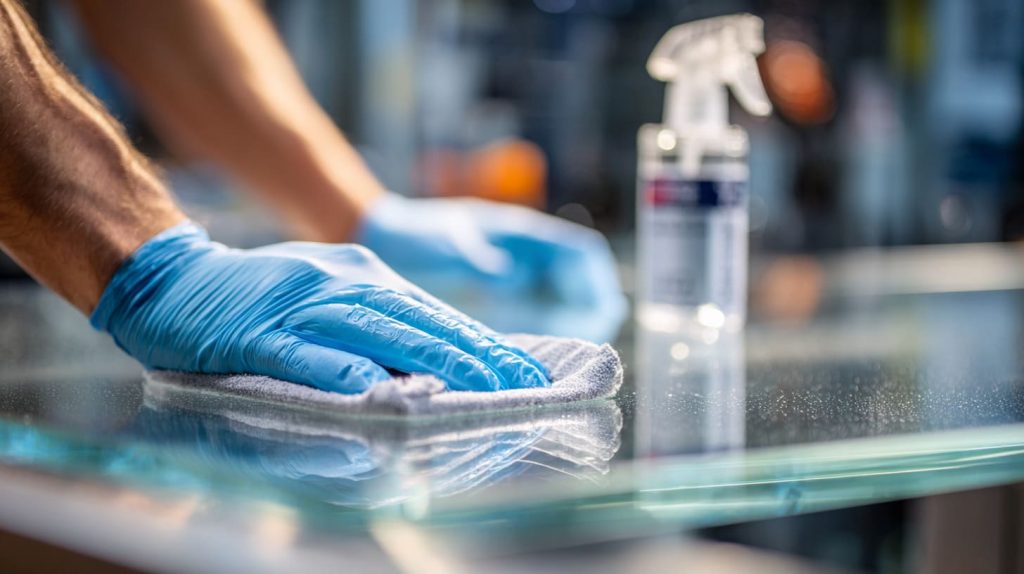
Acrylic must be clean. Dust is the enemy. Oil is worse.
I always tell my team: if you skip cleaning, the ink will skip adhesion.
Setting up screens and substrate
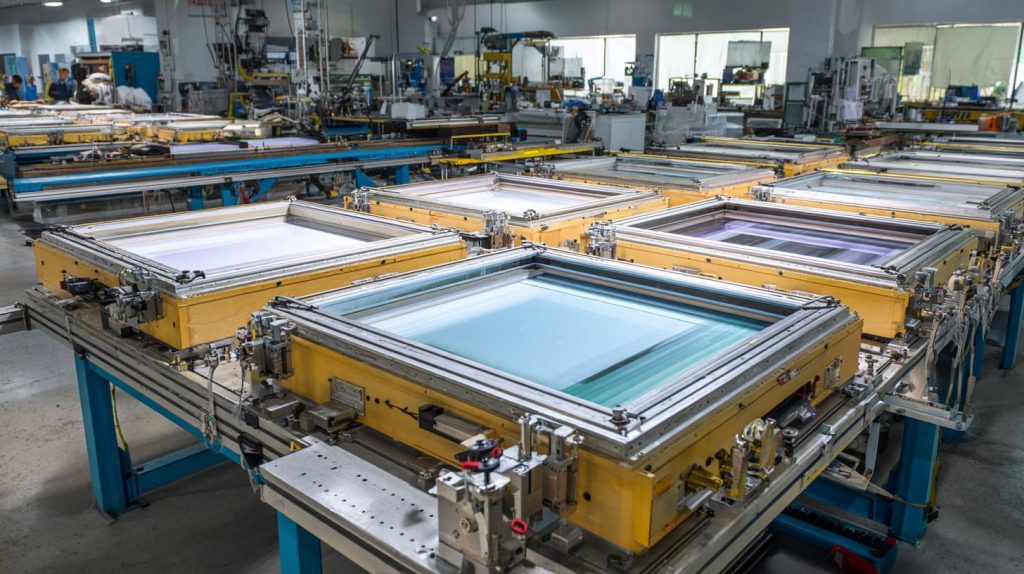
Registration matters. If alignment shifts even 0.3 mm, edges look messy.
We mount the screen. We fix the acrylic panel. We test print. Then we adjust.
Precision is not luck. It is repetition.
Inking and printing
The operator controls:
- Squeegee angle
- Pressure
- Speed
Too much pressure spreads ink. Too little leaves gaps.
This part is human. That is why skilled workers matter.
Curing and finishing
After printing, ink must cure.
Depending on ink type:
- Air dry
- Heat cure
- UV cure
If curing is weak, the surface scratches easily.
I once saw a batch packed too early. The prints stuck together. That mistake cost more than the printing itself.
The process sounds simple. But simple does not mean easy.
Now let’s talk about tools. Because tools decide consistency.
Tools and Equipment Needed
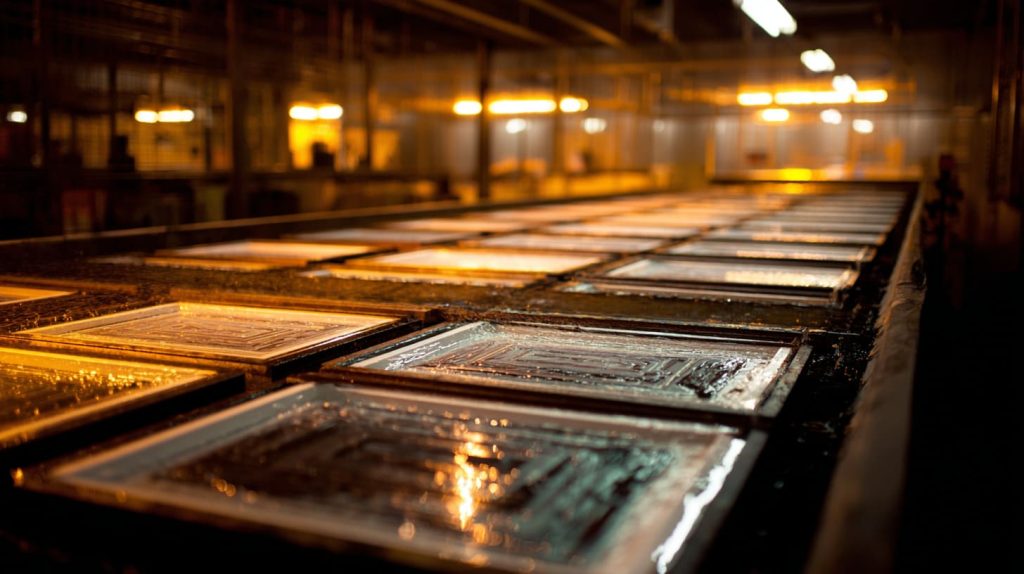
Screen printing looks basic. But the setup behind it is not cheap.
Pre-press tools
- Design software
- Film output machine
- Exposure unit
- Aluminum screen frames
If exposure is wrong, the stencil breaks.
Printing tools
- Mesh screens
- Squeegees
- Rigid acrylic-compatible inks
Ink choice is critical. Not all inks bond well to acrylic.
| Ink Type | Adhesion | Outdoor Resistance |
|---|---|---|
| Solvent-based | Good | Medium |
| UV ink | Very good | High |
Post-press tools
- Drying racks
- Heat tunnel
- Quality inspection table
Good equipment reduces human error. But equipment alone is not enough. Process discipline matters more.
Now let’s discuss why buyers still choose screen printing after all this work.
Advantages of Screen Printing on Acrylic
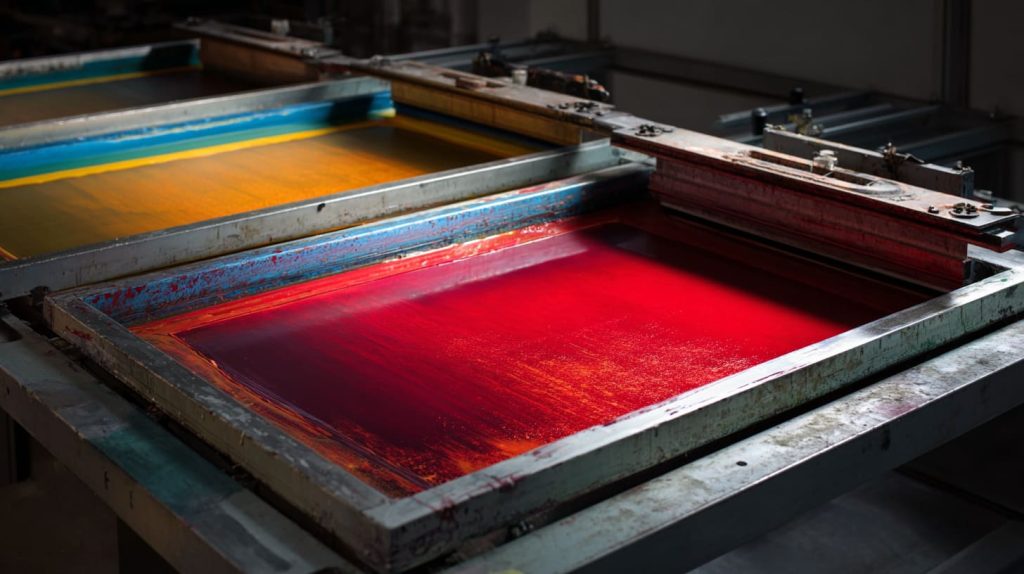
There is a reason screen printing still exists. It survives because it works.
Print quality and durability
The ink layer is thick. It blocks light well. It feels premium.
For backlit signs, that opacity matters.
Cost effectiveness
For large runs, screen printing wins.
| Quantity | Cost Efficiency |
|---|---|
| 50 pcs | Poor |
| 500 pcs | Good |
| 5000 pcs | Excellent |
Reusable screens reduce long-term cost.
Versatility and creativity
Metallic ink. Spot colors. Special finishes.
Screen printing handles those well.
But let’s stay honest. It has weaknesses.
Disadvantages of Screen Printing on Acrylic
I always tell buyers: do not fall in love with tradition.
Process limitations
Each color equals a screen. More colors mean more time.
Gradients? Not ideal.
Production challenges
Small orders suffer. Setup time does not change just because quantity is low.
Surface and handling risks
If curing is rushed, prints scratch.
If packing is careless, prints mark each other.
These are not theoretical risks. I have seen them happen.
So how does screen printing compare directly with other methods?
Comparing Screen Printing with Other Acrylic Printing Methods
Let’s remove emotion and compare clearly.
vs Digital Printing
Digital printing handles:
- Fine details
- Photos
- Small batches
But it does not match the thickness of screen ink.
vs UV Printing
UV printing offers:
- Fast setup
- Easy design change
- Strong adhesion
| Factor | Screen | UV |
|---|---|---|
| Setup time | High | Low |
| Multi-color | Complex | Easy |
| Thick ink feel | Strong | Medium |
| Flexibility | Low | High |
So I ask buyers one question:
Is your artwork stable for years, or does it change every season?
The answer usually decides the method.
Now let’s talk about real factory problems.
Common Challenges and Troubleshooting
Problems do not appear in samples. They appear in production.
Ink bleeding and registration errors
Cause:
- Too much pressure
- Misaligned screens
Fix:
- Adjust squeegee
- Improve alignment control
Surface adhesion issues
Cause:
- Dirty surface
- Wrong ink
Fix:
- Proper cleaning
- Ink compatibility test
Color consistency and repeatability
Batch control matters.
I insist on:
- Color swatch approval
- Controlled ink mixing
- Stable curing time
Without process control, screen printing becomes guesswork.
Now let’s see where it truly performs best.
Applications of Screen Printed Acrylic Products
Screen printing fits certain products perfectly.
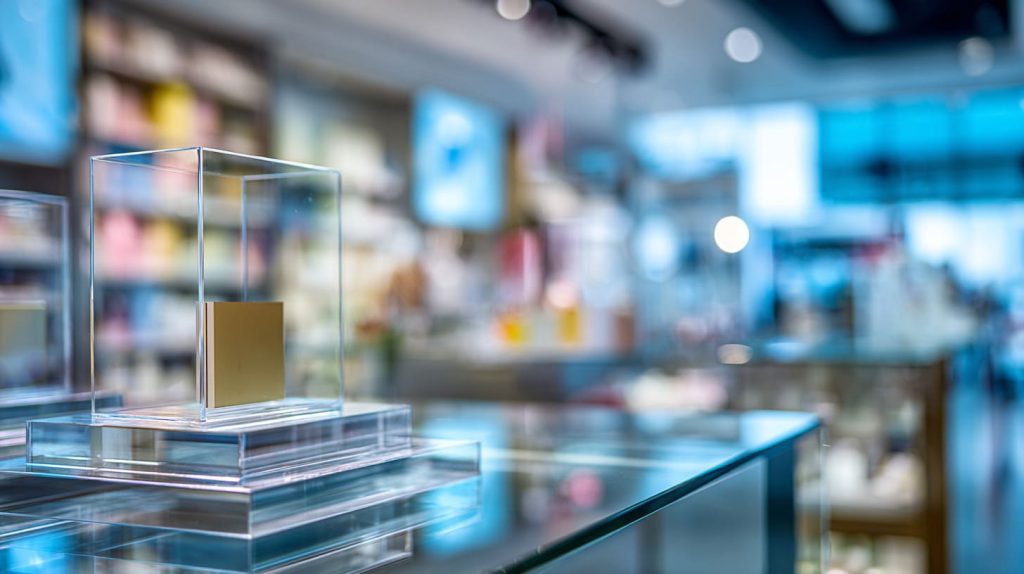
Retail and commercial displays
Solid brand logos. Repeated production.
Signage and branding panels
Bold colors. Long-term indoor use.
Awards and decorative pieces
Metallic ink works beautifully here.
Industrial labeling
Warning panels. Equipment markings.
When artwork is simple and quantity is high, screen printing makes sense.
And when it does not fit, forcing it only creates problems.
Conclusion
Screen printing on acrylic is not old or outdated. It is specific.
It offers:
- Thick, solid color
- Strong opacity
- Excellent cost for large volume
It struggles with:
- Small runs
- Frequent design changes
- Complex photo graphics
I do not choose printing methods emotionally. I match them to project goals.
If you are designing a stable product with large quantity, screen printing can save cost and improve visual strength.
If your design changes often, UV may suit you better.
If you are not sure which method fits your next acrylic project, talk to me. I will review your artwork, your quantity, and your target market. Then we decide together.
Because printing should protect your margin, not damage it.