Skip to content
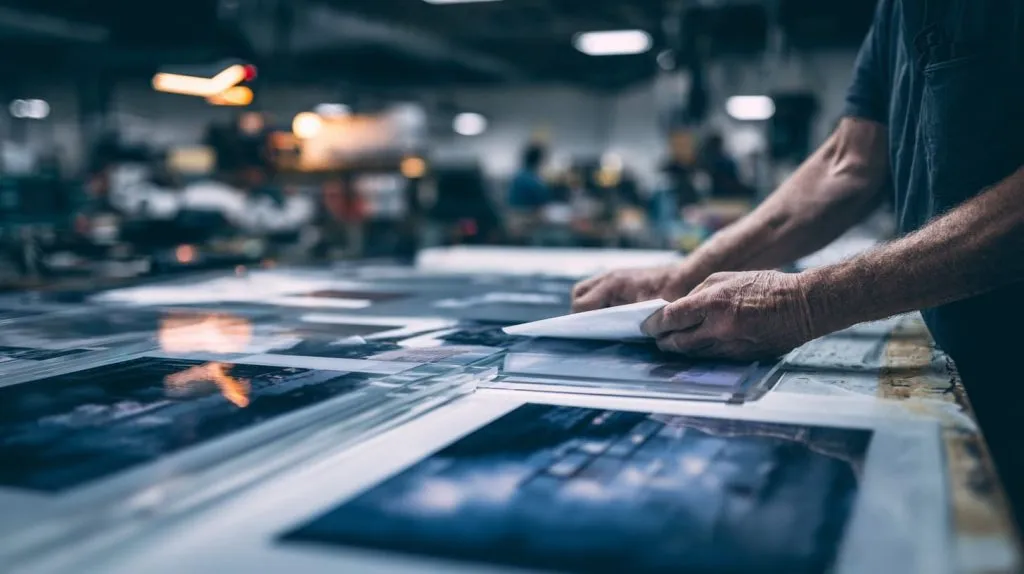
Acrylic printing quotes can look deceptively simple.
A buyer sends me a logo file and a size. Then they add one line that sounds harmless:
“Let’s print it on acrylic. Just pick the cheaper way.”
That’s the moment I slow down.
Because UV printing vs screen printing is not only a “process” choice. It’s a cost behavior choice. One method hides cost in setup. The other hides cost in rework, surface sensitivity, and color expectations. If you miss where the cost really lives, you can “save” money on the quote and then pay it back later—through scrap, delays, or angry reorders.
Here’s the tension I see with buyers like Jacky (and honestly, with myself when I’m rushing):
- We want the unit price to go down.
- But the project cost is usually driven by setup, revisions, and yield, not the unit price alone.
The goal of this article is simple: help you spot the traps before they bite.
And yes—I’ll talk about the uncomfortable part too: sometimes the “cheap method” is the expensive choice.
A quick note before we start: I’m writing this from real factory work. I’m not trying to “sell” a method. I’m trying to help you pick the method that won’t surprise you in production.
Now let’s ground the basics, because the traps only make sense once the workflows are clear.
1. Printing Methods Overview
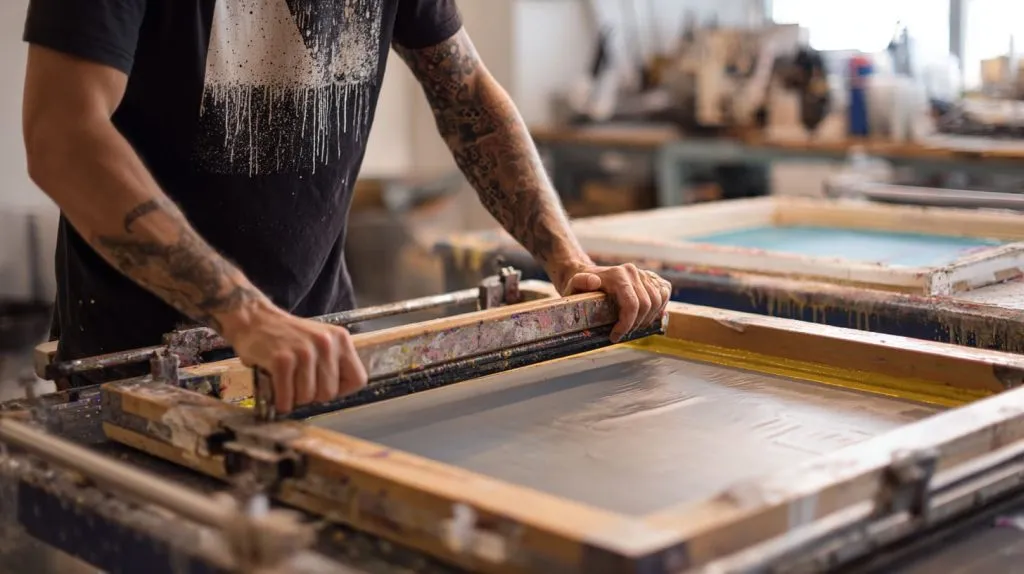
Here’s the part most people skip: the printing method is not just about how ink lands on acrylic. It’s about how mistakes happen, and how expensive they are to fix.
One thing I’ve learned the hard way is this: when a buyer says “same artwork, same product,” I don’t trust that sentence until I ask how many versions, how many colors, and how often the file will change. Those three details decide the true cost curve.
1.1 What is Screen Printing?
Screen printing is the old workhorse. It can be beautiful when used correctly.
But it has rules, and it punishes people who ignore them.
Basic process and workflow
- You separate the artwork into colors.
- You make a screen (or screens).
- Ink is pushed through the screen onto the acrylic.
- You dry or cure the ink.
- You repeat for each color layer.
It’s like cooking with a mold. Once the mold is perfect, you can repeat fast.
But getting the mold perfect costs time and money.
Typical use cases on acrylic
Screen printing tends to fit jobs like:
- Simple logos (1–3 spot colors)
- Big batches of the same design
- Repeat orders where artwork almost never changes
- Areas where a slightly raised ink feel is acceptable (or even desired)
Traditional advantages and limitations
Advantages
- Strong cost advantage at high quantities (after setup is paid)
- Good opacity with the right inks
- Consistent output when the process is stable
Limitations
- Setup cost is real (screens, alignment, test prints)
- Each color is a new screen and a new chance for misalignment
- Gradients and photo-like detail are limited (or expensive)
A simple way I explain it to buyers:
| Factor | Screen Printing |
|---|---|
| Best at | Large batches, simple spot colors |
| Worst at | Frequent design changes, gradients, tiny detail |
| Cost “hides” in | Screen setup + registration + test waste |
| Common surprise | “Why is a small revision so expensive?” |
1.2 What is UV Printing?
UV printing is the newer “digital” path. It feels easier, and often it is.
But it also has its own traps, especially when the buyer expects it to behave like painted ink.
How UV flatbed printing works (direct digital application + UV curing)
- A flatbed printer prints directly onto acrylic.
- UV lamps cure the ink almost instantly.
- You can print full color (CMYK), white ink, and sometimes varnish layers.
It’s closer to “file → print” than screen printing is.
Material versatility and rapid drying
UV printing usually shines when:
- You need short runs
- You need many versions (names, numbers, SKU variants)
- You need photo-like detail or gradients
- You need fast proof cycles
Typical acrylic applications
- Small-batch acrylic signage
- Display panels with detailed graphics
- Back printing on clear acrylic (often with white ink behind)
- Personalized acrylic items (nameplates, awards, branded organizers)
Here’s how I compare both methods at a glance:
| Topic | Screen Printing | UV Printing |
|---|---|---|
| Setup | High | Low |
| Best quantity | High volume | Low–mid volume |
| Detail | Limited | High |
| Revisions | Expensive | Cheap(er) |
| Typical risk | Registration + color separation | Adhesion expectations + banding + surface marks |
And now the real question: where does the money actually go?
That’s what the next section is for.
2. Direct Cost Comparison
Buyers love unit price. Factories love quoting unit price.
But cost traps live in the things nobody wants to talk about: setup time, file changes, and scrap.
My personal rule is this: if the order has more than one version, or the buyer is still “finalizing” the design, I treat screen printing as risky until proven otherwise. I’ve seen too many “small changes” turn into big bills.
2.1 Setup and Pre-Production Costs
Screen printing setup is not just “making a screen.” It’s the whole chain:
- File separation by color
- Screen coating, exposure, and washing
- Test prints
- Registration checks (especially for multi-color jobs)
UV printing setup is usually:
- File check
- Color profile decisions (sometimes)
- Quick test print
The cost trap is simple: setup cost is fixed, and fixed costs hate small orders.
What changes the setup cost the most?
- Number of colors (screen printing)
- Need for tight registration (screen printing)
- White ink layers / back printing structure (UV printing)
- Special finishes (both)
A practical setup comparison:
| Setup cost driver | Screen Printing impact | UV Printing impact |
|---|---|---|
| 1 spot color logo | Low–medium | Low |
| 4+ spot colors | High | Low–medium |
| Fine text, tight alignment | High risk | Medium risk |
| Full-color photo | Usually not ideal | Natural fit |
| Frequent revisions | Painful | Manageable |
2.2 Per-Unit Production Cost
This is where people get fooled.
Screen printing can become extremely cheap per unit when:
- The design is stable
- The batch is large
- The color count is low
- The factory is experienced with that job
UV printing can win when:
- Quantity is small
- Versions are many
- The job needs detail
- Lead time is tight
But here’s a trap I see: buyers compare per-unit numbers without counting hidden labor.
Hidden labor examples that change “per-unit” reality
- Screen washing and reclaiming
- Color mixing
- Setup and alignment time between colors
- Handling and drying time
- QC time for misalignment and pinholes
If you want a clean decision, don’t ask “Which is cheaper?”
Ask: “Which is cheaper at my quantity, my design, and my revision risk?”
Here’s a quick quantity model I use in my head:
| Quantity scenario | Often cheaper total cost | Why |
|---|---|---|
| 50–300 pcs | UV printing | Setup stays low |
| 300–1000 pcs | Depends | Design + colors decide it |
| 1000+ pcs | Screen printing (often) | Setup is diluted fast |
2.3 Material and Consumables Costs
Acrylic looks stable, but printing consumables are not.
Ink type differences (screen inks vs UV curable inks)
- Screen inks can be very durable, but they vary a lot by system.
- UV inks cure fast and offer detail, but they can be sensitive to surface energy and cleaning methods.
Waste (screens, cleaning solvents, maintenance)
Screen printing produces “invisible costs”:
- Screens that need reclaiming
- Solvents and cleaning time
- Test prints and setup waste
UV printing produces different “invisible costs”:
- Maintenance cycles
- Head cleaning
- Occasional banding issues (especially if the printer is not well maintained)
Consumable durability (screen reuse vs UV ink use)
Screen printing benefits from repeat runs. If you reuse screens often, the cost drops.
UV printing benefits from file changes. If you revise often, the cost stays stable.
I like to show buyers this table because it makes the hidden cost feel real:
| Cost category | Screen Printing | UV Printing |
|---|---|---|
| Biggest fixed cost | Screens + setup labor | Color management + machine time |
| Waste tends to happen in | Test prints + registration | First samples + surface issues |
| Best “repeat” advantage | Very strong | Moderate |
| Best “revision” advantage | Weak | Very strong |
Now cost is only half the story.
Because sometimes buyers pick the cheapest method and then get hit by a quality complaint that costs more than the whole quote.
That’s our next stop.
3. Quality and Print Outcomes
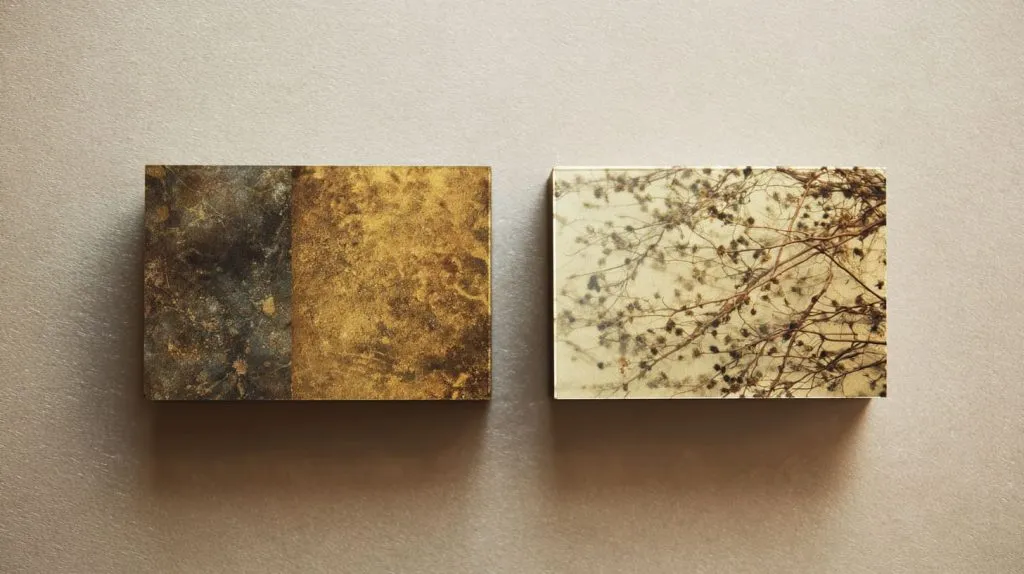
People say “quality” like it’s one thing. It’s not.
It’s color. It’s edge detail. It’s scratch tolerance. It’s how the part looks under store lighting. It’s how it looks after someone wipes it with alcohol.
The uncomfortable truth I’ve learned is this: I don’t judge print quality on the first sample anymore. I judge it after I imagine a customer touching it, cleaning it, and living with it for six months. That mental shift prevents a lot of cheap mistakes.
3.1 Color Fidelity and Detail
UV printing shines in detail:
- Fine lines
- Small text
- Gradients
- Photos
Screen printing shines in solid blocks:
- Spot colors
- Strong opacity
- Repeat consistency (once dialed in)
The “brand color” trap
If a brand has one strict Pantone-like color, screen printing can be safer if the ink mixing is controlled.
UV printing can match well too, but it depends on profiles, materials, and printer condition.
A fast comparison:
| Output need | Better fit (usually) | Why |
|---|---|---|
| Photo / gradient | UV printing | CMYK control |
| Simple solid logo | Screen printing | Spot ink strength |
| Tiny text | UV printing | High resolution |
| Strict Pantone match | Screen printing (often) | Spot mixing control |
3.2 Durability and Outdoor Performance
This is where “cheap” decisions show up later.
Outdoor acrylic products face:
- UV exposure
- Heat cycling
- Humidity
- Cleaning chemicals
- Abrasion (wind dust is real)
UV printing can be durable, but durability depends on:
- Ink system quality
- Surface preparation
- Whether it’s front print or reverse print
- Whether there is a protective layer (clear coat, lamination, or back-print protection)
Screen printing can also be durable, but it depends on:
- Ink type and curing
- Thickness of ink layer
- Adhesion to acrylic
- Post-process handling
If the part is touched a lot, I often recommend reverse printing on clear acrylic when possible.
It protects the ink behind the acrylic. That alone can save the project.
A durability lens I use:
| Environment | Risk to print | What I watch for |
|---|---|---|
| Indoor retail | Fingerprints, cleaning | Scratch + wipe resistance |
| Outdoor signage | UV + heat | Fade + crack + peel |
| Industrial | Chemicals + abrasion | Adhesion + chemical resistance |
3.3 Surface and Aesthetic Considerations
Acrylic is unforgiving. It shows everything:
- Dust
- Micro scratches
- Finger marks
- Static attraction
Screen printing can leave a slightly raised feel. Some buyers like that.
UV printing is often flatter, but it can show banding in large solid areas if the printer is not tuned well.
Aesthetic trap: “clear acrylic” is not a neutral background
Clear acrylic can shift the look:
- Light passes through
- Backing color changes perception
- White ink layering becomes critical for readable graphics
Here’s a simple “finish expectation” table I share in sample discussions:
| Expectation | Best way to manage it |
|---|---|
| “Looks premium up close” | Use clean edges + tight QC + protective film handling |
| “No texture on surface” | UV printing or reverse print structure |
| “Strong solid color blocks” | Screen printing with correct ink thickness |
| “Print must survive wiping” | Reverse print or add protection layer |
Okay—so we have cost and quality.
Now let’s talk about what actually breaks budgets: the quiet traps buyers miss, even experienced ones.
4. Hidden Cost Traps Buyers Often Miss
Most cost traps are not “technical.” They’re human.
They come from how buyers communicate, how designers revise files, and how teams make decisions under time pressure.
Here’s my honest take: the biggest cost leak is not the printing method—it’s when the buyer and factory are not aligned on what “acceptable” means. If “acceptable” is vague, you pay for it later.
4.1 Design Complexity and Revisions
Screen printing hates revisions.
- New screen
- New setup
- New test prints
- New alignment risk
UV printing tolerates revisions much better.
- Update the file
- Print again
- Often same-day proof
The trap: “It’s just a small change”
Small changes can be expensive in screen printing if they affect:
- Color separation
- Screen area
- Registration points
- Layer count
I always tell buyers: if you expect revisions, budget for them.
Or pick a method that doesn’t punish revisions.
A revision cost reality check:
| Revision type | Screen Printing cost impact | UV Printing cost impact |
|---|---|---|
| Move a logo 2mm | Medium–high | Low |
| Change one spot color | High | Low |
| Add small text | High | Low–medium |
| Replace full artwork | Very high | Medium |
4.2 Turnaround Time and Labor Impact
Turnaround time is money, but it’s also risk.
Screen printing lead time can stretch because:
- Screens take time
- Multi-color registration takes time
- Drying/curing steps add time
- QC is slower when there are many layers
UV printing is faster in many cases because:
- Setup is quick
- Curing is instant
- Proof cycles are fast
The trap: “Rush order” costs show up as mistakes
When the schedule is tight, screen printing becomes more fragile.
A rushed registration step can create scrap. Scrap creates delays. Delays create freight cost. Freight cost creates buyer anger.
A timing comparison:
| Time factor | Screen Printing | UV Printing |
|---|---|---|
| First sample speed | Slower | Faster |
| Scaling production | Fast after stable | Steady but machine-time limited |
| Risk under rush | Higher | Lower (but still real) |
4.3 Waste, Scrap Rate & Quality Control
This is where budgets quietly die.
Screen printing waste often comes from:
- Misalignment between colors
- Dust during layering
- Ink defects
- Inconsistent curing
UV printing waste often comes from:
- Surface contamination (finger oils)
- Banding on large fills
- Adhesion issues if surface energy is off
- Micro scratches that become obvious after printing
The trap: acrylic handling is part of printing cost
Acrylic is not like metal.
If the shop is dusty, if protective film is removed too early, or if parts are stacked wrong, you lose yield. Yield loss is not “small.” It’s a direct cost increase.
This table keeps teams honest:
| Typical defect | More common in | What it costs you |
|---|---|---|
| Color misregistration | Screen printing | Scrap + rework |
| Pinholes / dust specks | Both | Rejection at QC |
| Banding in large areas | UV printing | Reprint time |
| Scratches after printing | Both (handling) | “Why does it look cheap?” complaints |
4.4 Environmental Compliance and VOC Handling
This topic is boring until it becomes expensive.
Screen printing often uses:
- Solvents for cleaning
- Ink systems that require careful handling
- More cleanup labor
UV printing often reduces solvent needs, but:
- It shifts cost into machine maintenance
- It relies heavily on stable equipment and trained operators
The trap: compliance cost is real, but it shows up indirectly
Sometimes the quote looks fine. Then the factory adds:
- Extra handling fees
- Waste disposal costs
- Safety requirements that slow the line
Even if you don’t see it as a line item, it can show up as a “why is lead time longer than expected?” problem.
At this point, the buyer usually asks me the same thing:
“Okay, so what should I choose?”
Let’s answer that without pretending there is one perfect rule.
5. Choosing the Right Method by Use Case
If you want a clean decision, don’t choose by technology. Choose by behavior:
- How stable is the artwork?
- How many versions exist?
- How strict is color?
- How sensitive is the surface?
- How fast do you need proofs?
Here’s my real-world decision habit: I pick the method that makes the most expensive mistake least likely. Sometimes that’s screen printing. Often it’s UV printing. The key is knowing which mistake would hurt you most.
5.1 Bulk, High-Volume Production
Screen printing usually wins when:
- The artwork is locked
- Colors are limited
- Quantity is high
- You expect repeat orders
It becomes like a well-tuned engine.
Once it runs clean, it runs cheap.
Good fits for screen printing
- Acrylic logo plates for the same product line
- Large batches of identical store display panels
- Simple warning labels on acrylic parts (few colors)
A quick “bulk decision” table:
| Bulk scenario | My typical pick | Why |
|---|---|---|
| 1 color, 5000 pcs | Screen printing | Setup diluted hard |
| 3 colors, 2000 pcs | Screen printing (if stable) | Still efficient |
| Full-color image, 2000 pcs | UV printing | Screen complexity grows fast |
5.2 Custom, Short-Run, and Personalized Jobs
UV printing usually wins when:
- You have many SKUs or versions
- You need fast approvals
- You need detailed graphics
- You want to avoid repeated screen costs
Good fits for UV printing
- Personalized acrylic nameplates
- Limited edition display pieces
- Prototypes and pilot runs
- Multi-version branding panels
If Jacky tells me, “We might change the layout after the first sample,”
I don’t argue. I move toward UV printing fast.
A short-run decision table:
| Short-run scenario | My typical pick | Why |
|---|---|---|
| 100 pcs, many names | UV printing | Version-friendly |
| 200 pcs, photo detail | UV printing | Detail + speed |
| 300 pcs, 1 solid logo | Depends | Compare setup vs speed |
5.3 Mixed Workflows for Hybrid Needs
Some projects are better with a hybrid approach.
Examples:
- Screen print a solid base color layer (cheap at scale)
- UV print fine detail, QR code, or variable data later
Or:
- UV print prototype runs
- Move to screen printing once the design is stable and volume grows
When hybrid makes sense
- You want both low cost at scale and high detail
- You have a “base design” plus variable elements
- You are launching a product and expect revisions early
Here’s a simple hybrid planning table:
| Project stage | Best approach | Why |
|---|---|---|
| Early sampling | UV printing | Fast changes, low setup |
| Stable mass production | Screen printing | Cheapest per unit |
| Variable data add-on | UV printing add step | Flexibility |
At this point, you can probably feel the real theme:
the trap is not the printer—it’s the buyer’s assumptions.
So let me wrap this up with the way I actually think about it when I’m quoting real acrylic projects.
Conclusion
If I had to reduce this whole topic into one sentence, it would be this:
the cheapest printing method is the one that matches your risk, not your budget mood.
I prefer UV printing when the project has movement:
- the file is not final,
- the buyer wants options,
- the design has detail,
- the schedule is tight.
I lean toward screen printing when the project is stable:
- same design,
- high volume,
- spot colors,
- repeat orders.
But the deeper reason I think this way is not technical. It’s personal.
I’ve watched buyers “win” a quote by saving a little money, then lose three weeks to revisions and rework. I’ve watched a simple logo job go sideways because the buyer expected photo-level detail. I’ve watched acrylic get scratched in handling and the print take the blame. These are not rare events. They are normal events when assumptions are not made visible.
So here’s what I do, and why I do it:
- I force the hidden costs into the open (setup, revisions, scrap, handling). Because hidden costs don’t disappear; they just change forms.
- I choose the method that reduces the most painful failure, not the method that looks cheaper on paper.
- I ask boring questions early—how many versions, how many colors, what’s the acceptable defect level—because those questions save the project later.
If you want, send me these four details and I’ll tell you what I would choose (and what I would worry about):
- Quantity (and whether you expect repeat orders)
- Artwork type (spot colors vs photo/gradient)
- Surface use (indoor/outdoor, touched often or not)
- Revision likelihood (stable file or still evolving)
And if you’re building acrylic products at scale, I’ll also suggest a sampling plan so you don’t find the real problems after the full batch is already printed.
If you want to keep it simple, here’s the practical call to action:
Before you approve the printing method, approve the “risk story.” If the risk story is clear, the method choice becomes easy.