Skip to content
Acrylic quotes look simple, then the “cheap” choice quietly turns into rework, scrap, and delays. I’ve watched buyers win the unit price and still lose the project.
UV is usually cheaper for small runs and fast design changes, while screen printing is usually cheaper for large volumes with stable artwork. The real “cheapest” method depends on setup cost, color count, yield risk, and how often you reorder.
I learned to stop asking, “Which is cheaper?” and start asking, “Where will the cost hide?” Because acrylic doesn’t forgive rushed printing decisions. It just waits… and sends the bill later.
What is the difference between UV printing and screen printing?
UV and screen printing can look similar in photos. But the way they build color is totally different, and that changes cost.
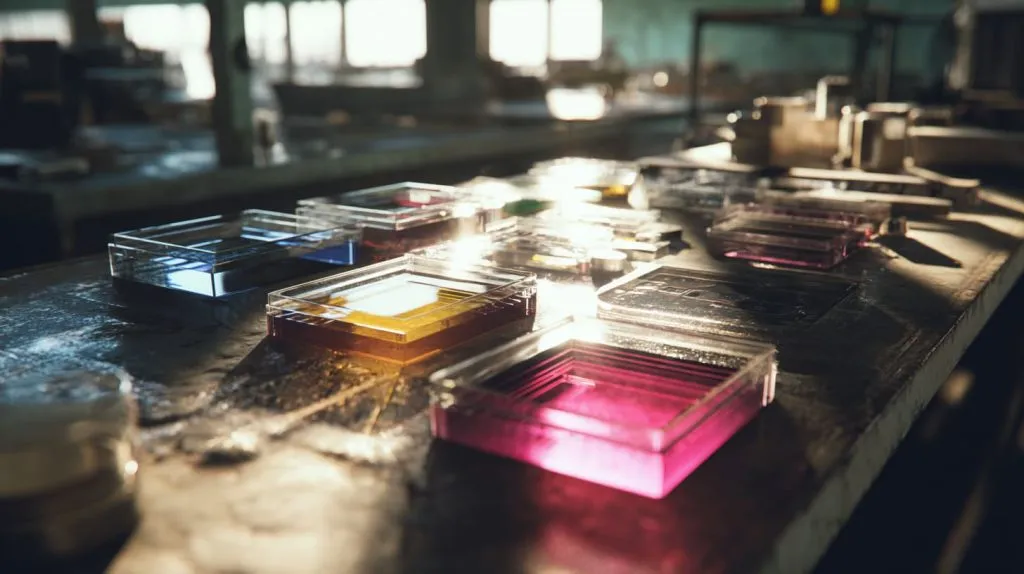
UV printing sprays ink through a printer head and cures it with UV light, so it’s quick to start and easy to change. Screen printing pushes ink through a mesh stencil, so it’s slower to set up but very efficient once running.
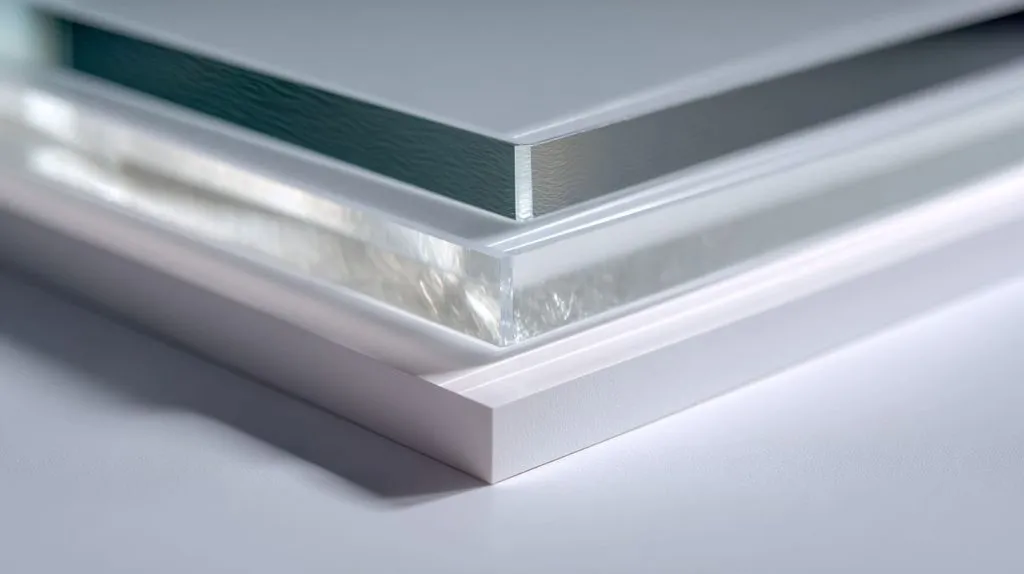
How the ink gets onto acrylic
- UV printing: digital file → print head → UV curing lamps → finished part
- Screen printing: artwork → screen/stencil → ink flood + squeegee → drying/curing → finished part
Why that difference changes price
| Factor | UV printing | Screen printing |
|---|---|---|
| Startup time | Low | High |
| Per-piece speed (large runs) | Medium | High |
| Design changes | Easy | Painful |
| Best at | Many SKUs, small runs | Few SKUs, big runs |
My quick mental model
I treat UV like “fast and flexible.”
I treat screen like “slow to start, cheap to repeat.”
If your project is a moving target, UV protects your timeline. If your artwork is stable, screen protects your unit cost.
Can an UV printer print on acrylic?
Acrylic is one of the most common UV substrates. The trick is not “can it print,” but “will it hold up for your use.”
Yes. A UV printer can print on acrylic sheets and acrylic parts, as long as surface prep, ink type, and curing are matched to the acrylic and the end-use. Without that match, adhesion and scratch resistance can disappoint.
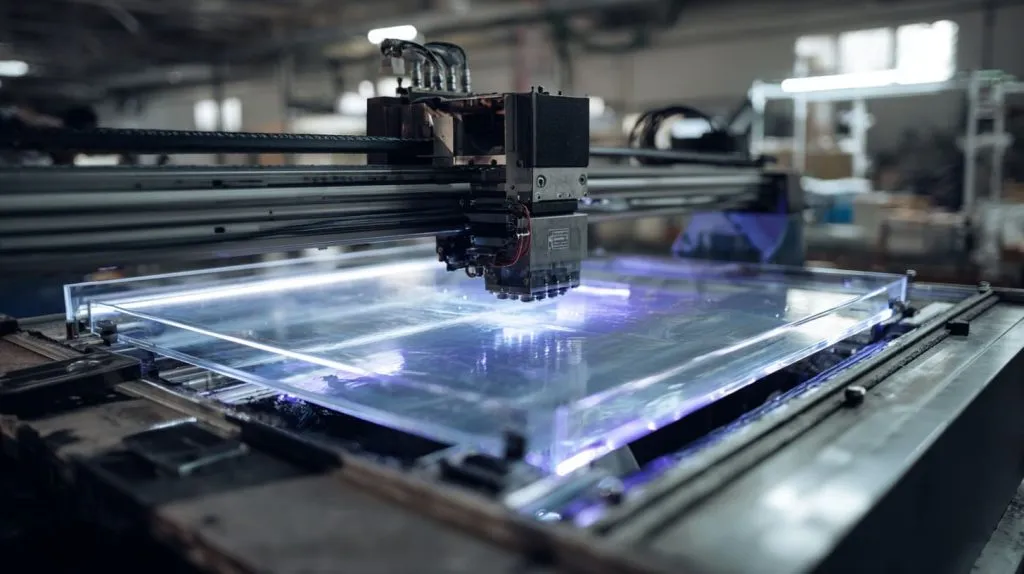
What I check before I say “yes”
- Acrylic type: cast vs extruded can behave differently
- Surface condition: dust, oil, static, protective film
- Use environment: handling, cleaners, sunlight, heat
- Finish plan: matte, gloss, clear coat, or none
Common UV-on-acrylic applications
| Application | Works well with UV? | Notes |
|---|---|---|
| Logo on display stand | ✅ | Add a scratch plan if handled often |
| Full-color photo on acrylic block | ✅ | Color control matters; do a proof |
| Backlit sign graphics | ✅ | White ink layering becomes key |
| Heavy abrasion areas | ⚠️ | Consider back printing or coating |
The “buyer surprise” I see a lot
People assume UV ink is “paint.” It’s not. It’s a cured ink layer. If the part gets wiped daily with strong cleaner, you need a durability plan.
What are the disadvantages of UV printing?
UV printing feels modern and easy. But it has weaknesses that show up in real handling and real lighting.
UV printing can be more sensitive to scratches, surface contamination, and adhesion issues than buyers expect. It can also show banding on some gradients, and color matching can shift between machines or runs without strict control.
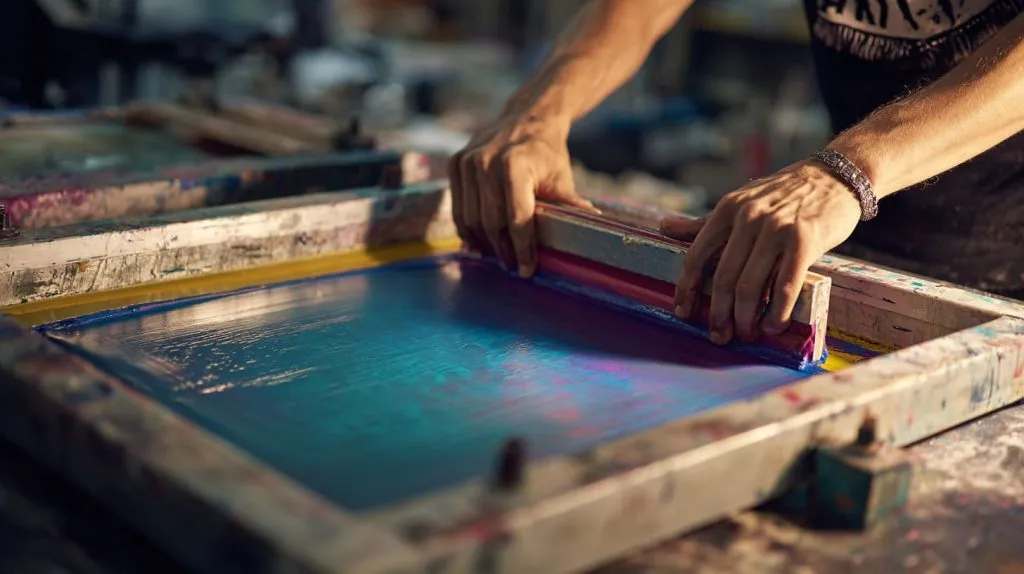
Where UV printing can bite you
- Scratch risk: especially on front-printed surfaces
- Adhesion risk: if acrylic has oil, dust, or static
- Color drift: different printers, ink batches, curing profiles
- Edge chipping: printed edges can look rough if cut after print
“Front print vs back print” is a cost decision too
| Method | Durability | Look | Typical trade-off |
|---|---|---|---|
| Front printing | Medium | Direct and sharp | Needs protection if touched |
| Back printing (mirror) | High | Premium depth | Needs clear acrylic and good alignment |
My practical rule
If customers will touch it, I prefer back printing or add a coating plan. The cheapest quote becomes expensive when returns start.
What is the cost of UV printing?
UV printing cost is not only “ink + time.” The real driver is how much operator time and risk you remove.
UV printing cost is usually driven by print area, ink coverage (especially white), machine time, and quality checks. Setup is usually low, so it often wins on small batches, prototypes, and mixed designs.
What typically goes into a UV quote
- Print size (area)
- Ink coverage (light vs heavy, plus white layers)
- Number of passes (for density)
- Curing profile and speed
- Fixturing (holding parts flat and aligned)
UV cost “levers” I watch
| Cost lever | What increases cost | What lowers cost |
|---|---|---|
| Coverage | Full flood, heavy white | Light coverage, smart layout |
| Time | Slow passes, high quality mode | Standard mode when acceptable |
| Reject risk | Dust, static, warped sheets | Clean room habits, good packing |
My small-batch reality
When I’m printing 20–200 pieces with changing artwork, UV’s low setup cost feels like oxygen. It keeps the project moving.
What is the cost difference between UV printing and screen printing on acrylic?
People want a simple answer. The honest answer is a curve: one method wins early, the other wins later.
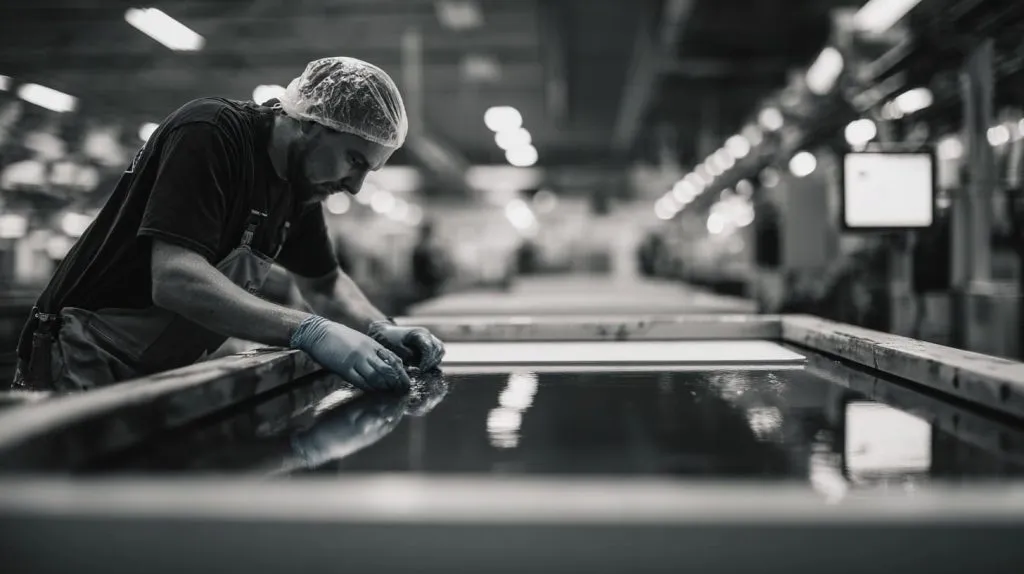
UV is often cheaper at low quantities because it avoids screen-making and long setup. Screen printing becomes cheaper as quantity rises because the setup cost is spread across more units and per-piece printing becomes very fast.
A simple way to think about the break-even point
| Quantity | Likely cheaper | Why |
|---|---|---|
| 1–100 | UV | Minimal setup, fast start |
| 100–1,000 | Depends | Artwork, colors, and speed decide |
| 1,000+ | Screen | Setup gets diluted; per-piece cost drops |
What shifts the break-even point
- Color count (screen gets expensive with more colors)
- Design changes (screen hates frequent revisions)
- Quality target (UV may slow down for premium output)
My caution
If you guess the method wrong, you don’t just lose money. You lose time. And time is usually the most expensive line item nobody writes down.
Is UV printing cheaper than screen printing for small batch acrylic orders?
Small batch is where people overpay for screens. Or they underpay and then suffer quality problems.
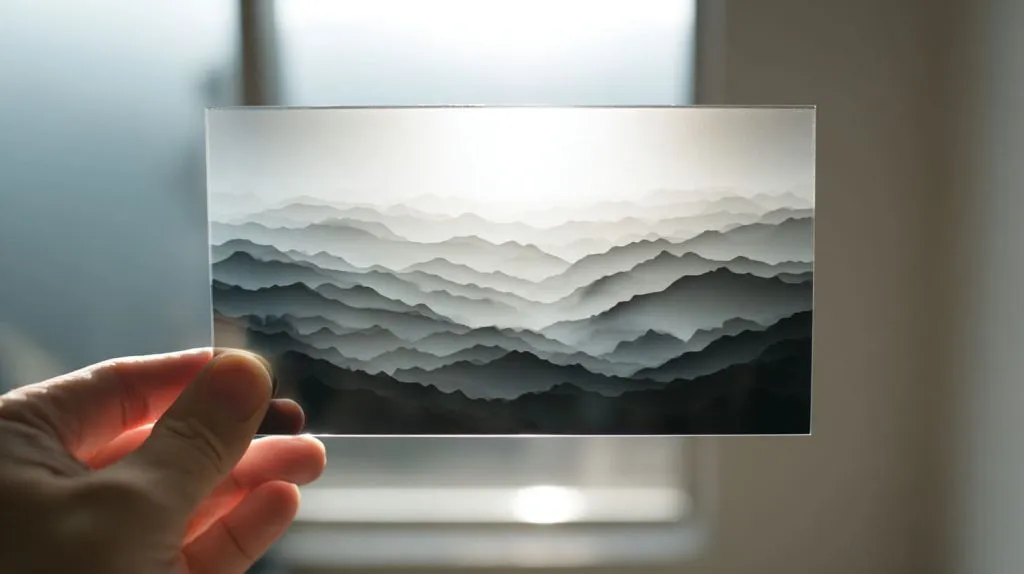
Yes, UV printing is usually cheaper for small batch acrylic orders because you skip screen setup and can print mixed designs in one run. Screen printing can still win if the artwork is simple, one color, and you repeat it often.
When UV clearly wins (in my experience)
- Many SKUs in one PO
- Personalization (names, QR codes, different logos)
- Frequent design tweaks
- Tight delivery schedules
When screen can still win on “small”
| Situation | Why screen can win |
|---|---|
| One color, same logo | Screen setup is simple |
| You reorder every month | Setup cost gets “paid back” fast |
| You need very solid spot color | Screen ink can be strong and consistent |
The real question I ask buyers
“Are you buying one design… or are you buying a process you’ll repeat?”
That answer usually tells me where the cheaper path is.
Why is screen printing cheaper for large volume acrylic production?
Once the screens exist, screen printing behaves like a factory machine that loves repetition.
Screen printing is cheaper for large volumes because the printing cycle is fast, material usage is predictable, and the setup cost gets divided across many units. After ramp-up, the per-piece cost can drop sharply compared to UV.

What screen printing does well at scale
- High speed once aligned
- Strong spot colors
- Stable repeatability
- Lower ink cost per piece in many cases
Scale economics in one table
| Cost element | What happens at 5,000 pcs? |
|---|---|
| Screen setup | Becomes “small” per unit |
| Printing time | Very efficient |
| QC rhythm | More stable and faster |
| Unit cost | Often drops a lot |
My honest warning
Screen printing is not magically cheap. It becomes cheap after you pay the time and discipline cost up front.
How does setup cost affect UV vs screen printing prices?
Setup is where many “cheap” quotes become expensive quotes, just delayed by a week.
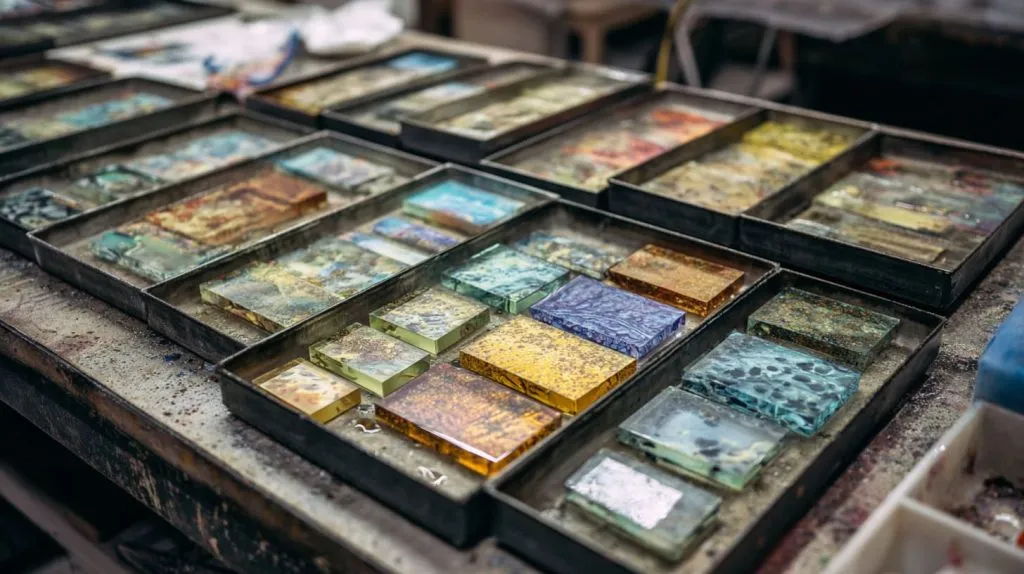
Setup cost is usually low for UV because it’s file-based and fast to start. Setup cost is higher for screen printing because you must make screens, align colors, and dial in ink behavior—so the first run carries the heaviest cost.
What “setup” really includes
| Setup item | UV | Screen |
|---|---|---|
| Prepress | RIP + file check | Film + screen prep |
| Physical tooling | Minimal | Screens, jigs, alignment |
| First-article tuning | Medium | High |
| Change request pain | Low | High |
A quick story I keep seeing
A buyer changes a logo size by 2 mm.
UV: I update the file and go again.
Screen: the whole setup chain starts to groan. That’s where cost quietly grows teeth.
Which acrylic printing method has lower long-term cost for reorders?
Long-term cost is where buyers either look smart… or feel trapped by their first decision.
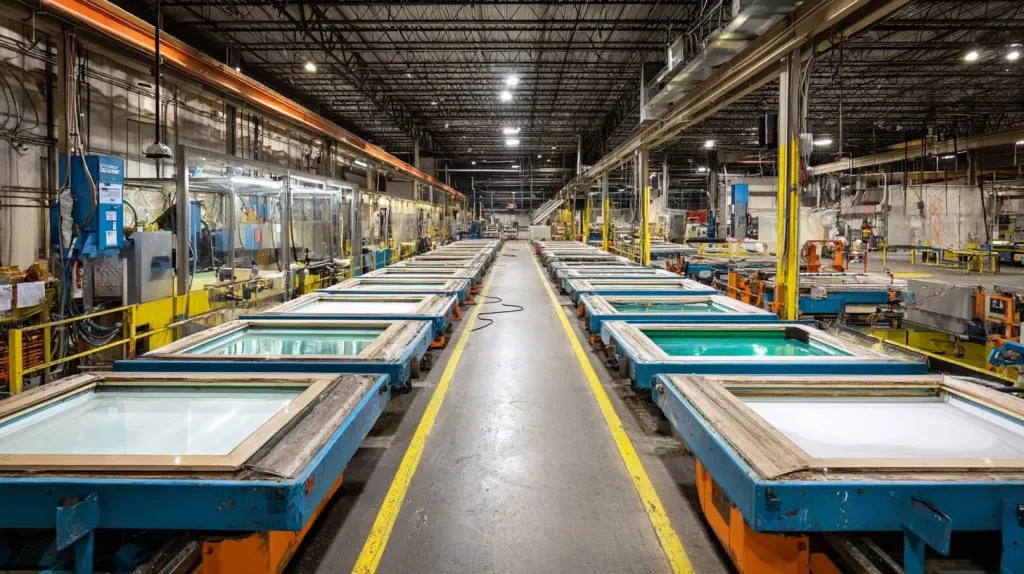
Screen printing often has lower long-term cost for reorders when the design stays the same, because screens can be reused and unit cost stays low. UV can have lower long-term cost when designs change, because you avoid remaking screens and resetting a complex setup.
Reorder reality checklist
- Will the logo stay the same for 12 months?
- Will you add new SKUs often?
- Do you expect seasonal graphics?
- Do you need multiple languages?
A reorder decision table
| Reorder pattern | Better long-term fit |
|---|---|
| Same artwork, same colors | Screen |
| Small edits every reorder | UV |
| Many variants | UV |
| One hero SKU in huge volume | Screen |
My “future cost” habit
I ask buyers to imagine reorder #3.
If reorder #3 feels messy, screen printing may become painful. If reorder #3 is stable and predictable, screen printing starts to shine.
Does UV printing reduce cost for custom or frequently changed designs?
Custom work is where screen printing can feel like wearing a suit to go jogging.
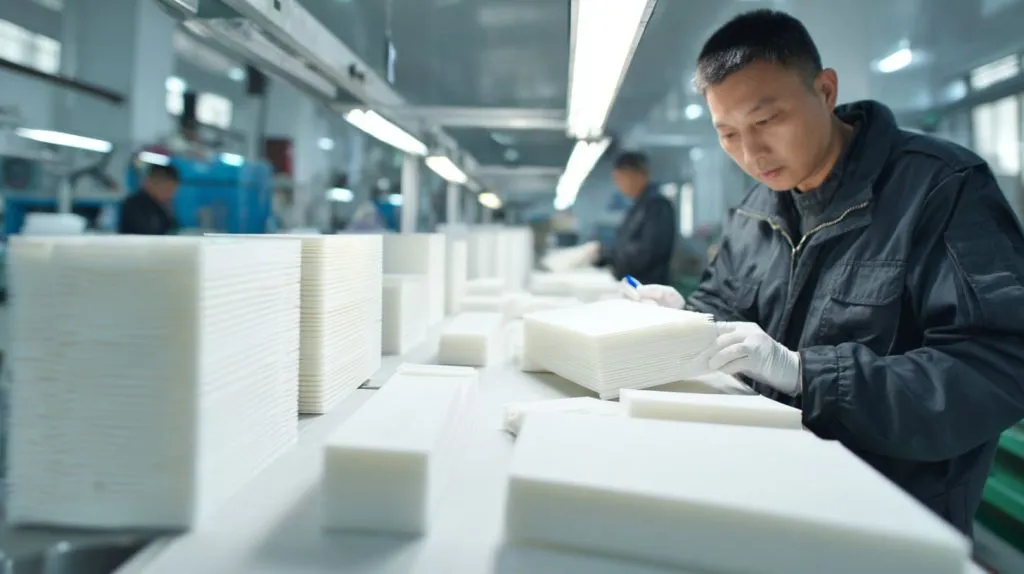
Yes. UV printing often reduces cost for custom designs because you can change files instantly, print variable data, and run mixed orders without new screens. It lowers the “change penalty,” which is where many projects lose money.
What “change penalty” looks like in real life
- New design approval
- New setup
- New alignment checks
- More chances for mistakes
- More downtime
UV is strong for these custom patterns
- Personalization (names, serials)
- Regional branding
- Frequent small edits
- Short marketing campaigns
My simple guideline
If your design behaves like a living thing, UV is usually the cheaper home for it.
How does color quantity impact the price of screen printing on acrylic?
Color count is the screen printing “tax” buyers forget to calculate.
In screen printing, each color usually needs its own screen and alignment step, so cost rises with every added color. More colors also increase setup time, QC time, and scrap risk from misregistration, especially on tight graphics.
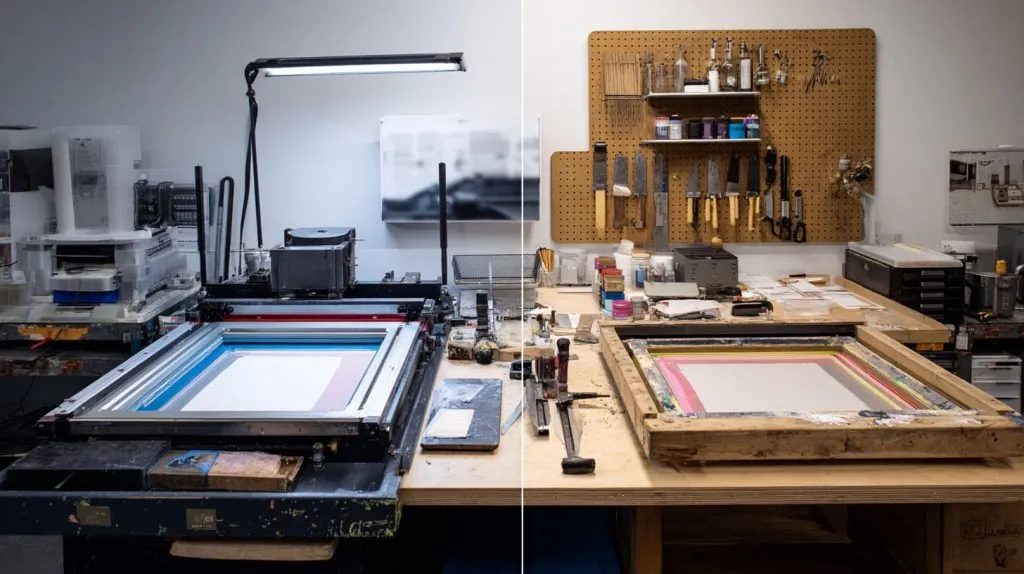
Color count effect in practice
| Color count | What changes |
|---|---|
| 1 | Fast setup, low risk |
| 2–3 | More alignment time |
| 4+ | Setup grows, scrap risk grows |
| Process / gradients | Often not ideal for classic screen |
Where buyers get surprised
They say “It’s just four colors.”
But four colors means four screens, four alignments, and four chances for a small shift to ruin a clean logo edge.
A safer decision
If you need many colors or photo-like graphics, I usually push the conversation toward UV—or I suggest simplifying the artwork if screen is required.
Which printing method wastes less material and lowers scrap cost?
Scrap is a silent cost. It hides until you compare the “good” quantity to the “printed” quantity.
Scrap cost depends more on process control than the method alone. UV can reduce scrap on small runs because setup is faster and fewer pieces are burned in tuning. Screen printing can reduce scrap at scale once the process is stable and repeatable.
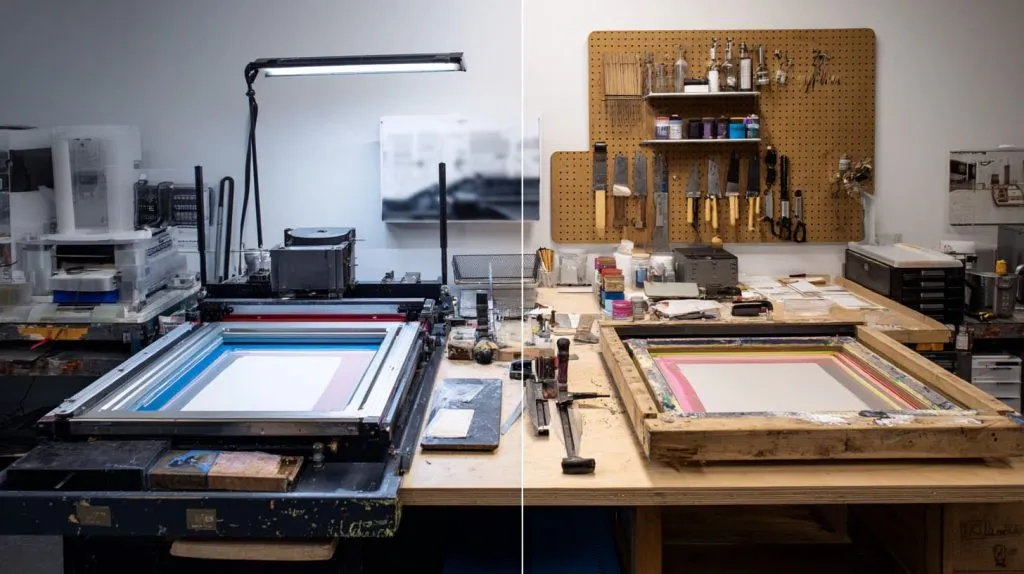
Common scrap causes
- Dust and static on acrylic
- Misalignment (screen multi-color work)
- Banding or curing issues (UV if rushed)
- Handling scratches after print
Scrap risk comparison
| Risk type | UV | Screen |
|---|---|---|
| First-run tuning scrap | Low–Medium | Medium–High |
| High-volume stability | Medium | High (once tuned) |
| Handling scratches | Medium | Medium |
| Multi-color registration scrap | Low | Higher |
My cost habit
I don’t ask, “How many pieces can you print?”
I ask, “How many pieces will pass without drama?”
That’s where the real cost lives.
Is UV printing more cost-effective for complex or gradient designs?
Gradients and complex images are where screen printing can get complicated fast.
Yes, UV printing is often more cost-effective for complex designs and gradients because it prints digitally without extra screens per color. Screen printing can handle complexity, but the setup and alignment effort can rise sharply, which pushes cost up.
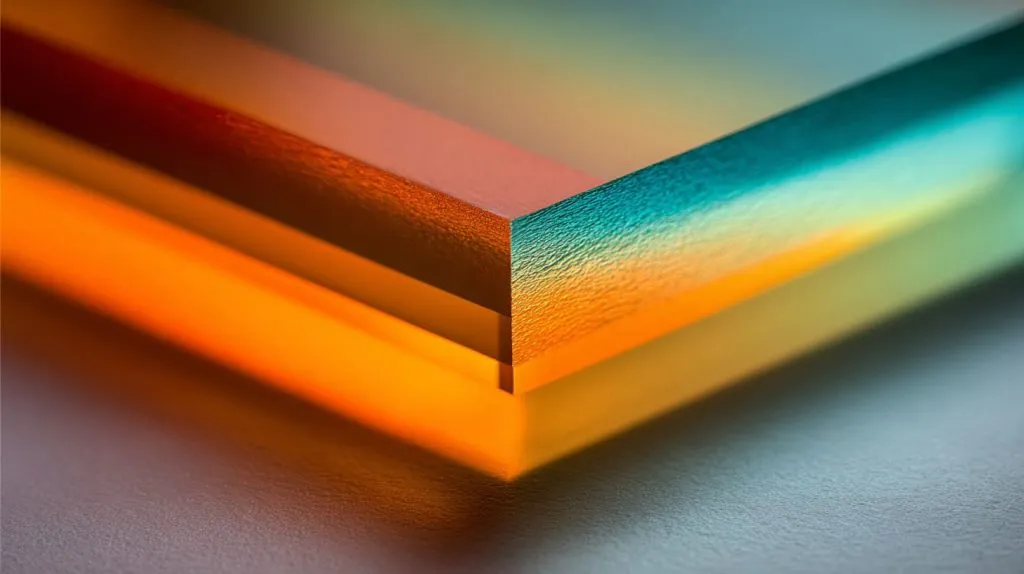
Why gradients push UV forward
- Digital color mixing
- No screen-per-color cost
- Faster revisions when the gradient “looks off”
When screen still makes sense
| Condition | Why screen can still work |
|---|---|
| Large flat areas of solid color | Strong, consistent output |
| You can accept simplified artwork | Less setup complexity |
| You print huge volume of the same design | Scale advantage |
My honest note
If the design is “art,” UV is usually the calmer path.
If the design is “identity” with simple colors and massive quantity, screen can be the cheaper engine.
How do labor and machine time compare between UV and screen printing?
Labor and machine time decide your real delivery speed, not just your unit price.
UV often needs less setup labor but more machine time per piece at high quality settings. Screen printing needs more setup labor upfront, but once running, it can print very fast with efficient operator workflows on large batches.
Labor and time comparison table
| Category | UV | Screen |
|---|---|---|
| Setup labor | Low | High |
| Operator skill dependence | Medium | High |
| Per-piece cycle time (big runs) | Medium | Low |
| Changeover time | Low | High |
What this means for your quote
- If you’re buying speed to first sample, UV often wins.
- If you’re buying lowest cost at 10,000 pcs, screen often wins.
My practical advice to Jacky-type buyers
Ask for two numbers, not one:
1) Unit price
2) Lead time + yield assumptions
That combo tells the truth.
Conclusion
UV is usually cheaper for small batches, complex graphics, and frequent design changes. Screen printing is usually cheaper for high volumes with stable, simple artwork. If you want, send your size, quantity, color count, and reorder plan—I’ll help you choose the lowest-risk method and quote structure.