Skip to content
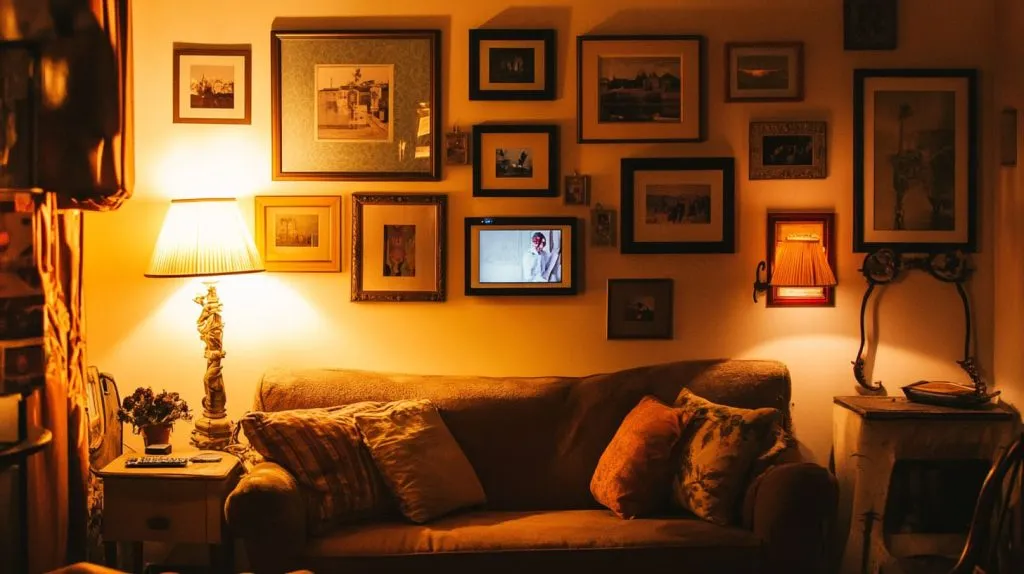
Last winter I came home to find my living‑room gallery wall half lit and half dark. The printed photos looked flat, but the lone digital frame in the corner glowed like a tiny lighthouse. That moment nudged me to ask, why aren’t more of these things up on our walls? In 2025 we finally have the hardware, the apps, and—yes—the cable tricks to make wall‑mountable digital photo frames a serious décor tool. Stick with me and you’ll learn what makes a frame “wall‑ready,” how the tech actually works, which models shine, and how to keep cables from ruining the magic.
(Curious how the frame stays flush and still powers on? Let’s drill into the mounting secrets.)
What Makes a Digital Photo Frame “Wall‑Mountable”?
Built‑in VESA vs. simple keyhole slots
I once tried to hang a budget frame with nothing but two drywall screws. The frame wobbled each time the door slammed. A proper VESA mount standards plate fixes that by spreading weight across four points. Keyhole slots work for lighter frames, yet they leave zero margin for crooked drilling. When in doubt, measure twice and look for that 75 × 75 mm VESA pattern.
| Mount Type | Load Capacity | Required Tools | Adjustment Ease |
|---|---|---|---|
| VESA 75 × 75 | Up to 10 kg | Phillips driver, level | High—tilt & rotate |
| Keyhole | ≤ 4 kg | Drill, small screws | Low—static once hung |
| Magnetic kit | ≤ 2 kg | Metal plate & 3 M tape | Medium—snap on/off |
Power and cable‑routing solutions
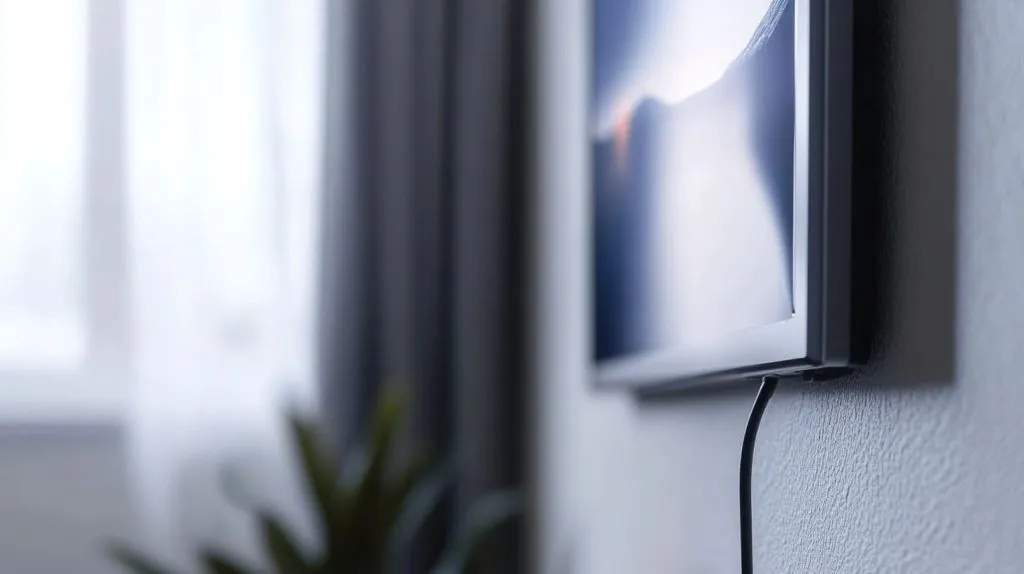
A wall frame dies fast without stealthy power. I’ve hidden white cords inside paintable raceways, but the cleanest look comes from in‑wall‑rated cable kits that snake to the nearest outlet. Some PoE‑enabled frames sip power and data over a single Ethernet line—perfect for new builds where punching one hole beats two.
Landscape, portrait, and auto‑rotation support
Friends send me vertical phone shots, while my DSLR spits out horizontals. A frame that senses orientation saves endless remote clicks. Auto‑rotation relies on a gyroscope inside the bezel; if specs list “G‑sensor,” you’re covered.
Mounting solved, but how does the picture actually land on that panel? Follow me to the next room.
How Do Wall‑Mounted Digital Frames Work?
Display technologies (IPS, OLED, e‑paper)
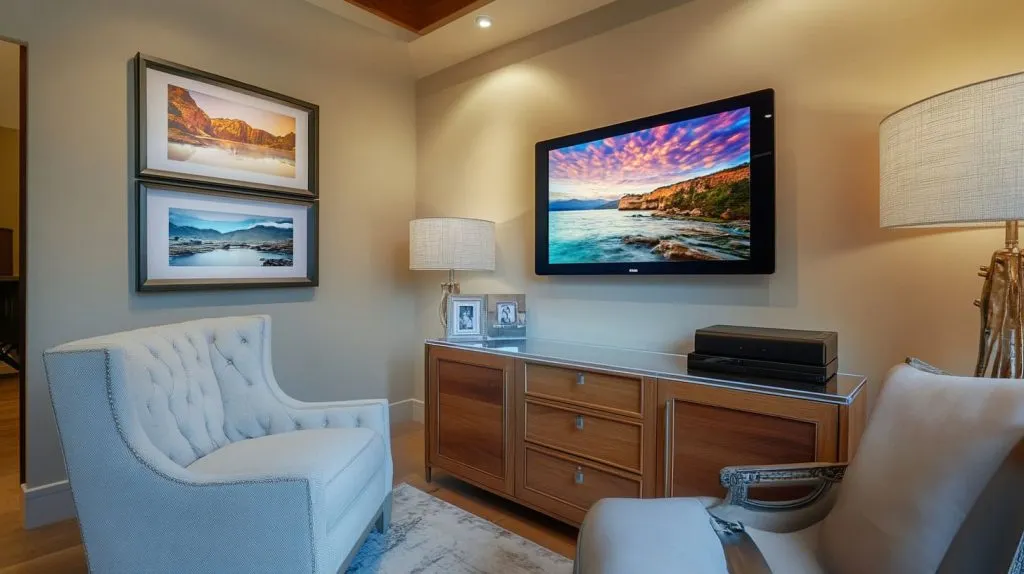
My first frame in 2010 looked washed out unless I stood dead‑center. Modern IPS panels crush that problem with wide viewing angles and solid blacks. OLED goes further—perfect blacks, no backlight bloom—though price climbs fast. E‑paper sips power and fights glare, but motion is choppy, so pick it only for slow‑changing art. A quick refresher on IPS display technology helps you weigh trade‑offs.
Connectivity: Wi‑Fi, Bluetooth, AirPlay & casting
Wi‑Fi rules because it pushes photos from anywhere, yet I keep Bluetooth paired on travel frames so I can beam shots even at grandma’s Wi‑Fi‑less cabin. AirPlay and Chromecast support turn the frame into a second monitor during parties—great for looping slideshow videos.
Content sources: cloud apps, email uploads, USB/SD cards
Most brands run their own cloud apps. I prefer ones that also accept emailed photos; relatives don’t need another app just to share baby pics. USB and SD fail‑safe slots matter when Wi‑Fi drops—you don’t want a black rectangle on family night.
Tech boxes checked, let’s talk about real products and real money.
Which Models Are Best for Hanging on the Wall in 2025?
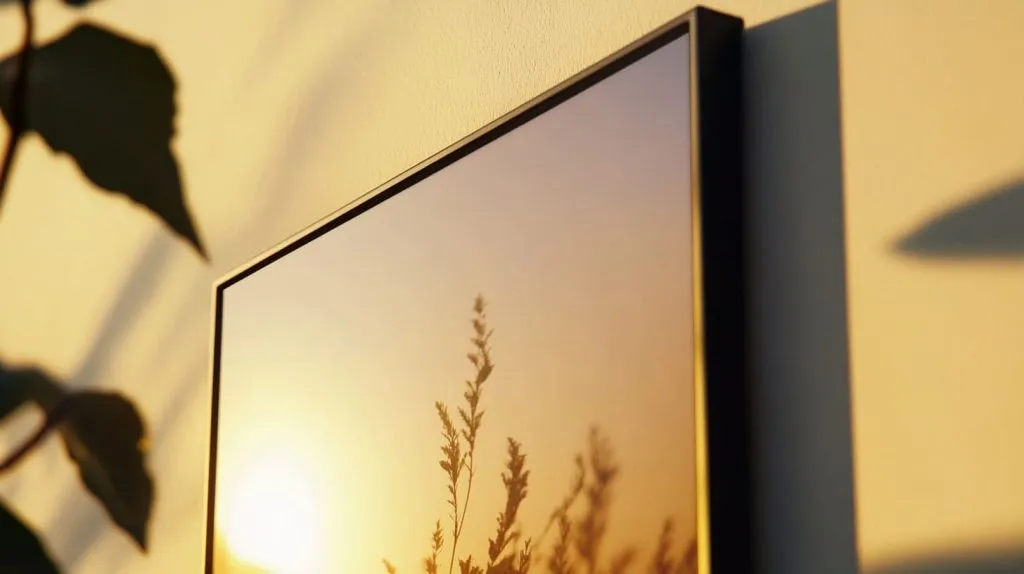
Aspen’s 1920 × 1200 IPS panel and slim 0.8 in profile scream “gallery.” Walden adds walnut veneer for warmer rooms. Both ship with a brass‑finish VESA plate and a fabric‑wrapped power cord long enough to snake behind bookshelves.
Samsung “The Frame” TV in Art Mode (oversized option)
Yes, it’s a TV. No, you won’t notice once Art Mode kicks in and the matte‑finish QLED mimics canvas. At 43–85″ you need serious studs and a recessed outlet, but nothing else fills a wall like it.
Amazon Echo Show 15/21 (smart‑display hybrids)
Echo Show 15 sits flush with a 75 × 75 VESA. Smart widgets clutter the canvas unless you flip “Photo Frame” mode. The new Show 21 brings bigger glass and a magnetically docking webcam—handy for conference calls.
Nixplay Smart Frame 15.6″ & 10.1″ Touch
Nixplay wins on multi‑user playlists. I keep one at the office so team members can beam wins straight from their phones. Touch glass helps less tech‑savvy parents swipe through albums.
PhotoSpring 10/15 with magnetic wall kit
PhotoSpring’s trick is detachable docking. Pull it down to hand around vacation shots, snap it back when chores call. The magnetic plate hides under 3 mm, so the frame hugs the wall.
Meural Canvas II & Netgear ecosystem
Meural’s matte canvas surface and gesture control invite comparisons to fine art panels. Netgear’s subscription unlocks 30 k museum works, though I stick to DIY uploads.
Nimbus Large Digital Art Frame (gallery scale)
Nimbus targets boutiques and lobbies with 30–50″ 4K IPS glass. A separate control box tucks in the ceiling to keep the frame razor‑thin.
Budget 14–21.5″ generic frames from Amazon/Walmart
If you only need a rolling slideshow in a rental, $120 nets a 15.6″ 1080p panel with basic keyholes. Just temper expectations: plastic bezels, no cloud app, and remote‑only control.
Specs blur after a while, so let’s pit them head‑to‑head.
How Do These Frames Compare?
| Model | Size | Resolution | Thickness | Cloud Fee | MSRP (USD) |
|---|---|---|---|---|---|
| Aura Aspen | 15″ | 1920 × 1200 | 0.8 in | Free | 299 |
| Samsung The Frame 43″ | 43″ | 3840 × 2160 | 1.0 in | $6/mo | 999 |
| Echo Show 15 | 15.6″ | 1920 × 1080 | 1.4 in | Free | 279 |
| Nixplay 15.6″ | 15.6″ | 1920 × 1080 | 1.1 in | $5/mo opt. | 249 |
| PhotoSpring 15 | 15″ | 2048 × 1536 | 0.9 in | Free | 329 |
| Meural Canvas II 27″ | 27″ | 1920 × 1080 | 1.7 in | $9/mo opt. | 599 |
Screen size & native resolution
Bigger screens pull guests across the room, but pixel density drops if resolution lags. The sweet spot for bedrooms is 15″ at 1080p or higher.
On‑device vs. unlimited cloud storage costs
Some brands give lifetime storage; others hide paywalls behind “unlimited.” Do the math: five bucks a month over five years adds up to a second frame.
Frame thickness, weight & bezel styles
A thick bezel can mimic a classic mat, but it also screams “gadget.” Thin metal or wood veneers blend better with analog art.
Included vs. aftermarket mounting hardware
I’ve spent late nights hunting screws because manufacturers saved ten cents. Check the box before you mark the wall.
MSRP and typical street prices
Holiday bundles often undercut MSRP by 20 %. If you’re bulk‑buying for an office reno, vendors may quote B2B rates.
Still with me? Good—now let’s zoom out and think about features you can’t see on a spec sheet.
Features to Consider Before You Buy
Display brightness, viewing angles & anti‑glare coatings
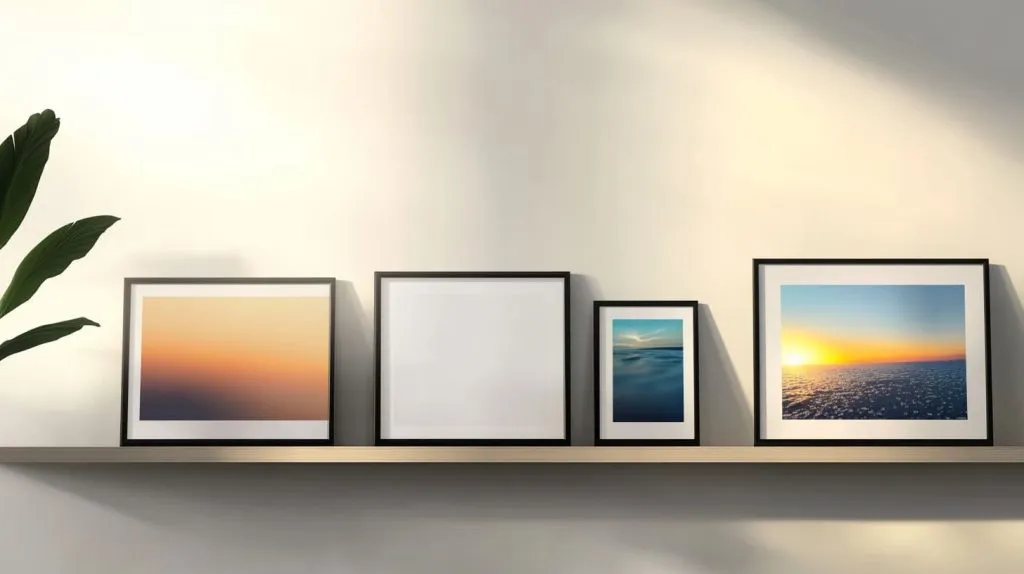
An 80 nit panel looks fine in a bedroom but washes out near sunny windows. Aim for 300 nits and matte glass if you host brunch in bright rooms.
Cloud storage, app UX, and subscription models
A clunky app kills spontaneity. I test by timing how many taps it takes to push a fresh shot. Anything over six taps feels like homework.
Smart‑home integration (Alexa, Google Home, IFTTT)
Imagine saying, “Alexa, show kitchen cameras on Frame,” while stirring soup. Integrations extend life beyond photo duty.
Motion, light & presence sensors for power savings
Sensors shut the panel off at night, saving the planet and your bill. Some frames even dim to match ambient light, so colors stay true.
Multi‑user photo sharing & remote gifting
For distributed families, shared playlists become a living letterbox. Make sure the app lets you invite contributors without forcing them to sign contracts.
Privacy and data‑security safeguards
Cloud uploads raise questions. Does the vendor encrypt transit and storage? Can you delete data on demand? If fine print dodges those answers, walk away.
Features weighed, the next hurdle is making cables disappear.
Installation & Cable Management Tips
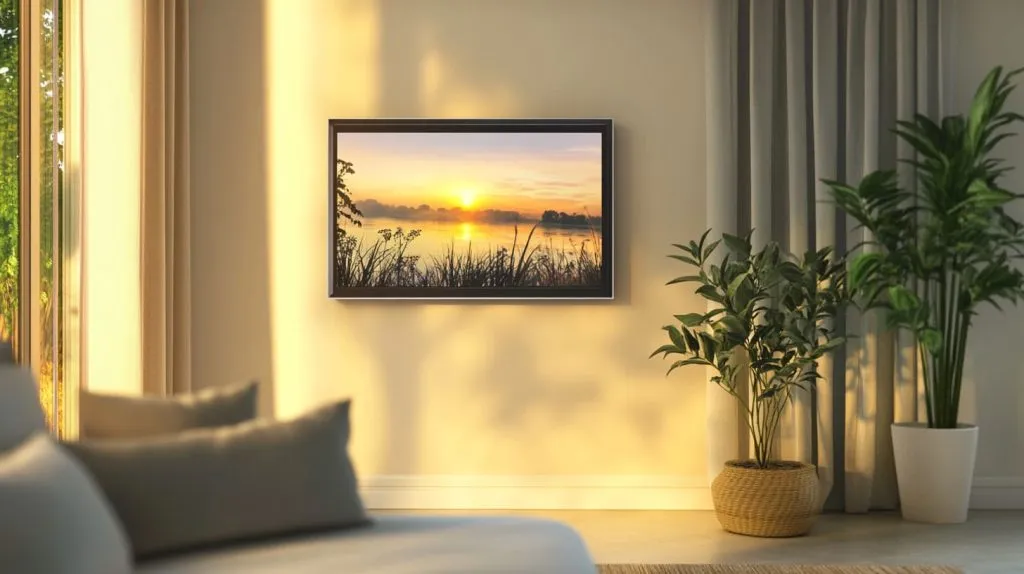
Hiding the cord: in‑wall rated power vs. surface raceways
I’ve fished a 12‑foot power cord through insulation with a bent coat hanger. Easier path: a paintable raceway that hugs baseboards. Landlords like reversibility.
PoE/USB‑C single‑cable solutions for new builds
If you’re remodeling, add a PoE injector in the wiring closet. One Ethernet line feeds both power and photos. USB‑C versions exist but watch length limits.
Securing mounts on drywall, brick, and wood panels
Drywall anchors support up to 25 lbs, but I still aim for studs on anything over 10 lbs. Brick accepts masonry screws; wood panels love coarse threads.
First‑time setup: calibration, slideshow playlists, sleep timers
Calibrate color temperature to your room lights. Warm whites flatter skin tones at night. Build playlists by mood—vacation shots on Monday lift post‑weekend blues.
Frame is finally up. Let’s dress the wall around it so it feels intentional.
Styling Your Space With a Digital Frame
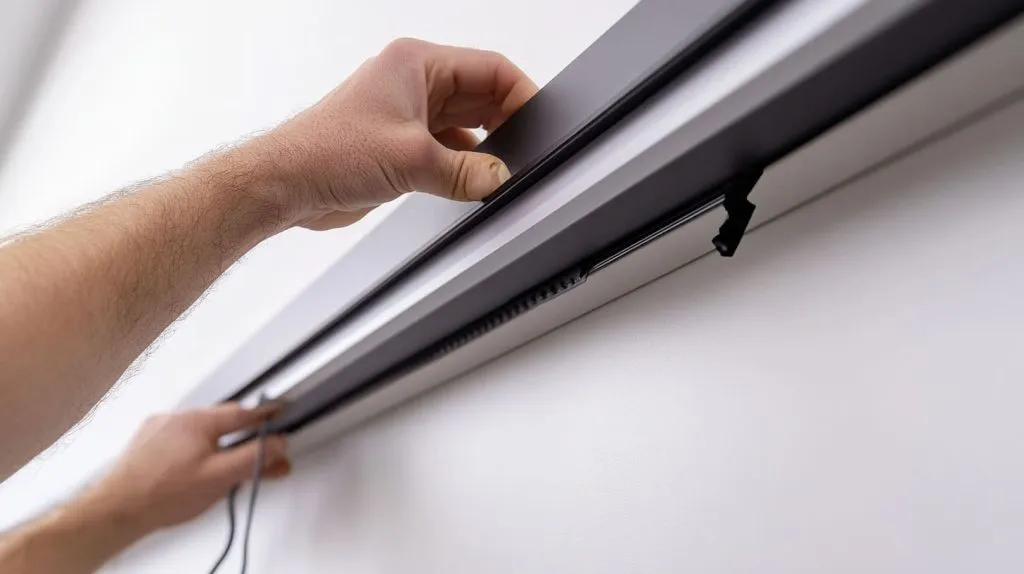
Gallery‑wall layouts that mix digital and traditional art
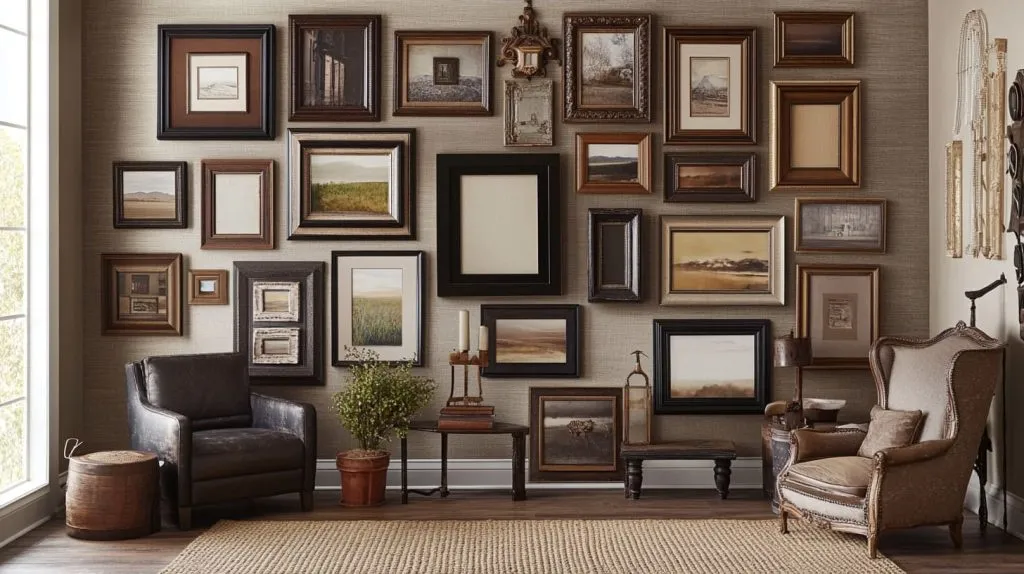
I treat the frame as a rotating anchor piece. Two analog prints above, one small canvas below—odd numbers keep eyes moving. For layout tips, I bookmark gallery wall layout ideas before every rearrange.
Choosing bezel colors, mats & custom acrylic overlays
White bezels blend with plaster walls; black pops against brick. Acrylic overlays protect OLED from curious toddlers and can carry subtle branding—something my crew at Feilong Acrylic prototypes often.
Rotating seasonal playlists to freshen room aesthetics
Spring blooms, summer beaches, autumn leaves—changing the slideshow shifts the whole room vibe without lifting a paintbrush.
Homes sell the dream, but businesses pay the bills.
Commercial and Professional Uses
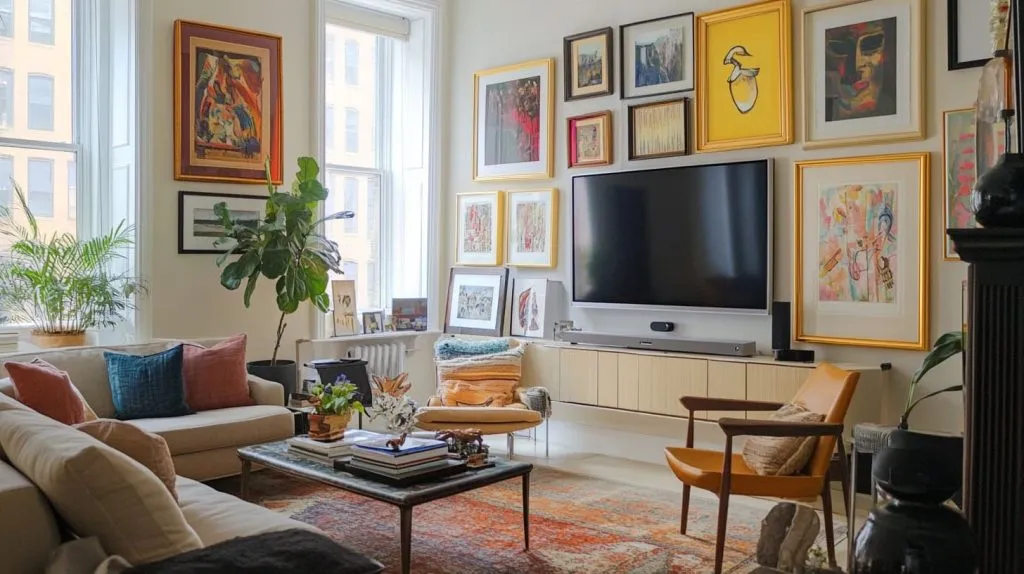
Swapping menus on a café wall takes seconds over Wi‑Fi. Customer sees today’s scone before the crumb hits the tray.
Office reception and conference‑room branding
I load team wins onto the lobby frame. Visitors catch our story while waiting for coffee.
Hospitality & healthcare way‑finding or ambiance scenes
Hotels loop tranquil seascapes in hallways; clinics post queue numbers. Motion sensors cut output when corridors empty.
Leveraging custom acrylic enclosures from Feilong Acrylic for branded installations
Our shop molds clear housings that match corporate Pantones. Add laser‑etched logos and the digital frame becomes part of the architecture, not a bolted‑on gadget.
Even the best tech stumbles sometimes. Here’s how to keep yours humming.
Maintenance & Troubleshooting
Keeping firmware and mobile apps up‑to‑date
Set auto‑update if offered. Patches fix Wi‑Fi drops and add codecs for new phone cameras.
Safe screen‑cleaning practices for acrylic and glass fronts
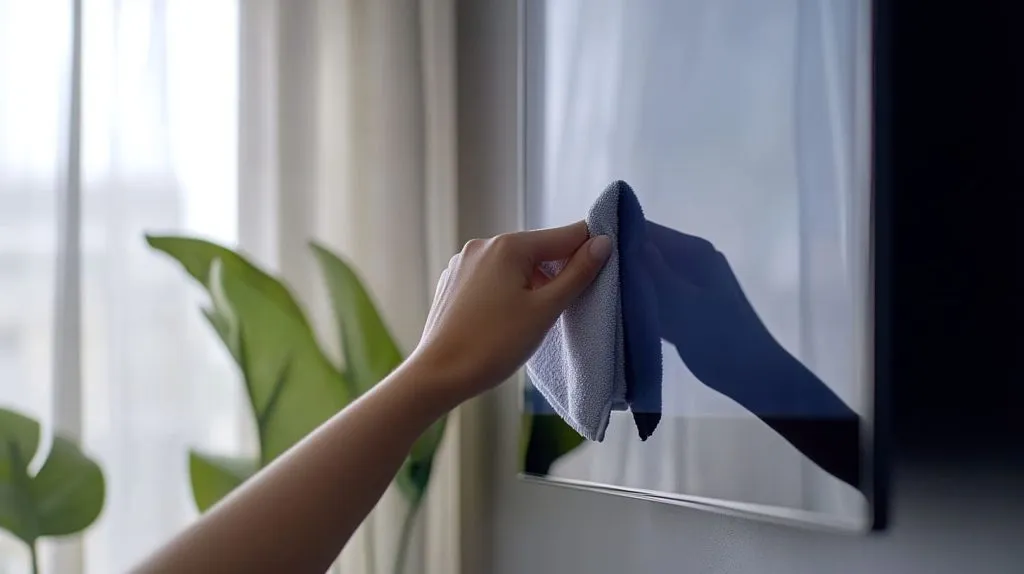
Skip ammonia cleaners. A microfiber cloth and diluted dish soap preserve anti‑glare coatings.
Avoiding burn‑in and managing static content durations
OLED can ghost if static logos sit for days. Rotate images every few minutes or enable pixel‑shift.
Offline playback and backup strategies
Keep a backup SD card loaded. If the cloud goes dark, the slideshow keeps rolling.
Quick questions pop up at dinner parties, so let’s knock them out fast.
Frequently Asked Questions
Do wall‑mountable frames require a monthly subscription?
No. Most run fine on free local storage. Subscriptions unlock extra cloud space or art libraries.
How much electricity do they consume?
A 15‑inch IPS frame draws roughly 10 W—less than an LED bulb—when lit, almost zero in sleep mode.
Can they play short videos, GIFs, or NFTs?
Yes, though codecs vary. Check spec sheets for H.264 video and animated GIF support. NFT display apps exist but stay niche.
What happens when the Wi‑Fi connection drops?
Frames cache recent playlists, so images keep looping. Uploads pause until the network returns.
Conclusion
Wall‑mountable digital frames finally blend gallery looks with smartphone speed. Pick solid mounting, respect power paths, and the screen will vanish into the wall—leaving only memories in motion. Whether you’re dressing a condo hallway or branding a flagship store, consider adding a custom acrylic bezel from Feilong Acrylic to make the tech your own. See you on the wall.