Skip to content
Acrylic prints often look perfect in photos, then disappoint in real hands. Colors shift. Edges look fuzzy. Ink chips. Then the buyer blames the acrylic. I have seen this spiral fast.
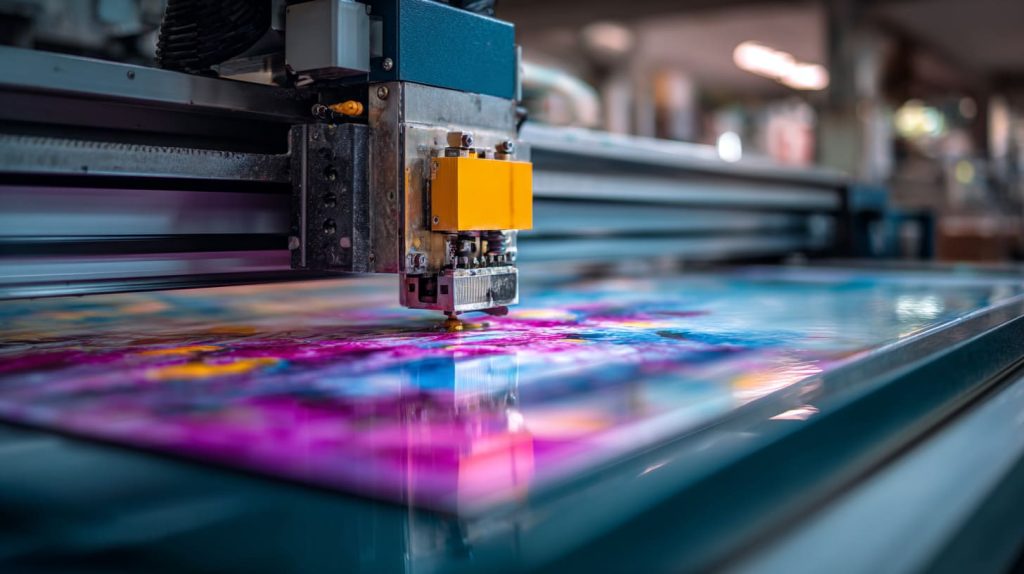
UV printing on acrylic works by jetting UV-curable ink onto the surface and curing it instantly with UV light, layer by layer. The ink hardens on contact, so you get sharp detail, fast turnaround, and strong color control on clear or colored acrylic.
I used to treat UV printing like “just a machine choice.” Now I treat it like a process chain. One weak link—file setup, surface prep, curing, packing—and the sign looks great today and becomes a complaint next month.
Can a UV printer print on acrylic?
UV printers can print on acrylic, but the printer does not “magically” solve adhesion. The process still needs the right ink, clean surfaces, and correct curing settings.
Yes. A UV printer can print directly on acrylic if the acrylic surface is clean, the ink is made for rigid materials, and the curing energy is tuned. With proper setup, UV can print color and white ink on clear acrylic with crisp edges.
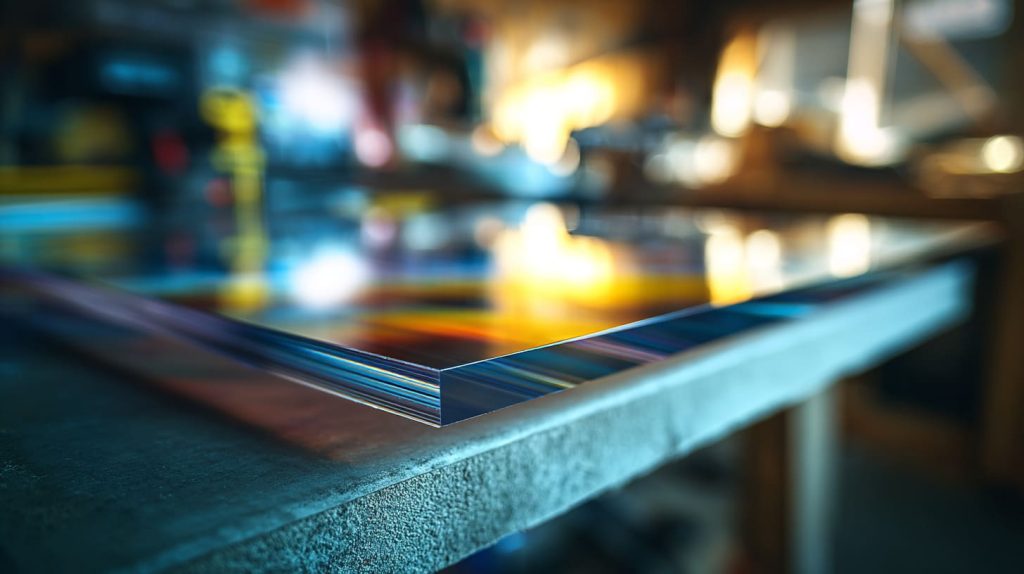
What makes acrylic “printable” in real production?
I treat acrylic like a high-gloss mirror. It shows everything.
- I remove oil, dust, and static
- I control humidity to reduce dust attraction
- I avoid touching the print area with bare hands
Common acrylic types I see in UV jobs
| Acrylic type | How it behaves | My note for buyers |
|---|---|---|
| Cast acrylic | Often more stable and cleaner edges | Good for premium signage |
| Extruded acrylic | Often cheaper, sometimes more static | Needs cleaner handling |
| Colored acrylic | Color shifts can happen | Always sample for color match |
Quick checklist before I run a sample
- I confirm acrylic thickness and flatness
- I confirm if the buyer wants back-print or front-print
- I confirm if white ink is needed on clear acrylic
- I confirm the viewing side and mounting method
How does UV printing cure ink on acrylic surfaces?
UV curing is the “moment of truth.” If curing is wrong, the print can look fine now and fail later. I focus on curing like I focus on fastening screws in a prototype.
UV printing cures ink by exposing it to UV light that triggers the ink’s photoinitiators to polymerize and harden. The ink turns from liquid to solid fast, so it locks the image onto the acrylic surface in thin layers.
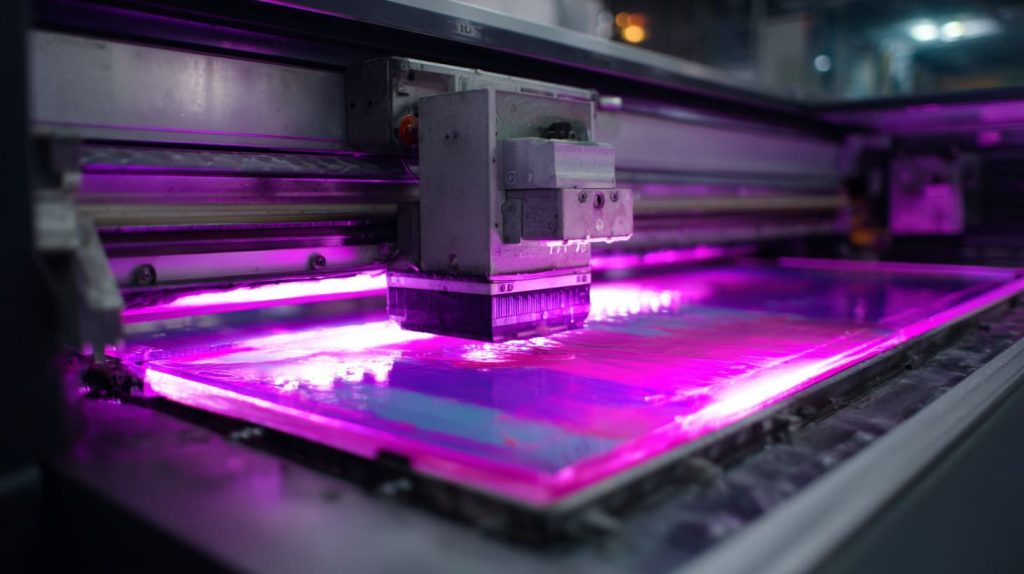
What “curing” really means to me
I do not describe curing as “drying.” I describe it as “hardening.”
- Drying = liquid turns to gas and leaves
- Curing = liquid becomes a solid plastic-like film
The curing variables I actually control
| Variable | What it changes | What can go wrong |
|---|---|---|
| UV lamp power | Hardness and bonding | Under-cure = weak film |
| Print speed | Exposure time | Too fast = poor cure |
| Ink layer thickness | Coverage and texture | Too thick = cracking risk |
| Distance from lamp | Energy delivered | Too far = soft surface |
Why I print in layers, not “one heavy pass”
I like thin layers because they behave.
- Thin layers cure more evenly
- Thin layers reduce edge swelling
- Thin layers reduce peeling risk over time
What does UV do to acrylic?
Many buyers ask if UV light “damages” acrylic during printing. The short answer is: printing UV is controlled and brief, but outdoor UV over years is a different story.
UV light in printing mainly hardens the ink, not the acrylic. The acrylic may warm slightly under the lamps, but good settings avoid warping. Long-term sunlight UV can yellow some acrylics, so material choice still matters for outdoor use.
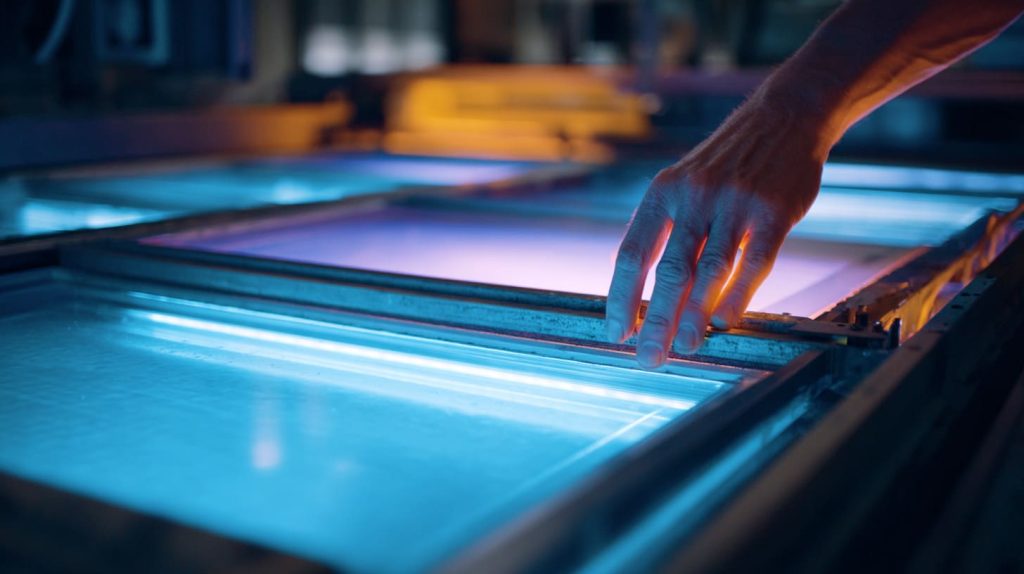
Heat is the real concern, not the word “UV”
I watch for heat build-up during long runs.
- I monitor sheet flatness
- I use supports for thin sheets
- I avoid aggressive lamp settings on large panels
Acrylic UV stability is not one-size-fits-all
| Acrylic situation | Risk level | What I do |
|---|---|---|
| Indoor signage | Low | Standard acrylic is fine |
| Near windows | Medium | I recommend better UV-stable acrylic |
| Outdoor, full sun | High | I push for UV-stable material + protection |
My simple buyer advice
I ask one question: “Where will this sign live?”
That one question decides half the spec.
How long does UV printing on acrylic last?
This question always makes me smile, because buyers want a number. I want a scenario. A sign in a quiet lobby lives a different life than a sign on a hot outdoor wall.
UV printing on acrylic can last years indoors when it is cured correctly and protected from abrasion. Outdoors, lifespan depends on sunlight exposure, weather, and whether the print is protected by lamination, clear coat, or back-printing behind acrylic.
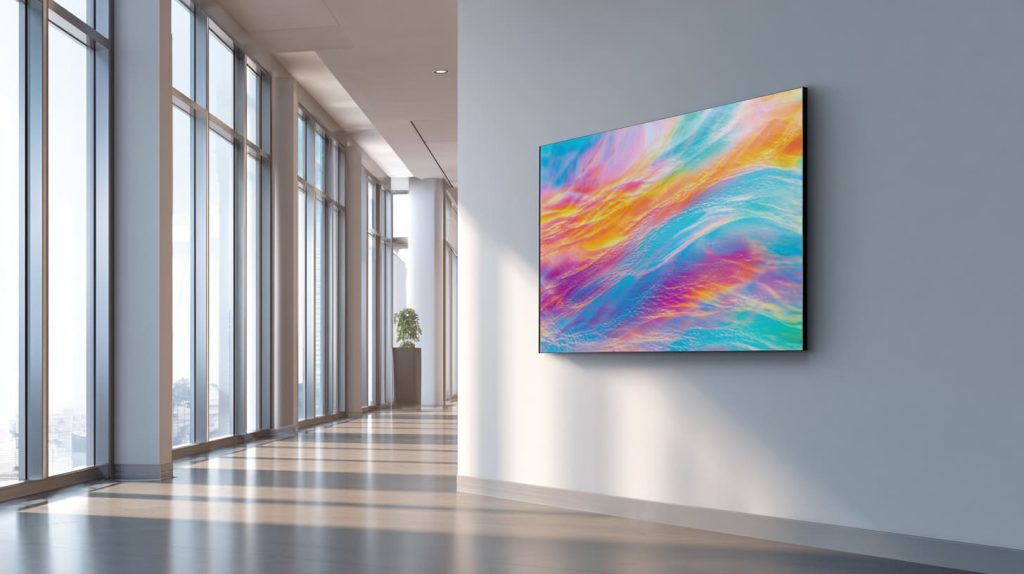
Real-world lifespan depends on “wear,” not time
I break “wear” into simple categories:
- sunlight exposure
- cleaning habits
- rubbing and contact
- chemicals and humidity
Typical use cases and what I expect
| Use case | What usually happens | My realistic expectation |
|---|---|---|
| Indoor logo plaque | Light cleaning, low touch | Long life if cured well |
| Retail display sign | Frequent wiping, handling | Needs stronger protection |
| Outdoor signage | Sun + rain + dust | Needs UV plan and protection |
One trick I like for durability
I often recommend second-surface printing (back-printing) on clear acrylic.
The acrylic itself becomes the shield.
Does UV printing scratch off?
Ink scratching is usually not “ink vs acrylic.” It is process vs reality. If people rub it, it will test the print film like sandpaper tests paint.
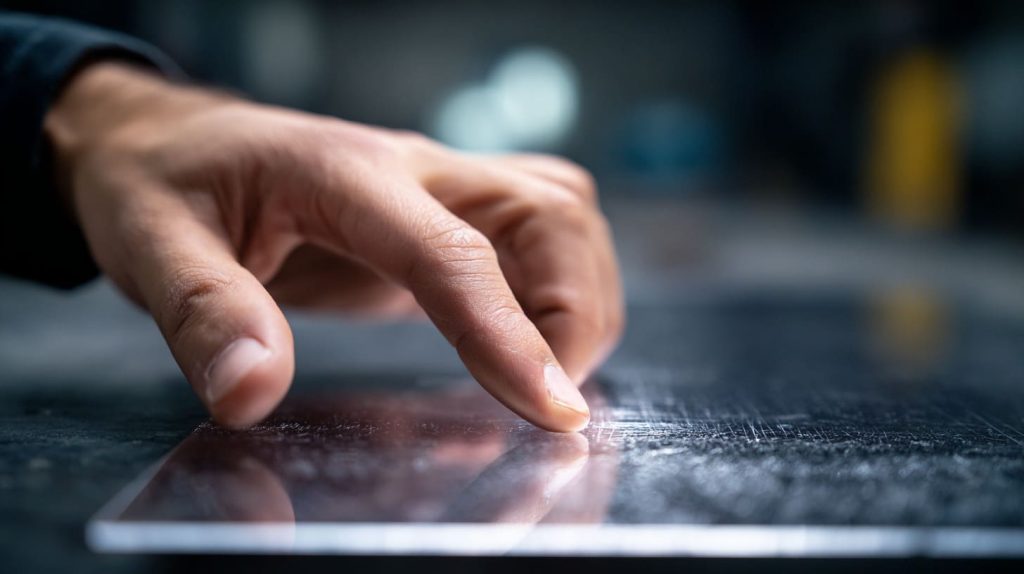
UV prints can scratch if the ink film is exposed on the top surface and the sign is wiped often or handled roughly. Correct curing improves hardness, and back-printing or adding a protective clear layer can reduce scratching a lot.
Why some prints scratch faster than others
I see four common reasons:
- under-cured ink film
- ink layer too thick and brittle
- dirty surface before printing
- harsh cleaning by end users
Surface protection options I discuss with buyers
| Option | What it protects | Best for |
|---|---|---|
| Back-printing | The print stays behind acrylic | Clear acrylic signs |
| Clear coat | Adds a shield layer | High-touch areas |
| Protective film | Shields during shipping and install | Most shipments |
| Textured finish | Hides small scratches | Display panels |
A simple test I run
I do a light rub test after full cure time.
If it marks too easily, I adjust curing and layering before mass production.
What are the disadvantages of UV printing?
UV printing feels flexible and fast, but it is not perfect. I prefer to say it out loud early, because surprises always cost more later.
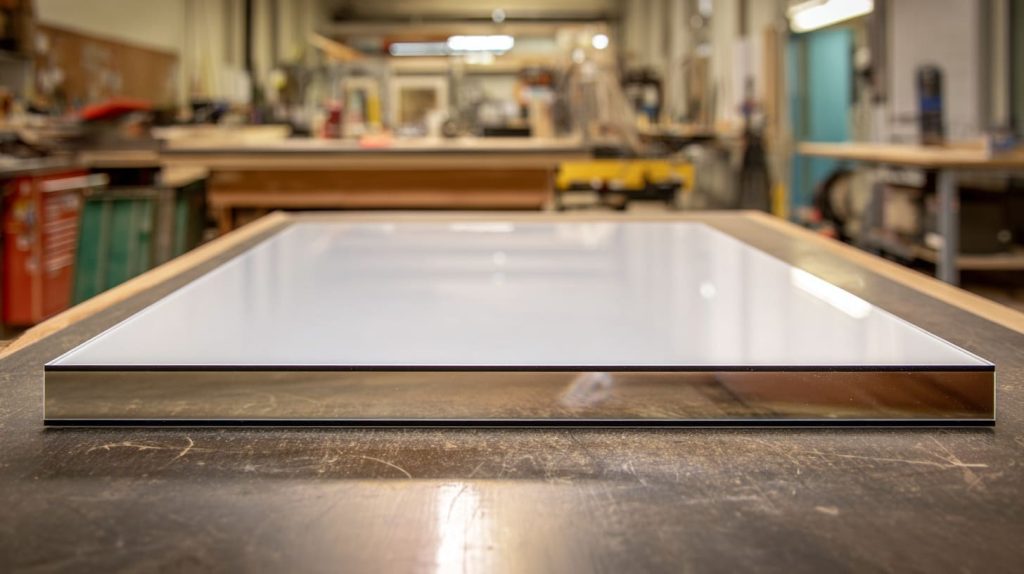
UV printing can show banding on large solid colors, may need white ink for clear acrylic, and can scratch if the print is exposed. It also requires correct color management and curing settings, or the print can peel, crack, or look dull.
- extra passes for strong opacity
- white ink layers for clear acrylic
- more careful packing to protect the surface
- color proofing time for brand accuracy
Where UV printing struggles compared to other methods
| Challenge | What you might see | What I do |
|---|---|---|
| Large solid colors | Slight banding | I tune speed and resolution |
| High abrasion use | Scratches over time | I push protection layers |
| Very low cost at huge volume | Unit price pressure | I compare with screen printing |
My personal rule
I do not sell UV as “best.”
I sell UV as “best for the right job.”
Do UV printers need ventilation?
This comes up a lot during factory visits. People smell the ink and worry. I take it seriously, because safety is not a “nice extra.”
Yes, UV printers usually need ventilation because UV inks can release odors and small airborne compounds during printing and curing. Proper ventilation improves air quality, helps operators feel better, and supports consistent print conditions.
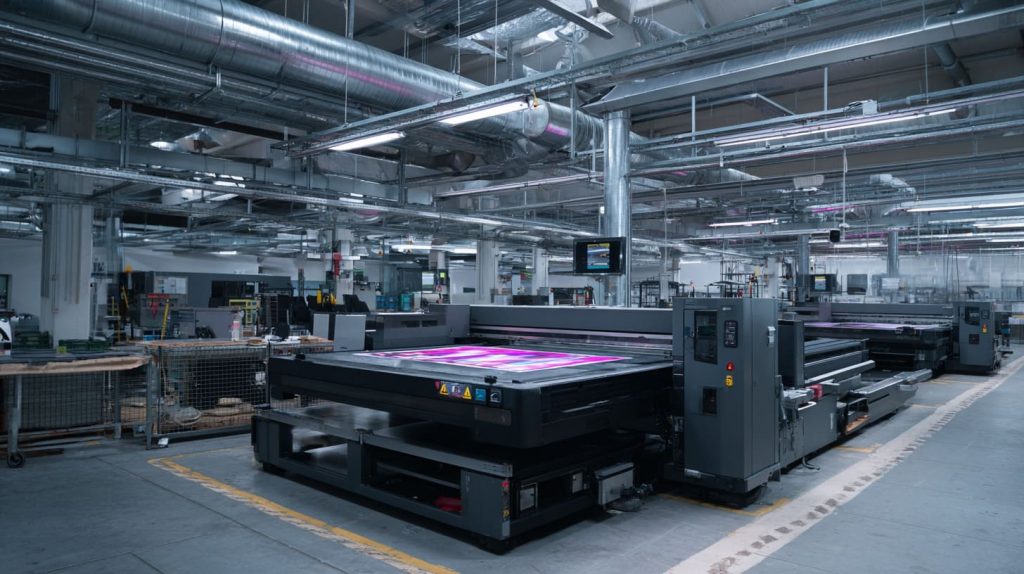
What I do in the print area
- I use local exhaust near the print zone
- I keep airflow steady, not chaotic
- I store inks properly and keep lids closed
Why ventilation also helps quality
Ventilation is not only about comfort.
- stable temperature helps curing consistency
- lower dust reduces surface defects
- cleaner air reduces rework and scrap
What buyers can ask during an audit
| Audit question | Why it matters |
|---|---|
| “How do you control odor and air flow?” | Safety and stability |
| “Do operators wear basic PPE?” | Process discipline |
| “How do you manage dust and static?” | Print defect control |
What is the difference between UV printing and screen printing on acrylic?
Many buyers compare these two because they both look “flat and clean” at first glance. But they behave differently in cost, speed, and repeatability.
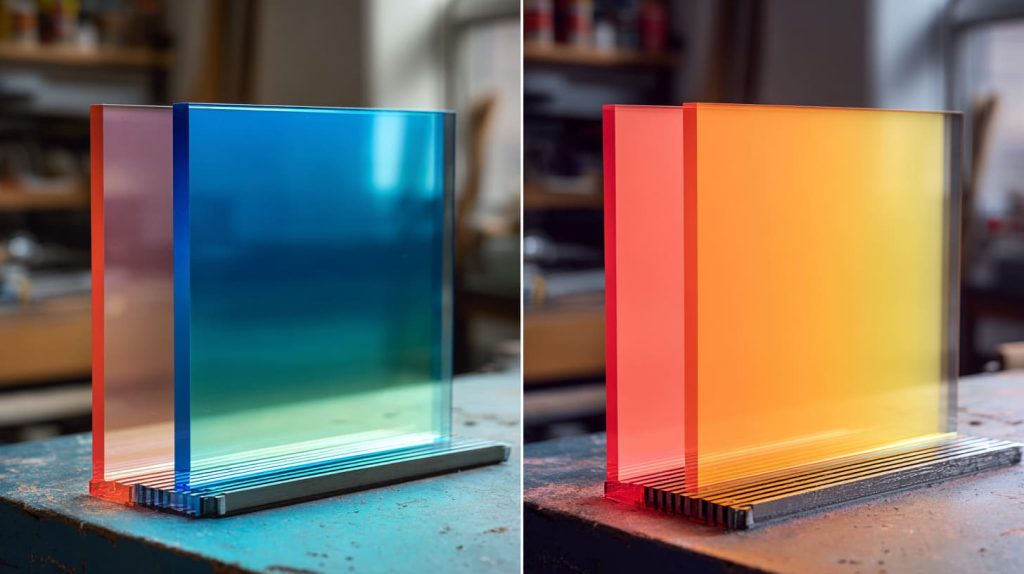
UV printing is digital, so it is fast to start, easy to change designs, and great for small runs or many SKUs. Screen printing uses a stencil, so setup is slower, but unit cost is lower at high volume and solid colors can look very uniform.
The simplest way I explain it
I explain it like cooking.
- UV printing is like cooking one dish fast, many times, with easy changes
- Screen printing is like setting up a big batch line for one recipe
| Factor | UV printing | Screen printing |
|---|---|---|
| Setup time | Low | High |
| Best order size | Small to medium | Medium to large |
| Design changes | Easy | Costly |
| Photo gradients | Strong | Harder |
| Solid color uniformity | Good, but needs tuning | Very strong |
| White ink on clear acrylic | Common | Possible, depends on setup |
My buyer advice
I ask: “Will you reorder the same design many times?”
If yes, screen printing can win. If no, UV often wins.
Is UV printing on acrylic durable and scratch-resistant?
Durability is never one keyword. I look at how people touch the product. I look at how they clean it. Then I choose printing position and protection.
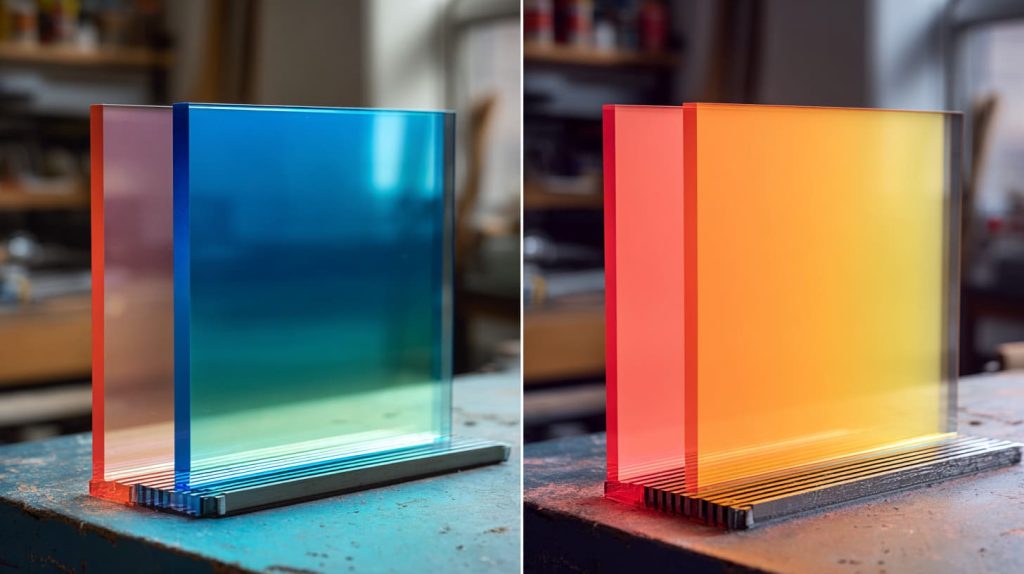
UV printing can be durable on acrylic when the ink is cured properly and the print is protected from abrasion. For scratch resistance, back-printing, clear coating, or a protective top layer matters more than the ink brand name.
What “durable” means in my notebook
I define it in simple outcomes:
- no peeling at edges
- no cracking in large color blocks
- no fading beyond expectation
- no easy scratching from normal cleaning
Durability boosters I like
| Booster | What it improves | Common use |
|---|---|---|
| Back-printing | Scratch protection | Clear acrylic signs |
| Clear coat | Abrasion resistance | High-touch signs |
| Strong packing method | Shipping survival | Export orders |
| Rounded edges + proper mounting | Stress reduction | Wall signs and stands |
A small truth I learned
Acrylic is smooth. Smooth surfaces punish lazy prep.
If the surface is not clean, “durable” becomes a hope, not a spec.
Can UV printing print white ink on clear acrylic?
Clear acrylic looks premium, but it also eats color. Without white, many colors look weak, especially on light backgrounds. White is not decoration. White is the foundation.
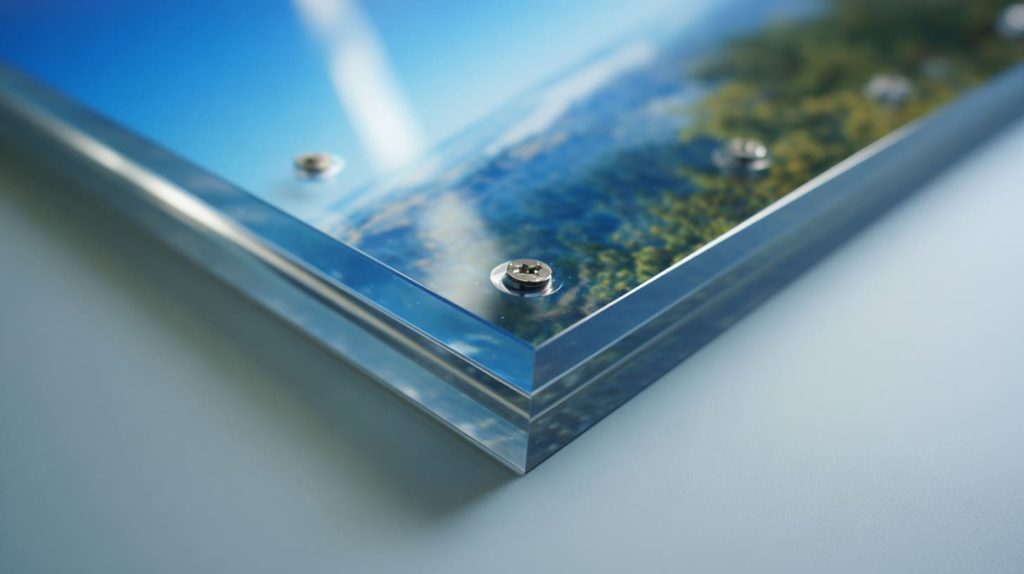
Yes. UV printers can print white ink on clear acrylic, either as a base layer under CMYK for strong color, or as a standalone layer for logos and text. White ink also supports back-printing so the front looks glossy and clean.
How I build layers on clear acrylic
A common layer stack looks like this:
- white base
- color layer
- optional spot white for highlights
- optional clear coat
White ink choices that change the look
| White strategy | Visual result | Best for |
|---|---|---|
| Full white underprint | Strong color, high contrast | Brand logos |
| Spot white only | “Floating” design on clear | Minimalist signs |
| Double white | Higher opacity | Backlit signage |
One warning I give buyers
White ink needs good curing and good control.
If the factory rushes, white can look uneven or textured.
Does UV printing peel or fade over time on acrylic?
Peeling and fading usually do not start on day one. They start after cleaning cycles, heat changes, and small impacts. Time is just the stage. Stress is the actor.
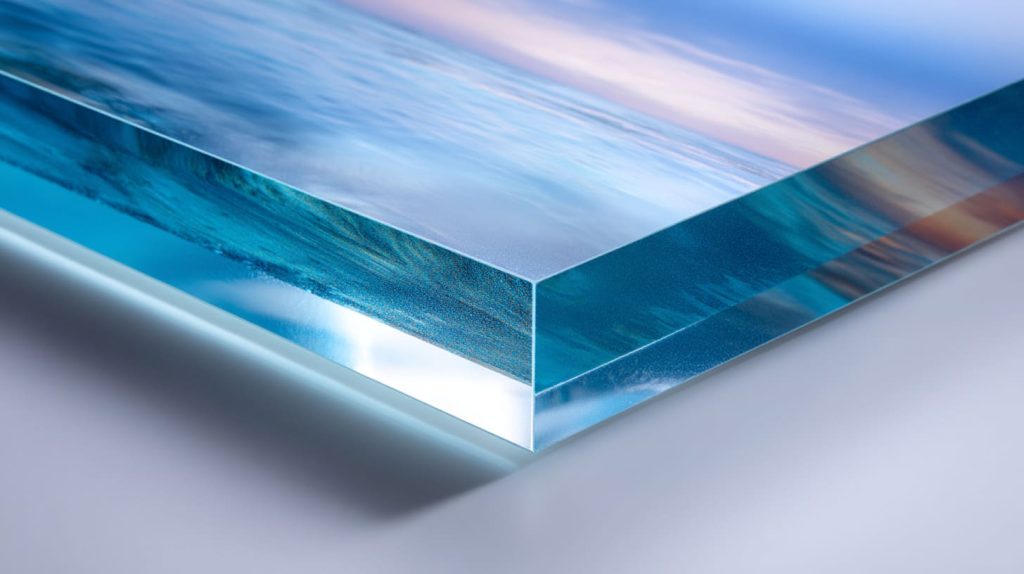
UV prints can peel if the acrylic surface is contaminated, the ink is under-cured, or the design has heavy ink buildup near edges. UV prints can fade outdoors without protection, especially under strong sun, so back-printing and UV-stable materials help.
Why peeling happens in real life
I see these patterns often:
- dust or oil before printing
- aggressive tape removal on the print surface
- sharp edges with thick ink piles
- too much heat during production or transport
Fade risk depends on exposure
| Environment | Fade risk | My protection approach |
|---|---|---|
| Indoor, low light | Low | Standard UV print is fine |
| Indoor, near windows | Medium | Better material + back-print |
| Outdoor, direct sun | High | UV plan + protection layers |
My “boring” but useful habit
I ask for the cleaning method.
Some cleaners attack print films like a slow poison.
Can UV printing be used for outdoor acrylic signs?
Outdoor signs are honest. They do not care about your sample photo. They care about sun, rain, dust, and heat. I plan outdoor jobs like I plan risk.
Yes, UV printing can be used for outdoor acrylic signs, but outdoor success depends on UV-stable acrylic, correct curing, and protection like back-printing or clear coating. Without protection, sun and abrasion can fade or damage the print over time.
Outdoor design decisions I make early
- I prefer back-printing on clear acrylic
- I avoid tiny text for long viewing distances
- I plan mounting holes to reduce stress cracks
- I pick thicker acrylic if wind load is real
Outdoor protection options
| Option | What it guards against | Notes |
|---|---|---|
| Back-printing | Scratches + weather | My top choice |
| Clear coat | Abrasion + moisture | Good for front prints |
| Lamination | Abrasion | Can change the look |
| UV-stable acrylic | Yellowing | Important for long exposure |
My honest line to buyers
Outdoor signs can work.
But “outdoor” is not a checkbox. It is a full spec.
What file format is required for UV printing on acrylic?
File problems waste more time than machine problems. I have seen perfect factories print the wrong thing because the file was messy. I now treat file setup like part of manufacturing.
UV printing usually needs vector files like AI, PDF, or EPS for logos and text, plus high-resolution PNG/TIFF for images. The key is correct size, CMYK intent, and a separate white layer file when printing on clear acrylic.
My file request list for clean production
- final size in 1:1 scale
- vector logos (not screenshots)
- fonts outlined or fonts provided
- linked images embedded or packaged
- white ink layer clearly marked
Simple file table buyers understand fast
| Artwork type | Best format | Why I prefer it |
|---|---|---|
| Logo + text | AI / PDF / EPS | Sharp edges |
| Photos | TIFF / PNG | Better detail control |
| Mixed design | PDF package | Less missing links |
| White ink layer | Separate spot layer | Cleaner workflow |
A small story I keep repeating
A buyer once sent a “final” file that was RGB and low-res.
The print looked dull. The buyer felt cheated. The file was the real culprit.
Is UV printing better for small orders or bulk acrylic production?
Many B2B buyers fear small orders because unit prices look high. I get it. But I also see the opposite: big orders that fail because nobody tested the design properly first.
UV printing is usually better for small to medium orders, many SKUs, and fast design changes because setup is quick. For large bulk runs with the same artwork, screen printing can beat UV on unit cost and speed once the setup is done.
How I choose in production planning
I look at three questions:
- how many designs?
- how many colors?
- how often will you reorder?
Cost logic table I use internally
| Scenario | UV printing | Screen printing |
|---|---|---|
| 100 pcs, 10 designs | Strong fit | Weak fit |
| 1,000 pcs, 1 design | Possible | Strong fit |
| Frequent artwork updates | Strong fit | Costly |
| Tight delivery, many SKUs | Strong fit | Risky |
My buyer advice
I do not chase the lowest unit price first.
I chase the lowest “total pain cost,” including rework and delays.
How thick should acrylic be for UV printing?
Thickness is not only about printing. Thickness is about flatness, handling, mounting, and whether the sign feels cheap or premium in the hand.
UV printing can work on many acrylic thicknesses, but common signage thickness starts around 2–5 mm for small pieces and 5–10 mm for larger panels. Thicker acrylic stays flatter and feels premium, while very thin sheets need careful support during printing.
Thickness guidance I give to buyers
| Sign size / use | Common thickness | Why it works |
|---|---|---|
| Small tags, nameplates | 2–3 mm | Easy handling |
| Standard wall signs | 3–5 mm | Balance of cost and feel |
| Larger panels | 5–10 mm | Better stiffness |
| Stand-up displays | 5–12 mm | Stronger base and stability |
What can go wrong with “too thin”
- warping under heat
- vibration during printing
- bending during shipping
- cheap feel when installed
My “feel test”
I hold the sample like a customer would.
If it flexes too easily, the sign feels less trustworthy, even if the print is perfect.
Conclusion
UV printing on acrylic is fast and sharp, but it only stays “premium” when the file, surface, curing, and protection match the real use. If you want help choosing layers, white ink, or outdoor protection, email me at info@xflacrylic.com and I will review your design notes.